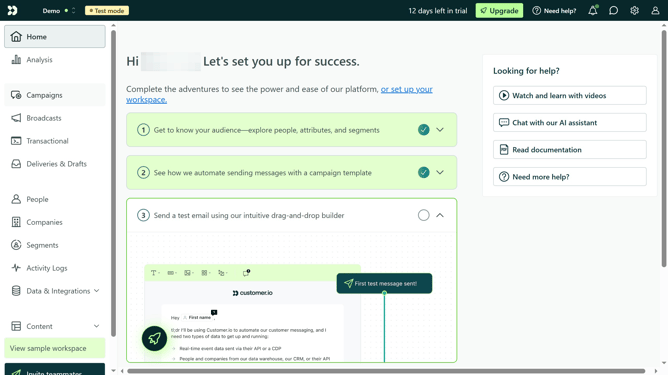
How to add a custom data field in Customer.io
Here is how to add a custom data field in customer.io
- First click on the "Edit Attributes" button in the main content area
- Scroll down and click on the "Create New Attribute" button at the bottom of the attributes list
- Then click on the new "Attribute name" field and type in your desired attribute name
- Click on the "Value" text field
- Then type in your desired information or value
- Click save on the bottom right of the page
Why should you add a custom data field in Customer.io
Customer.io is a versatile platform designed to enhance customer engagement through personalized communication.
The ability to add a custom data field in Customer.io empowers users to tailor their interactions by storing unique customer information. This feature allows for a deeper understanding of customer preferences, enabling more targeted and effective messaging strategies.
Utilizing custom data fields means your communication becomes more relevant and personalized, resulting in improved customer satisfaction and loyalty.
Last update