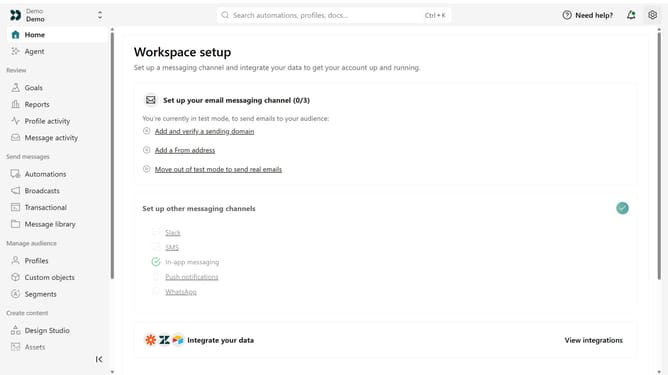
How to add sending domain in Customer.io
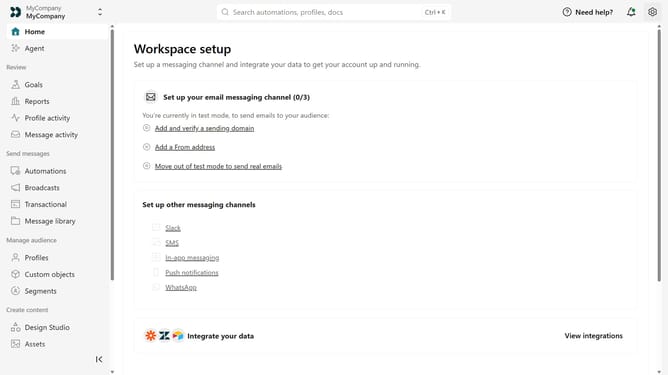
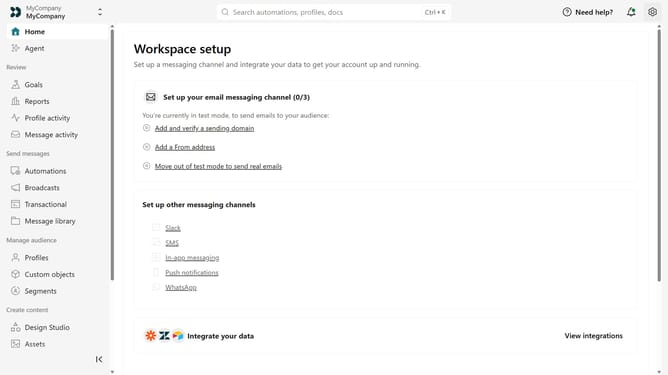
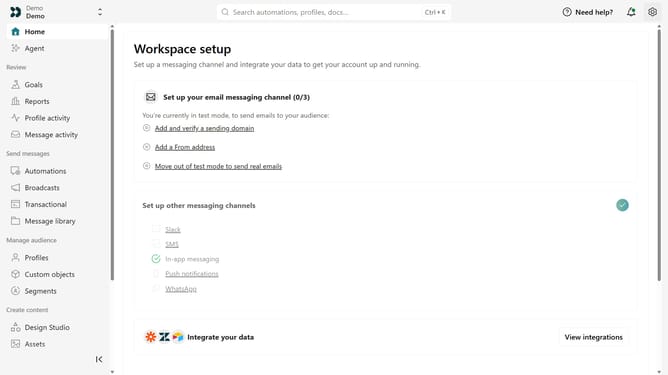
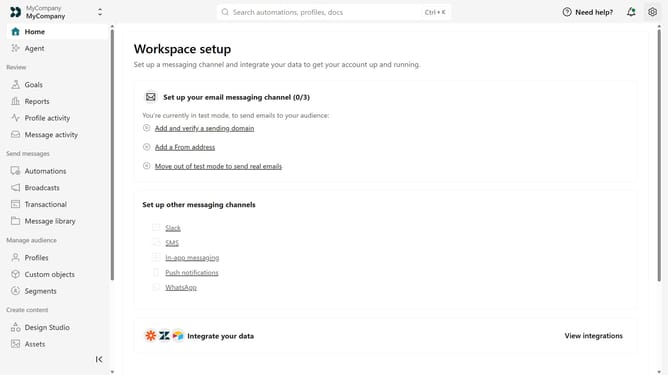
Here is how to add sending domain in customer.io
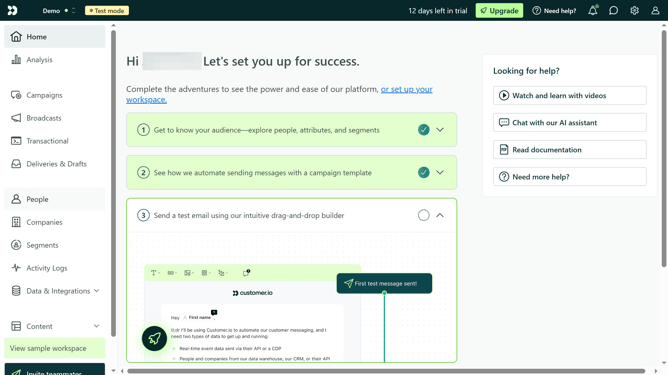
- First click on the gear icon in the top-right corner of the header
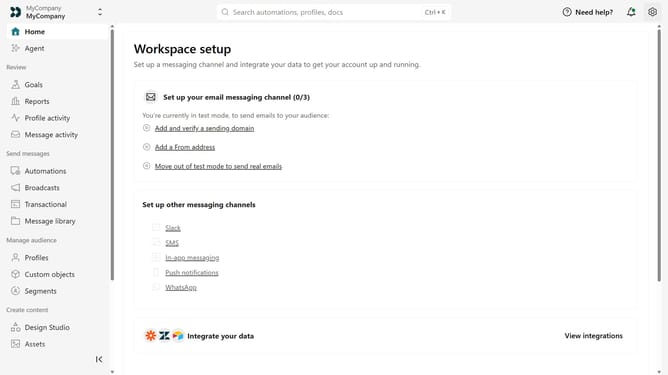
- Then click on "Workspace settings" from the dropdown menu
- Click on the "Get started" button next to the Email section
- Click on "Add Sending Domain" button in the top-right corner of the Email settings page
- Click on the text field
- Type in your domain
- Click into the empty "DISPLAY NAME" field
- Type in the display name that you want to use
- Click into the empty "EMAIL ADDRESS" field
- Type in your email address
- Finally click the "Add Domain" button
Why should you add sending domain in Customer.io
Customer.io is a powerful platform designed to optimize and personalize customer engagement through targeted messaging.
Adding a sending domain in Customer.io enhances your brand's credibility and communication reliability. This feature allows you to send emails directly from your domain, reinforcing professionalism and increasing trust among your recipients.
With improved delivery rates and alignment with brand identity, it's a simple yet effective way to enhance your marketing strategies, ensuring that your messages consistently reach the intended audience.
Last update