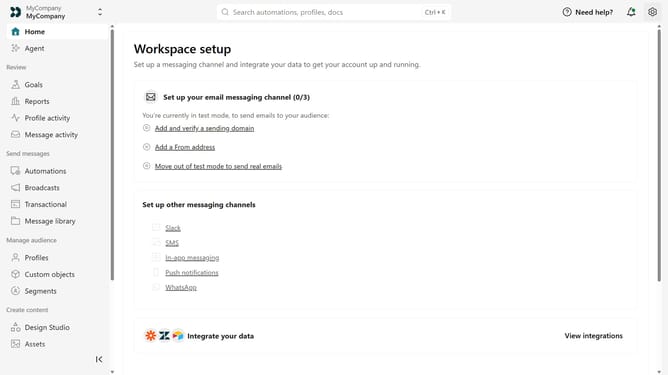
How to update your terms of service link in Customer.io
Here is how to update your terms of service link in customer.io
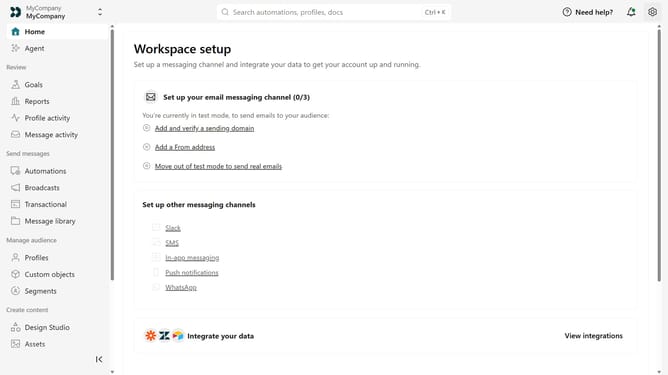
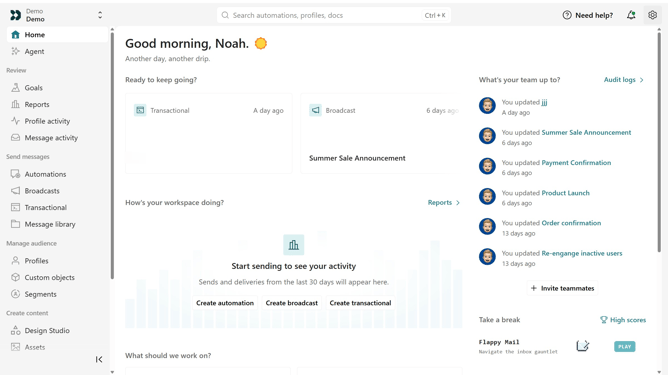
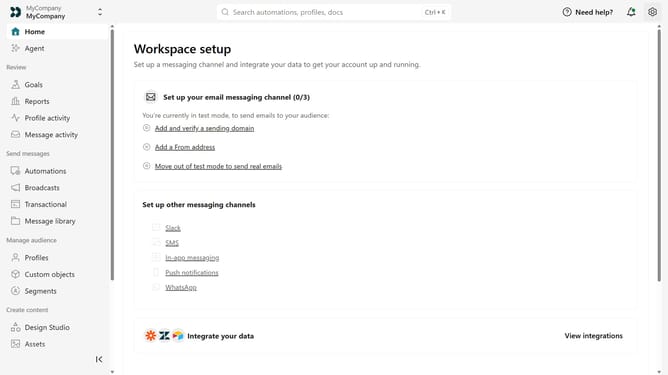
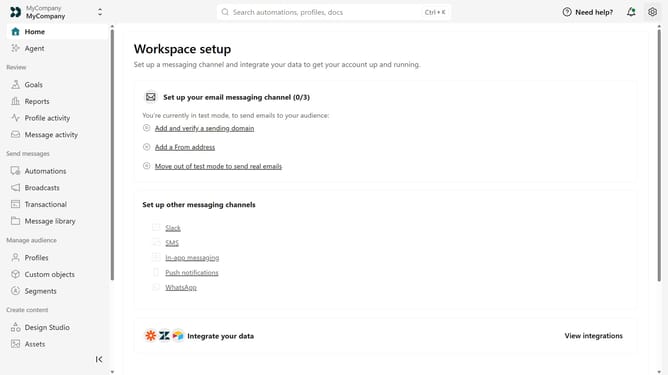
- First click on the settings icon in the top right corner
- Click on "Workspace settings" in the dropdown menu
- Next, click on "Business context" in the workspace settings
- Under "Key links", locate the "Terms of service" field
- Then replace the existing URL with your updated terms of service URL
- Finally click on the "Save" button
Why should you How to update your terms of service link in Customer.io
Customer.io is a powerful tool designed for creating personalized communication at scale.
The ability to update your terms of service link in Customer.io ensures that your audience always accesses the most current legal information.
This feature is beneficial because it maintains transparency and trust, key components in nurturing customer relationships. Keeping your terms of service up-to-date prevents legal hiccups and enhances customer satisfaction through clarity and consistency.
Last update