How to change your business industry in Customer.io
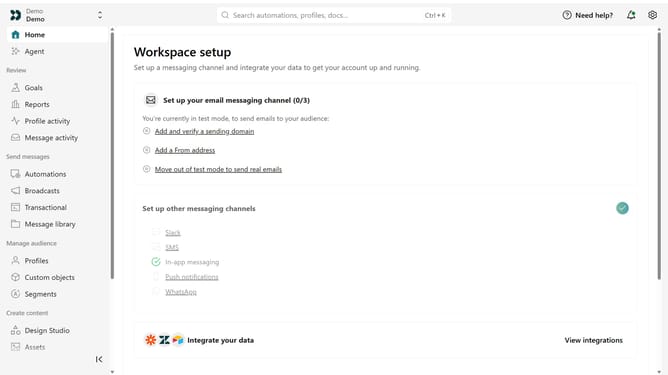
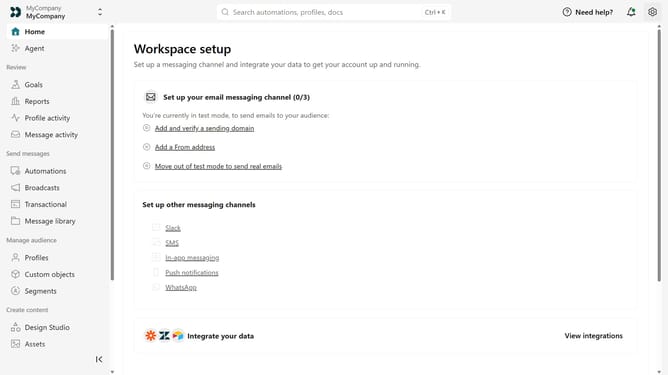
Here is how to change your business industry in customer.io
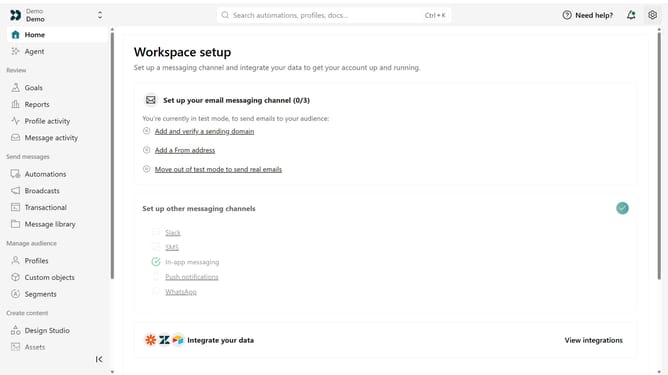
- First click on the settings icon in the top right corner
- Click on "Workspace settings" in the dropdown menu
- Next, click on "Business context" in the workspace settings
- Under "Basic info", click the "Industry" dropdown
- Then, select the desired industry from the dropdown menu
- Finally, click on the "Save" button to apply the changes
Why should you How to change your business industry in Customer.io
Customer.io optimizes communication by tailoring messages to user behavior.
Changing your business industry in Customer.io is a strategic feature that allows you to align messaging and campaigns with specific industry standards and trends.
This flexibility ensures your communication stays relevant, enhancing engagement and improving customer retention. Adapting industry settings in Customer.io can also unlock industry-specific tools, offering a competitive edge.
Embrace this dynamic change to ensure your brand messaging evolves with market shifts seamlessly.
Last update