How to set login session expiration in Customer.io
Here is how to set login session expiration in customer.io
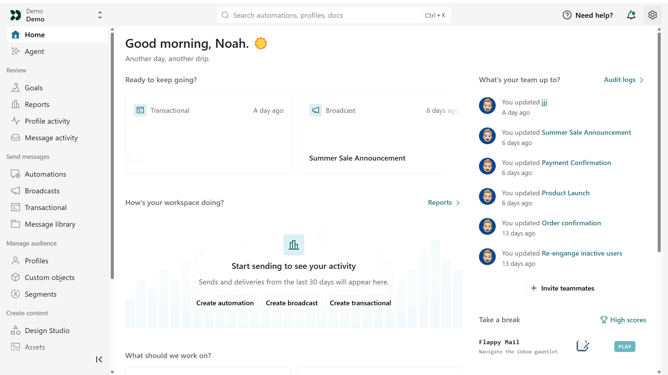
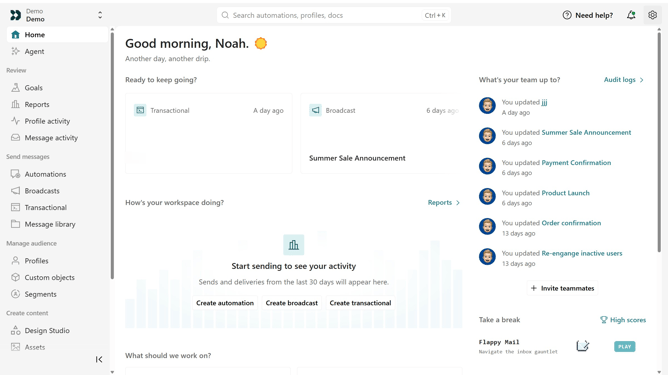
- First click on the settings icon in the top right corner
- Click on "Account settings" in the dropdown menu
- Next, click on "Security" in the account settings
- Locate the "Login session expiration" section
- Then enter the desired number and select "Hours" or "Days"
- Finally click on the "Save changes" button
Why should you How to set login session expiration in Customer.io
Customer.io is a dynamic platform designed to help businesses create meaningful interactions with their customers through automated messaging.
One of its standout features is the ability to set login session expiration, enhancing user security by automatically logging users out after a specified period of inactivity.
This feature is crucial for safeguarding sensitive data and maintaining user trust. By setting session expiration, businesses can ensure that user sessions do not remain open indefinitely, reducing the risk of unauthorized access.
Ultimately, this strengthens the overall security posture of the platform, providing peace of mind to both users and administrators.
Last update