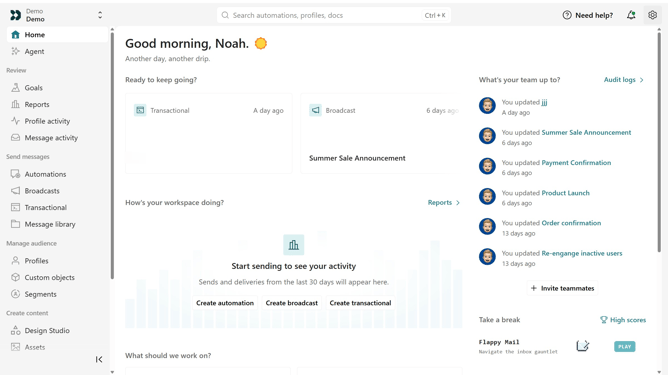
How to rename an App API key in Customer.io
Here is how to rename an app api key in customer.io
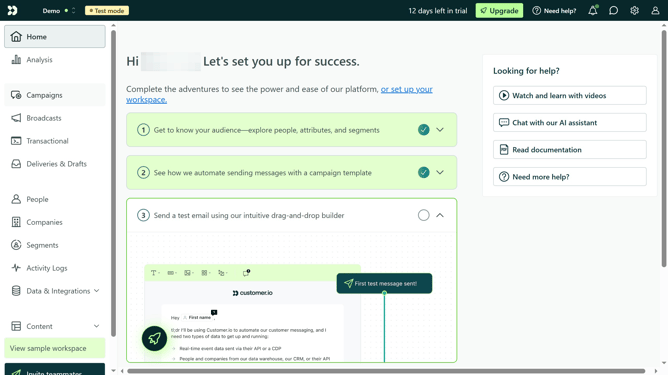
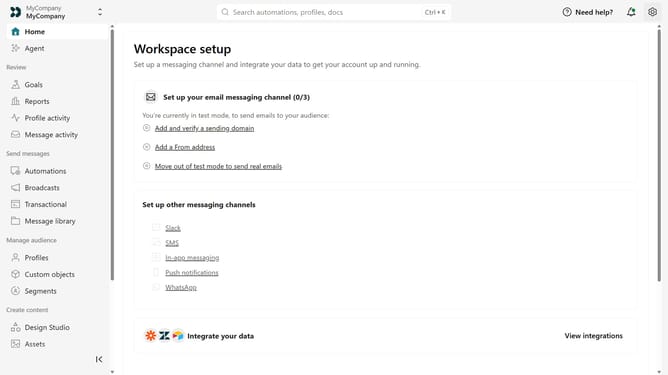
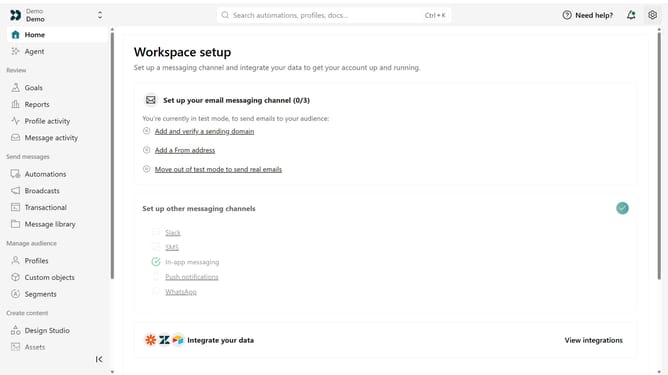
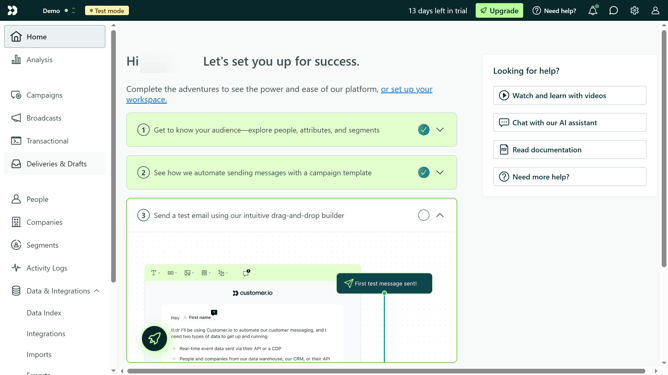
- First click on the settings icon in the top right corner
- Click on "Account settings" in the dropdown menu
- Next click on "API Credentials" in the main menu
- After that, click on "App API keys" tab
- Locate the App API key you want to rename
- Then, click on the more options menu next to the API key
- Next, select "Rename key"
- Then, enter the new name
- Finally, click on "Save" to apply your changes
Why should you How to rename an App API key in Customer.io
Customer.io is a powerful platform designed to help businesses create personalized customer interactions through targeted messaging.
One of its key features is the ability to rename an App API key with ease, offering flexibility and improved organization.
Renaming an API key in Customer.io streamlines your digital operations, ensuring each key is clearly labeled and easily identifiable.
This improvement not only enhances security but also boosts efficiency by reducing miscommunication across development teams.
Last update