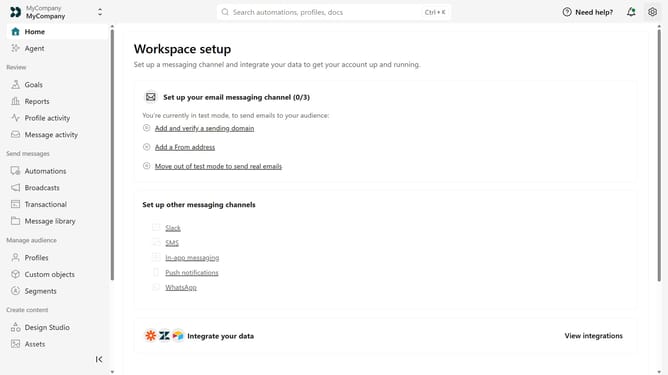
How to change your business name in Customer.io
Here is how to change your business name in customer.io
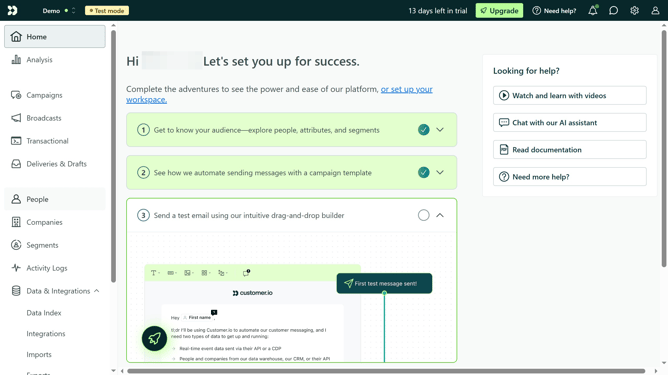
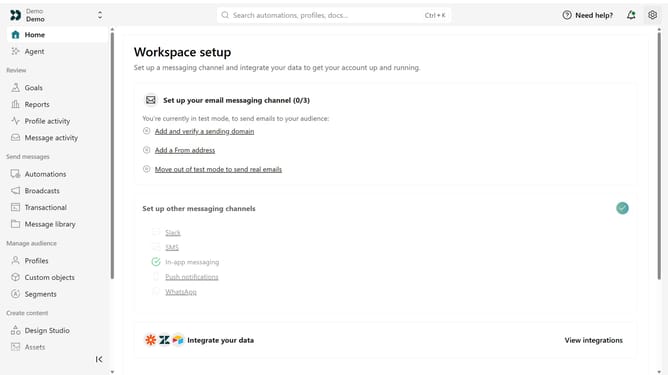
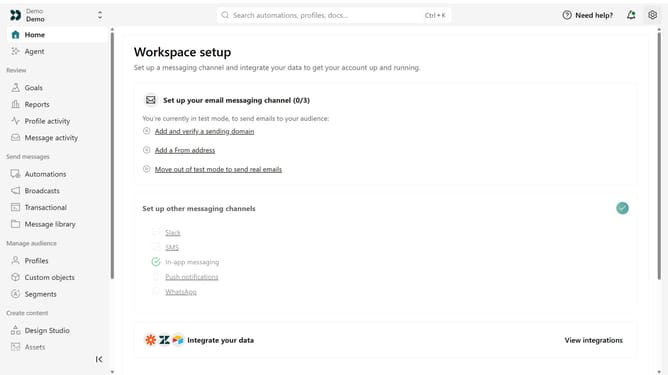
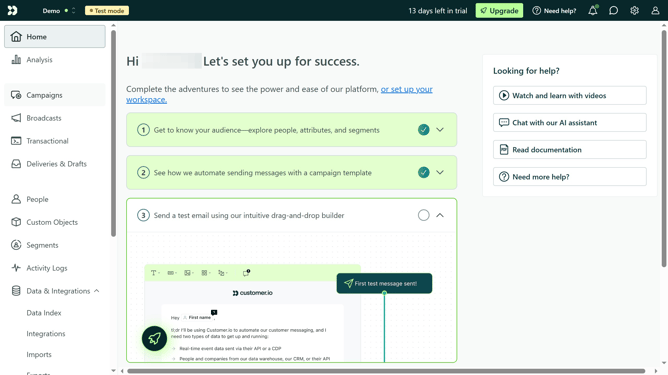
- First click on the settings icon in the top right corner
- Click on "Workspace settings" in the dropdown menu
- Next, click on "Business context" in the workspace settings
- Under "Basic info", locate the "Business name" field
- Then enter the new business name
- Finally, click on the "Save" button to apply the changes
Why should you How to change your business name in Customer.io
Customer.io is a powerful platform designed to streamline your automated messaging processes with precision and personalization.
Changing your business name in Customer.io is a feature that empowers you to maintain brand consistency and up-to-date communication with your audience.
Whether rebranding or making a minor adjustment, this flexibility ensures that your business identity is always aligned with your strategic goals.
Utilizing this feature can help reinforce recognition and trust among your customers, enhancing the effectiveness of your engagement efforts.
Last update