How to adjust the respect level of your brand voice in Customer.io
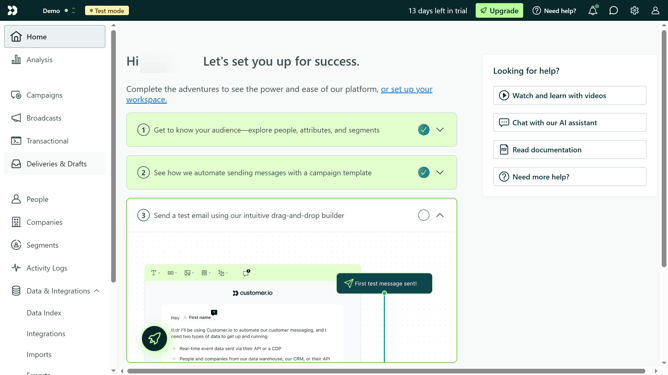
Here is how to adjust the respect level of your brand voice in customer.io
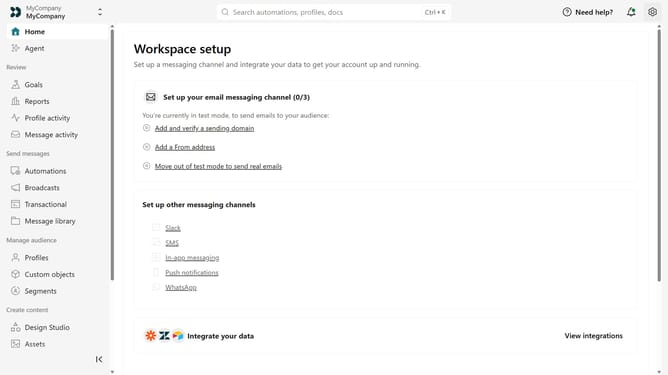
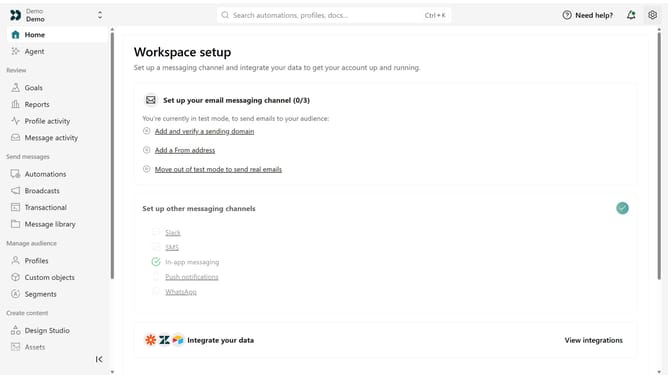
- First click on the settings icon in the top right corner
- Click on "Workspace settings" in the dropdown menu
- Next, click on "Business context" in the workspace settings
- Under "Tone & Voice", locate the "Respect" option
- Then move the slider to the desired level between Irreverent and Very Respectful
- Finally click on the "Save" button
Why should you How to adjust the respect level of your brand voice in Customer.io
Customer.io is a marketing automation platform designed to create personalized customer experiences.
One standout feature is the ability to adjust the respect level of your brand voice. This functionality empowers you to tailor your communication style, ensuring it aligns perfectly with your audience's preferences.
By fine-tuning the respect level, brands can foster trust and engagement, which enhances customer satisfaction and brand loyalty. Using this feature positions your communication strategy as both adaptable and respectful.
Last update