How to add your terms of service link in Customer.io
Here is how to add your terms of service link in customer.io
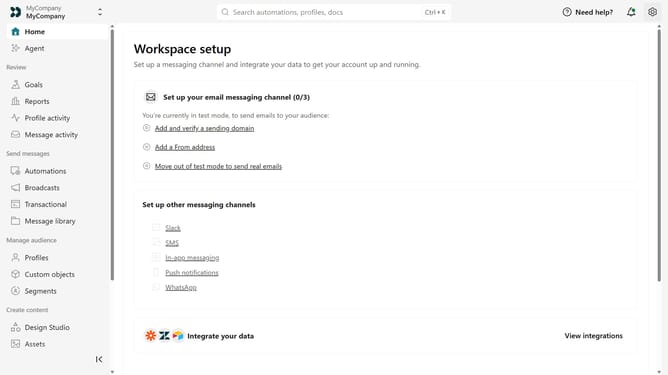
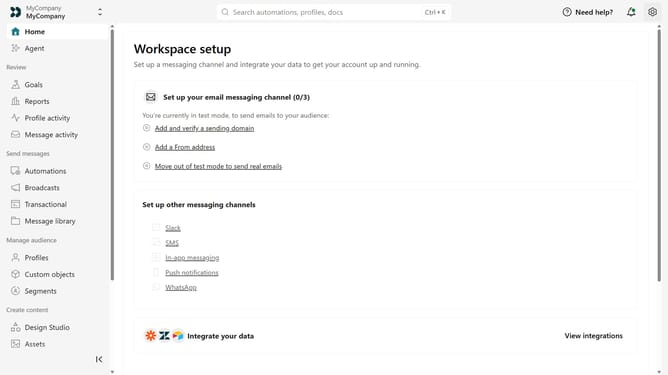
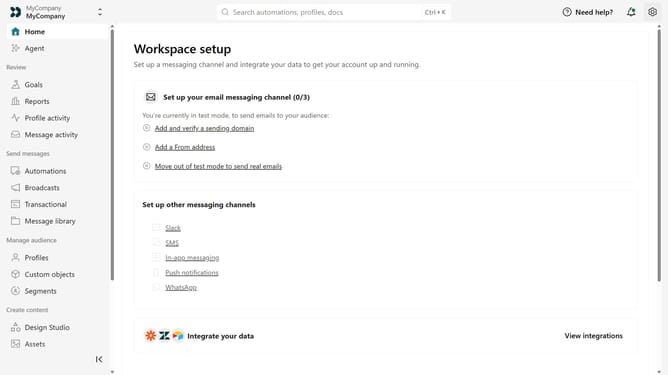
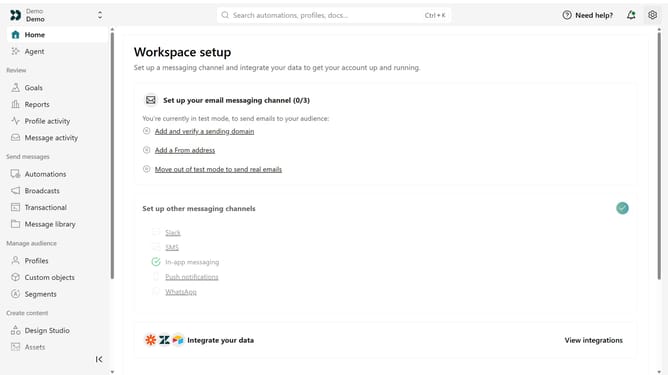
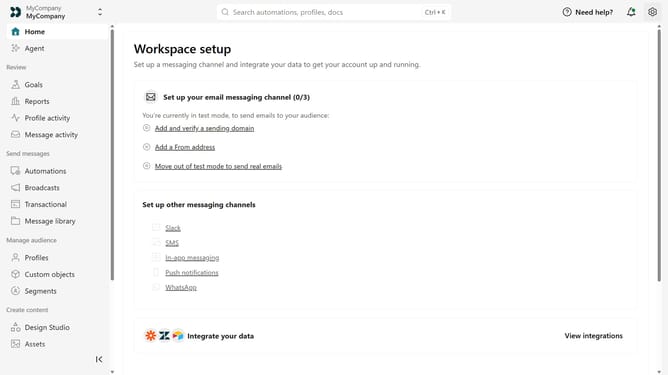
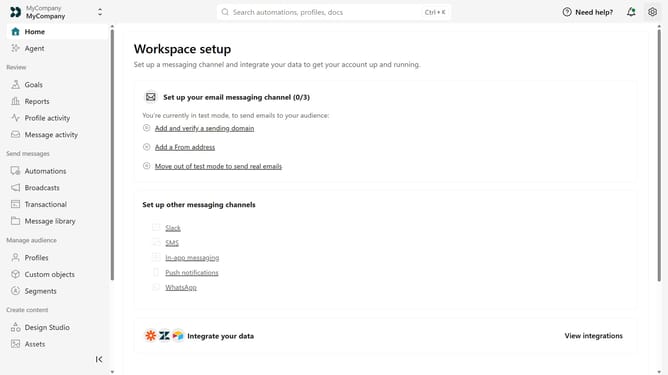
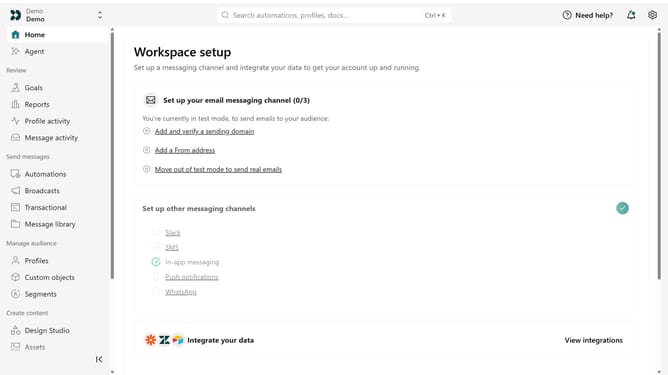
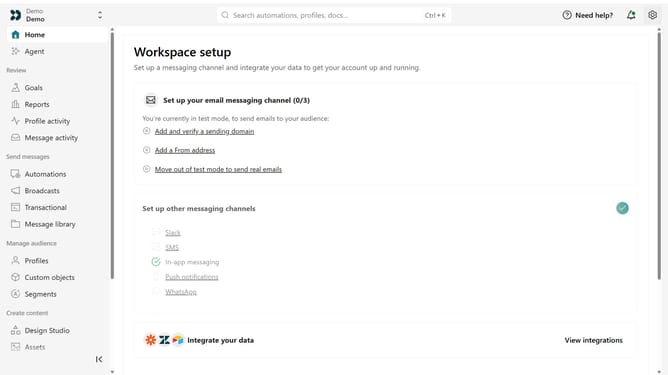
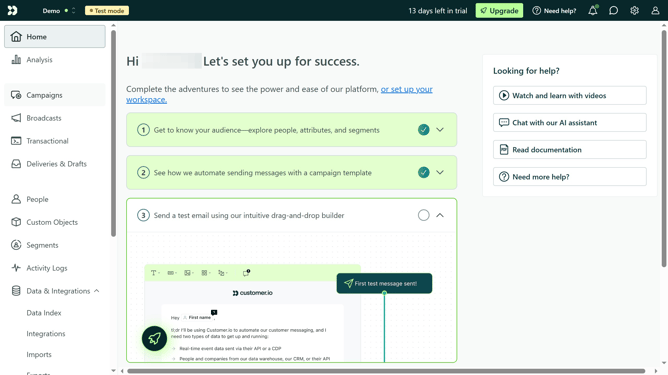
- First click on the settings icon in the top right corner
- Click on "Workspace settings" in the dropdown menu
- Next, click on "Business context" in the workspace settings
- Under "Key links", locate the "Terms of service" field
- Then, enter your terms of service URL
- Finally click on the "Save" button
Why should you How to add your terms of service link in Customer.io
Customer.io is a powerful platform designed to automate and optimize your customer messaging.
Embedding your terms of service link within Customer.io is a seamless feature that enhances transparency and trust for your audience.
By including this link, you ensure that your clients are always informed and aligned with your business practices, which can improve customer satisfaction and loyalty.
This simple addition supports compliance and builds credibility, making your communication strategy not just efficient but also legally sound and user-centric.
Last update