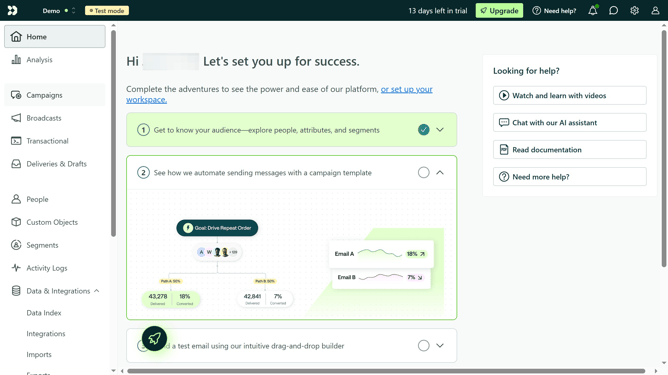
How to add your Windows app link in Customer.io
Here is how to add your windows app link in customer.io
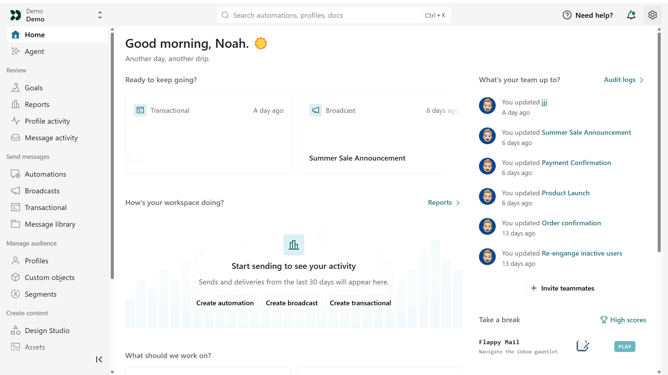
- First click on the settings icon in the top right corner
- Click on "Workspace settings" in the dropdown menu
- Next, click on "Business context" in the workspace settings
- Under "Platform availability", locate the "Windows" field
- Then enter your Windows app URL
- Finally click on the "Save" button
Why should you How to add your Windows app link in Customer.io
Customer.io is a versatile marketing platform designed to optimize customer engagement by connecting with them through targeted emails and messages.
Integrating your Windows app link into Customer.io solidifies your marketing strategy by ensuring seamless access to your application directly from your communications. This feature allows you to guide users effortlessly, driving conversions and fostering user engagement.
Furthermore, using this integration, you can enhance customer interaction by offering direct access points, making it easier for users to interact with your content and ultimately offering a more cohesive experience.
Last update