How to configure your brand voice in Customer.io
Here is how to configure your brand voice in customer.io
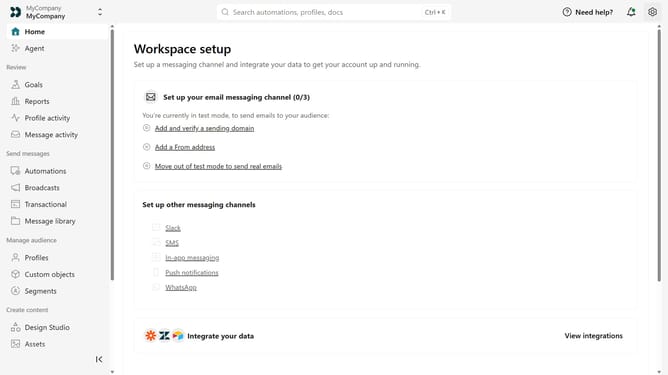
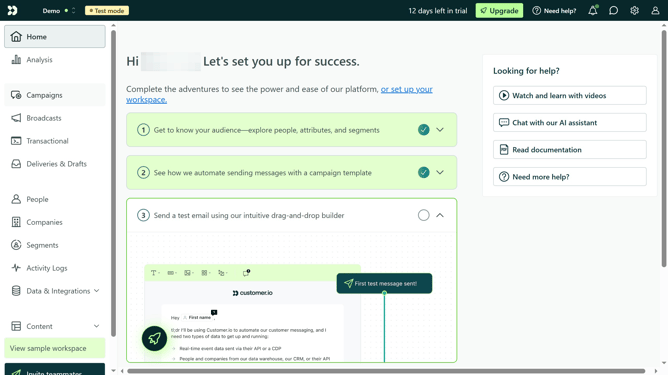
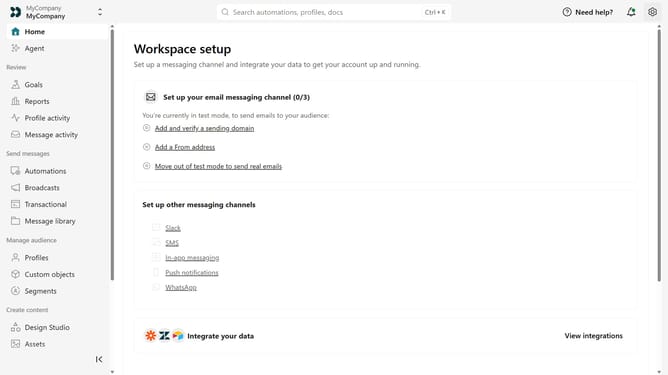
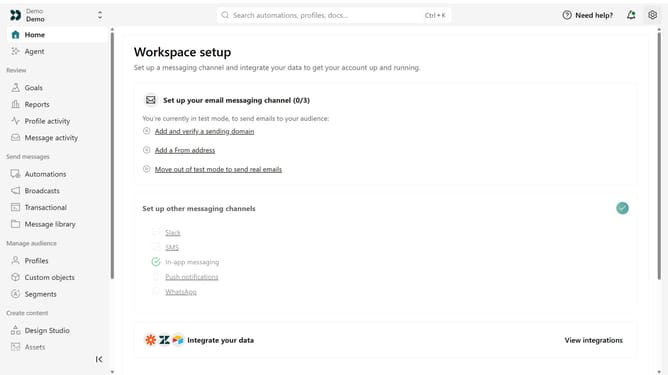
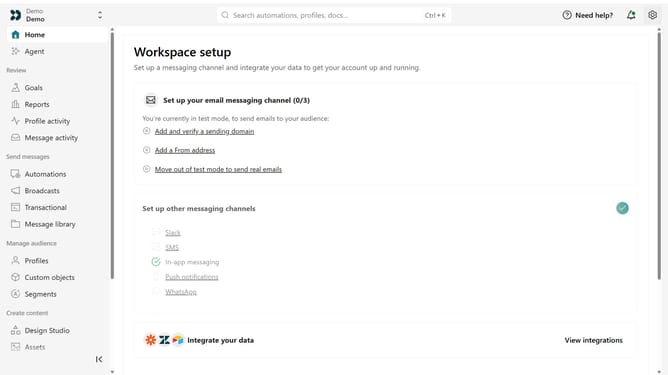
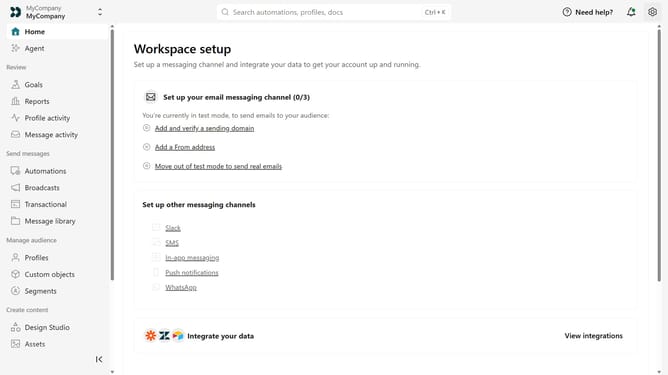
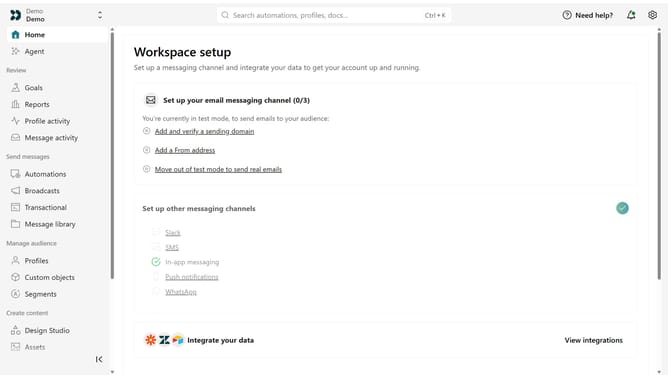
- First click on the settings icon in the top right corner
- Click on "Workspace settings" in the dropdown menu
- Next, click on "Business context" in the workspace settings
- Under "Tone & Voice", locate the "Brand Voice" section
- Then, adjust the Formality, Humor, Respect, and Energy sliders to match your preferred communication style
- Finally click on the "Save" button
Why should you How to configure your brand voice in Customer.io
Customer.io is an intuitive platform designed to create personalized communication with your audience.
Configuring your brand voice in Customer.io allows you to maintain consistent messaging across all channels. By establishing a unique voice, you ensure that every interaction resonates with your brand’s identity, enhancing recognition and trust.
Utilizing this feature can deepen customer connections, emphasizing your brand's distinct personality with every message.
Ultimately, this tailored communication can lead to increased engagement and loyalty.
Last update