How to change the name of an App API key in Customer.io
Here is how to change the name of an app api key in customer.io
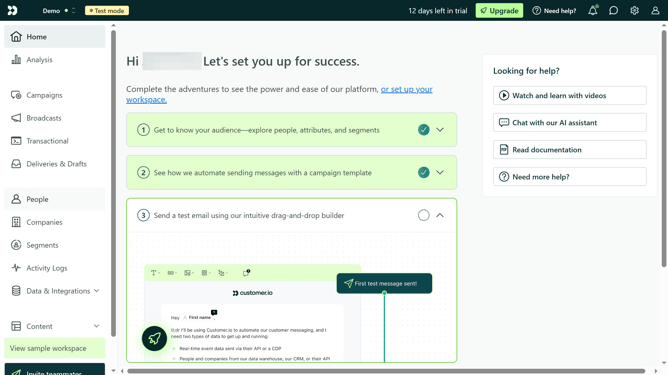
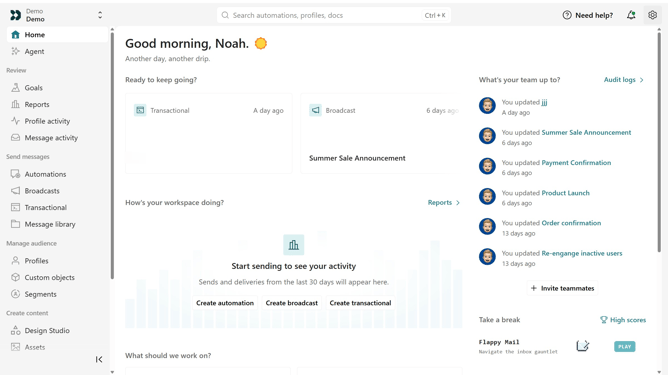
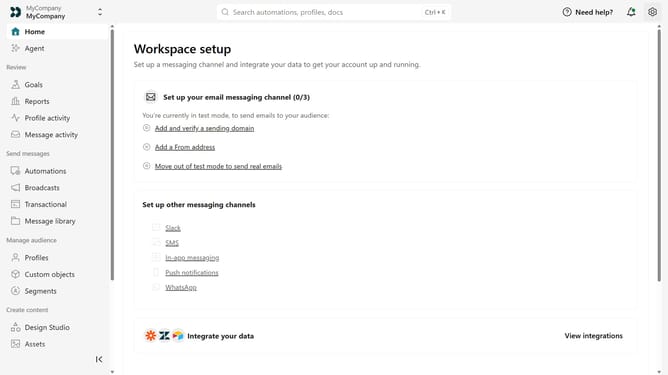
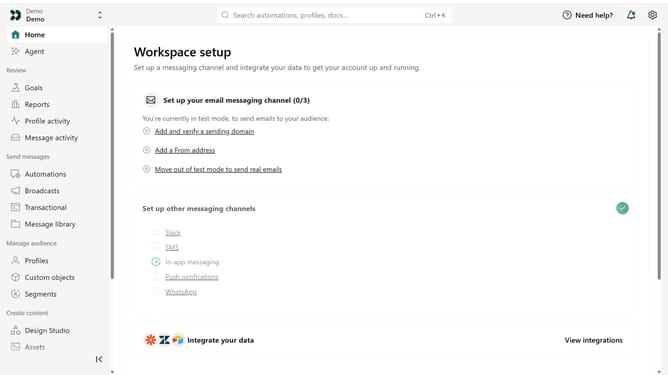
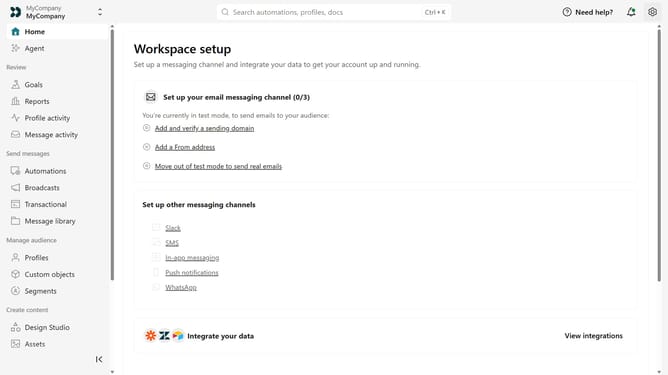
- First click on the settings icon in the top right corner
- Click on "Account settings" in the dropdown menu
- Next click on "API Credentials" in the main menu
- After that, click on "App API keys" tab
- Locate the App API key you want to rename
- Then, click on the more options menu next to the API key
- Next, select "Rename key"
- Then, enter the new name
- Finally, click on "Save" to apply your changes
Why should you How to change the name of an App API key in Customer.io
Customer.io is a versatile platform designed to enhance and automate customer communication.
Renaming an App API key in Customer.io is a feature that streamlines your workflow by allowing for better organization and management of your keys. This is particularly beneficial in collaborative environments where clarity and precision are paramount.
Using this feature can significantly minimize confusion, ensuring that each API key accurately represents its associated project or function. Therefore, it enhances team efficiency and contributes to a smoother communication process.
Last update