How to adjust the humor level of your brand voice in Customer.io
Here is how to adjust the humor level of your brand voice in customer.io
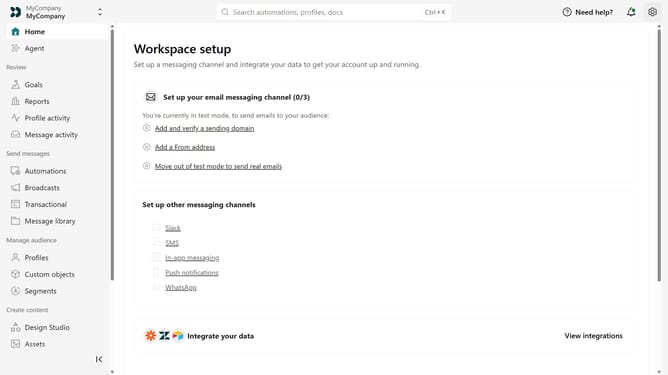
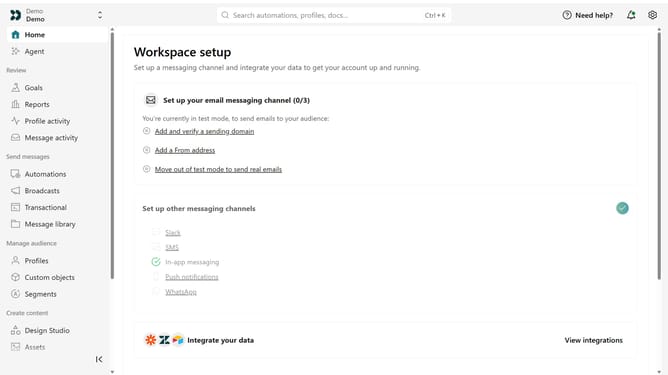
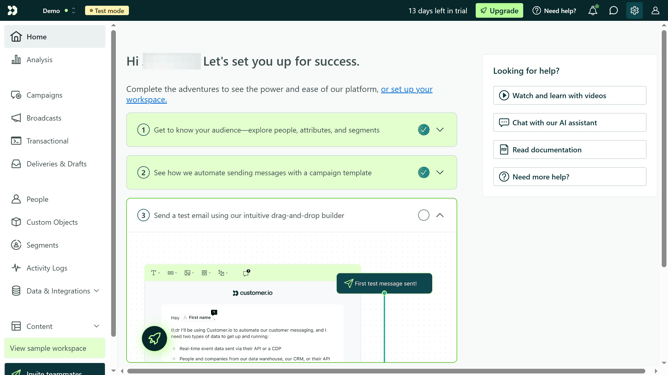
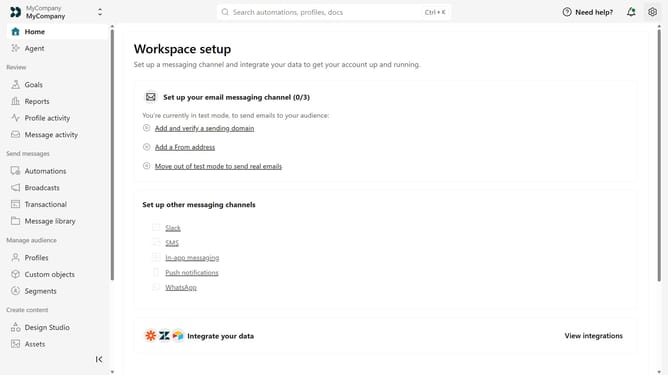
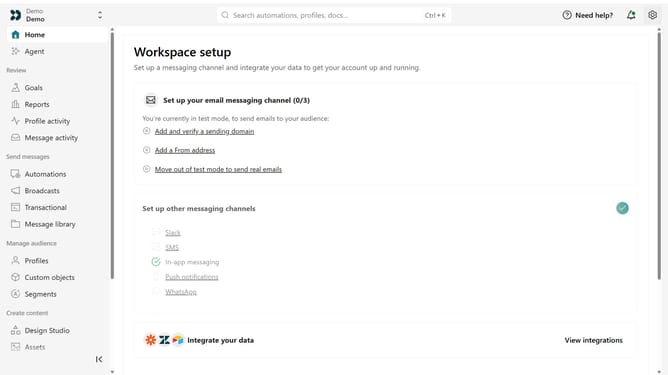
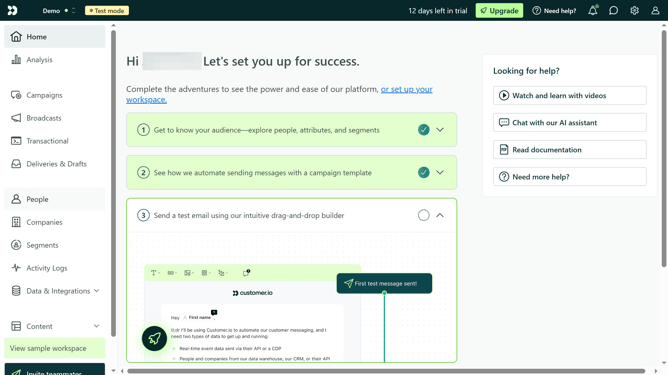
- First click on the settings icon in the top right corner
- Click on "Workspace settings" in the dropdown menu
- Next, click on "Business context" in the workspace settings
- Under "Tone & Voice", locate the "Humor" option
- Then move the slider to the desired level between Serious and Humorous
- Finally click on the "Save" button
Why should you How to adjust the humor level of your brand voice in Customer.io
Customer.io is an intuitive platform designed to create engaging and personalized communication with your audience.
One of its standout features is the ability to adjust the humor level of your brand voice. This flexibility allows you to align your messaging with your audience's preferences, enhancing relatability and engagement.
By tailoring your brand's humor, you foster deeper connections with customers, making them more open to your messages, while also showcasing your brand's unique personality.
This nuanced approach not only boosts customer satisfaction but also strengthens brand loyalty.
Last update