How to disable multi-identifier profile merging in Customer.io
Here is how to disable multi-identifier profile merging in customer.io
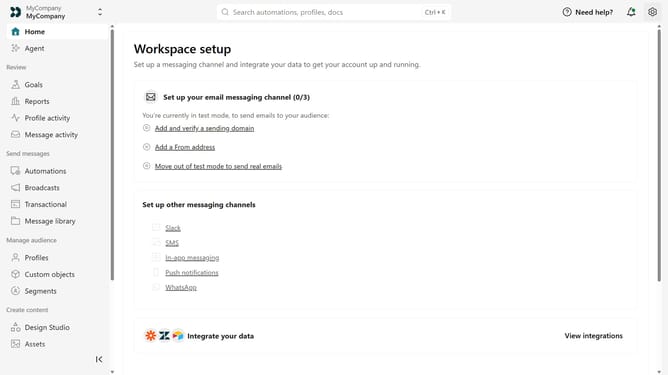
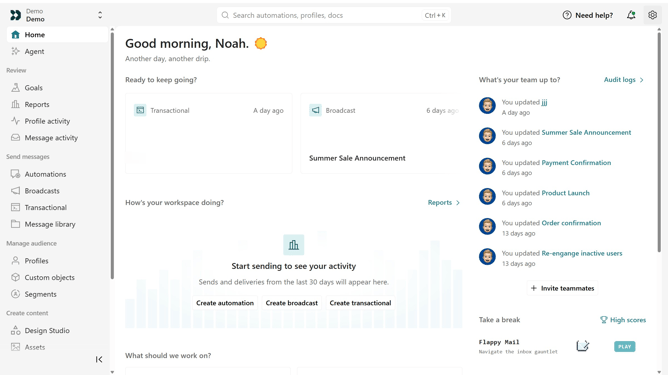
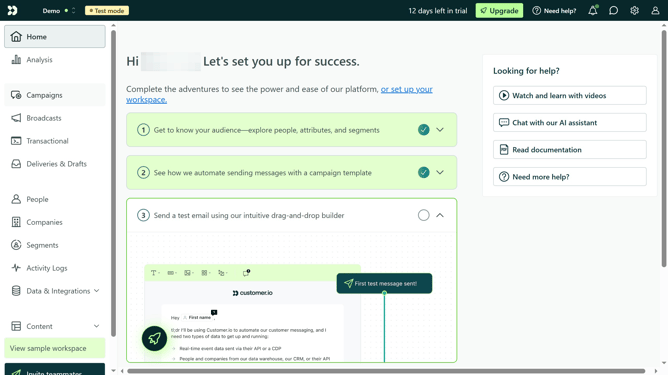
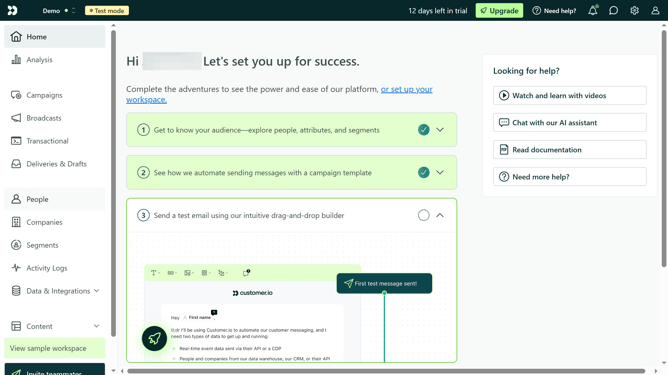
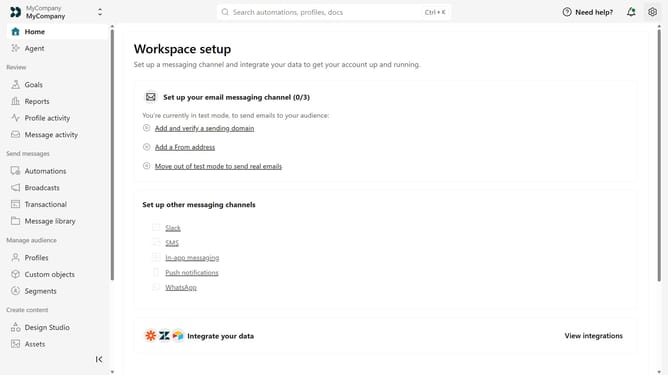
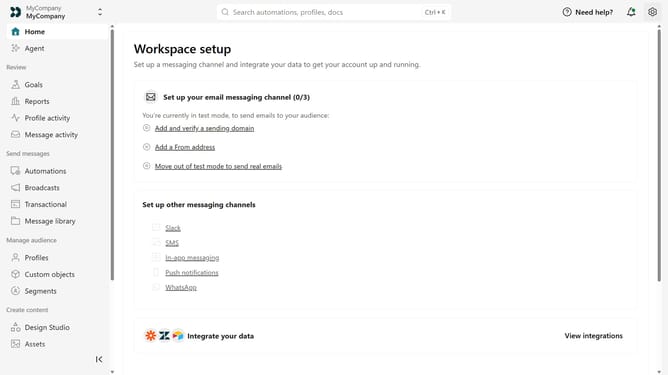
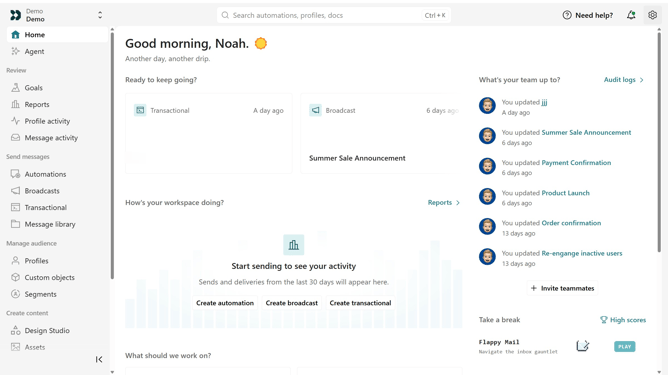
- First, click the settings icon to open the workspace settings
- Click on "Workspace settings" in the dropdown menu
- Next, scroll down and click on "Merge options"
- Then, locate the "Profile merge" section
- Finally, turn off the "Multi-identifier profile merge" toggle
Why should you How to disable multi-identifier profile merging in Customer.io
Customer.io empowers businesses to create targeted, automated messaging to enhance customer engagement.
Disabling multi-identifier profile merging in Customer.io can streamline your data handling. By keeping profiles separate, you maintain clarity and prevent cross-profile data confusion.
This feature ensures that each customer's journey is uniquely personalized, optimizing your marketing strategies with precise insights.
Implementing this can lead to more accurate analytics and improve customer relationship management by maintaining distinct records.
Last update