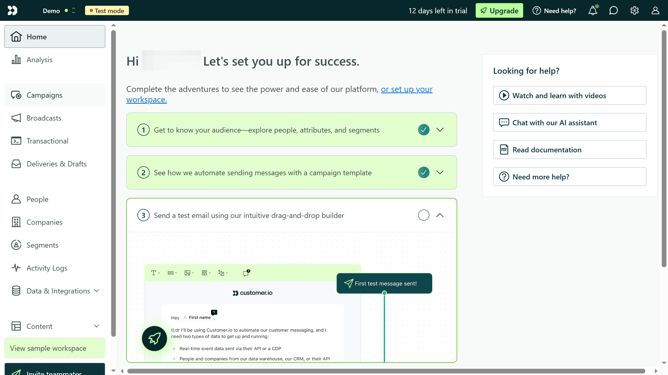
How to send a test email in Customer.io
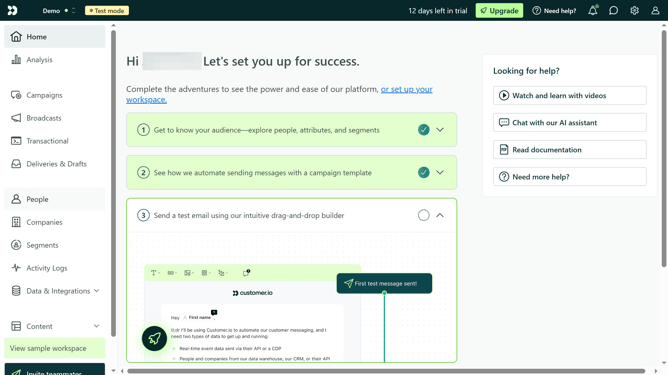
Here is how to send a test email in customer.io
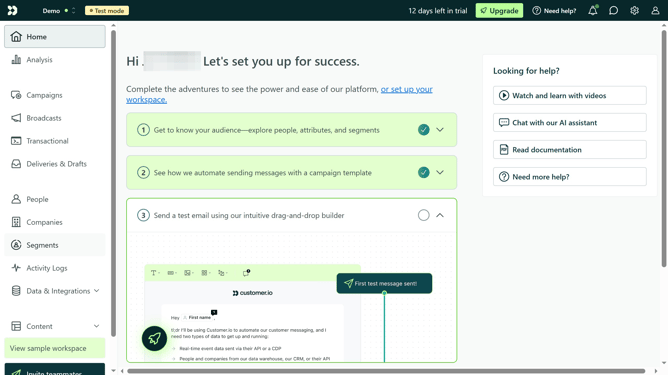
- First click on "Campaigns" in the left sidebar menu
- Then click on one of your campaigns
- Next click on the "Email Block" in the campaign workflow
- Then click on "Edit Content" button in the email editor
- Next click on the "Actions" dropdown button
- Then click on "Send test email"
- Finally click on "Send test" button
Why should you send a test email in Customer.io
Customer.io is a powerful automated messaging platform designed to connect businesses with their audience effectively.
One essential feature offered is the ability to send a test email. This feature allows users to preview content as it will appear in a recipient's inbox.
Utilizing test emails ensures that messages are formatted correctly and that links and images function as intended.
This proactive approach minimizes errors, enhances professional communication, and optimizes the overall user experience.
Last update