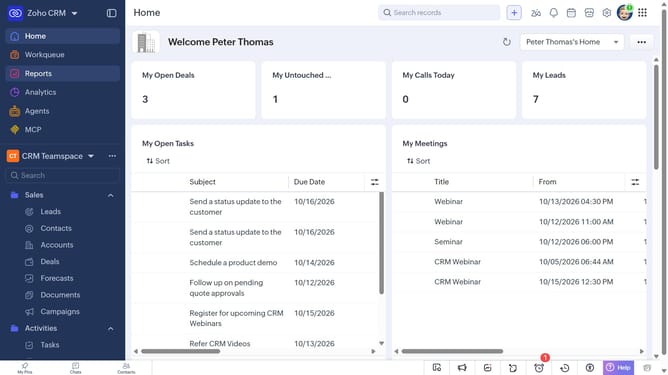
How to view quote reports on Zoho CRM
Here is how to view quote reports on zoho crm
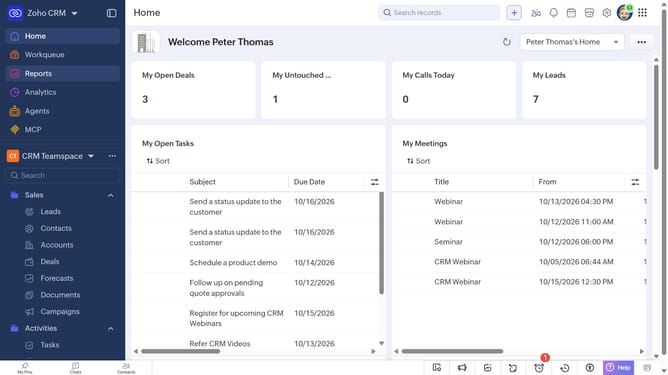
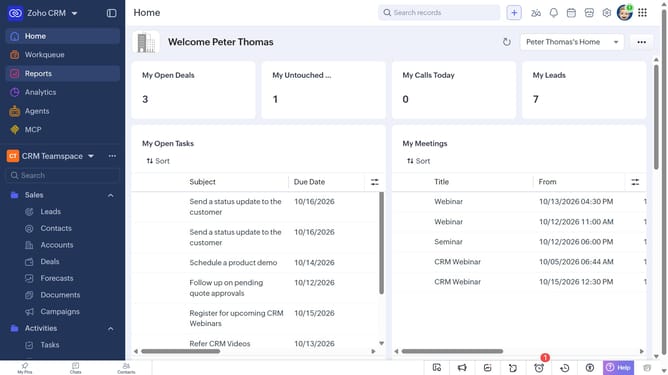
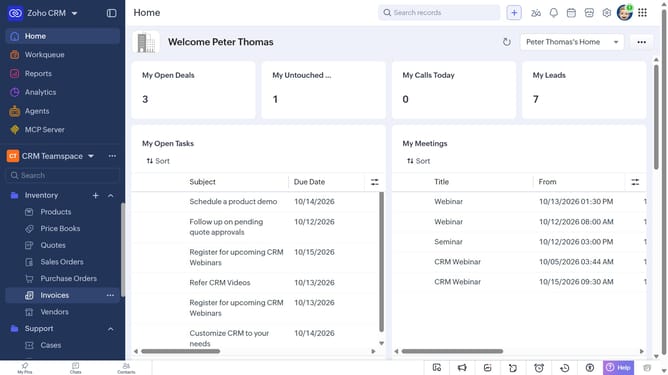
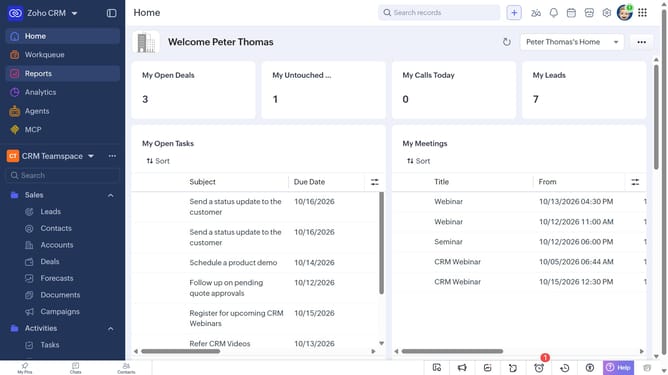
- First click on "Reports" in the left sidebar
- Next click on the "All Reports" dropdown
- Then select "Quote Reports" in the dropdown list
- The list now shows reports related to quotes
Why should you How to view quote reports on Zoho CRM
Zoho CRM is a versatile platform designed to streamline business processes and enhance customer relationships.
One of its standout features is the ability to view quote reports effortlessly. This functionality allows users to access detailed insights into sales quotations, providing valuable data for strategic decision-making.
By leveraging quote reports, businesses can track performance, identify trends, and optimize their sales strategies. Ultimately, this leads to more informed choices and enhanced productivity.
With Zoho CRM, gaining a comprehensive understanding of your sales quotes is both simple and powerful.
Last update