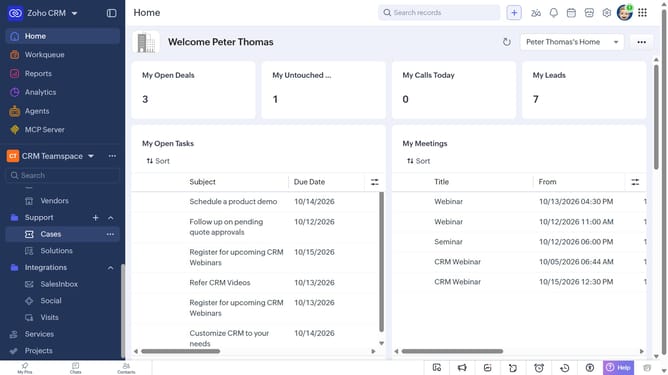
How to view sales order reports on Zoho CRM
Here is how to view sales order reports on zoho crm
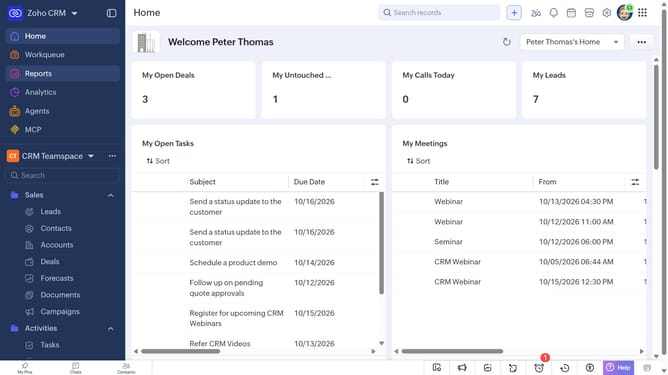
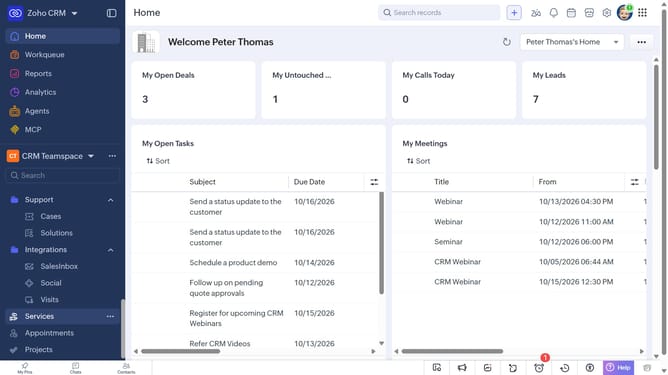
- First click on "Reports" in the left sidebar
- Next click on the "All Reports" dropdown
- Then select "Sales Order Reports" in the dropdown list
- The list now shows reports related to sales orders
Why should you How to view sales order reports on Zoho CRM
Zoho is a comprehensive suite of cloud-based applications designed to streamline your business operations seamlessly.
One of its invaluable features is the ability to view sales order reports on Zoho CRM. This functionality allows you to efficiently track sales performance by providing insightful data on orders.
Utilizing sales order reports helps businesses identify trends, optimize strategies, and make data-driven decisions, ultimately enhancing productivity and profitability. The intuitive interface ensures you can access critical information effortlessly, driving overall growth.
Last update