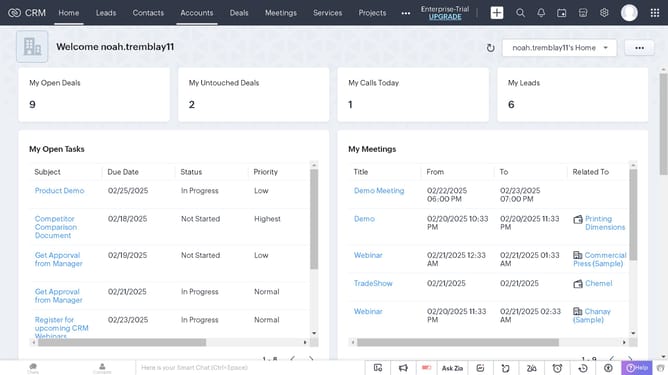
How to copy an invoice record URL on Zoho CRM
Here is how to copy an invoice record url on zoho crm
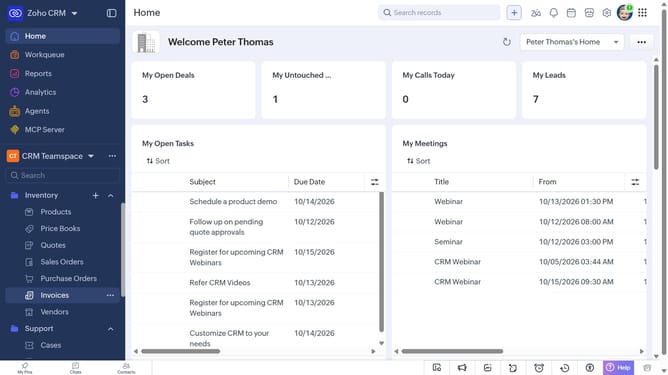
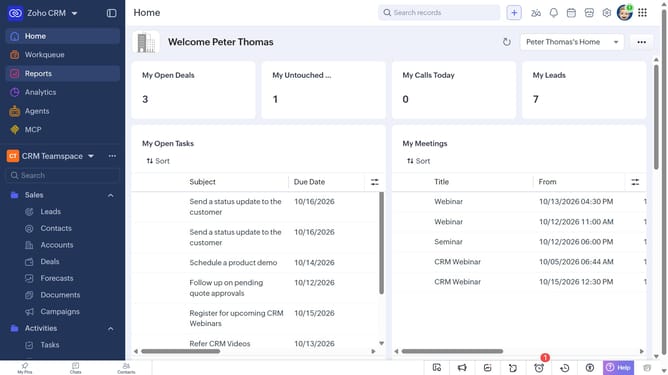
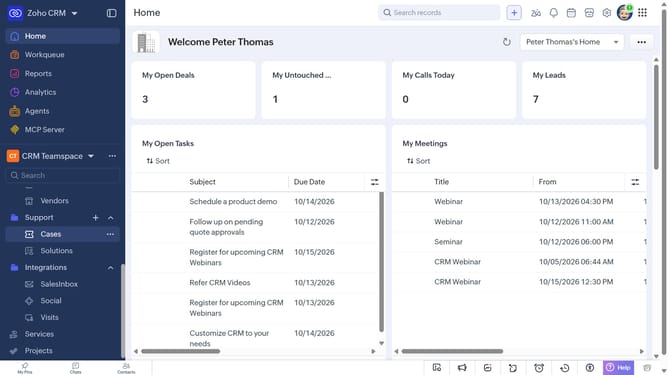
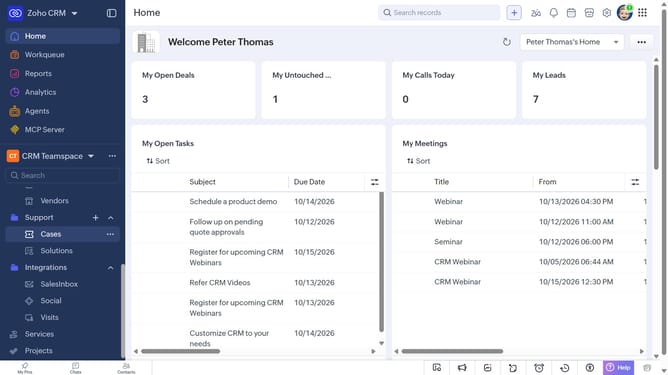
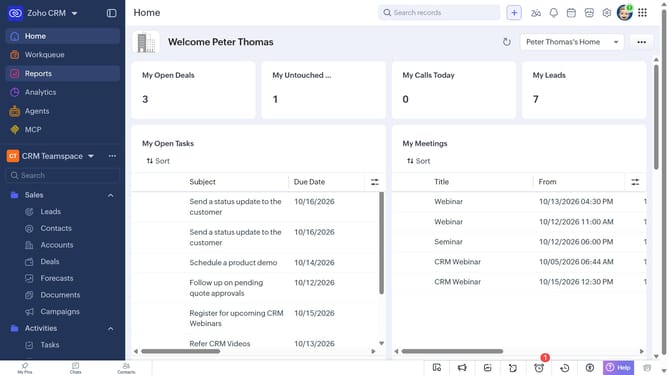
- First, click on "Invoices" under the "Inventory" section in the left sidebar menu
- Next, locate the invoice whose URL you want to copy
- Then, click on the "More options" button next to the invoice
- Finally, select "Copy URL" from the dropdown menu
Why should you How to copy an invoice record URL on Zoho CRM
Zoho CRM is an intuitive platform designed to streamline customer relationship management for businesses of all sizes.
One of its handy features is the ability to effortlessly copy an invoice record URL. This feature allows you to quickly share specific invoice details with team members or clients, facilitating seamless collaboration.
By using this feature, you can enhance communication efficiency and ensure everyone is on the same page without having to navigate through complex menus. It’s a smart way to keep your business operations smooth and responsive.
Last update