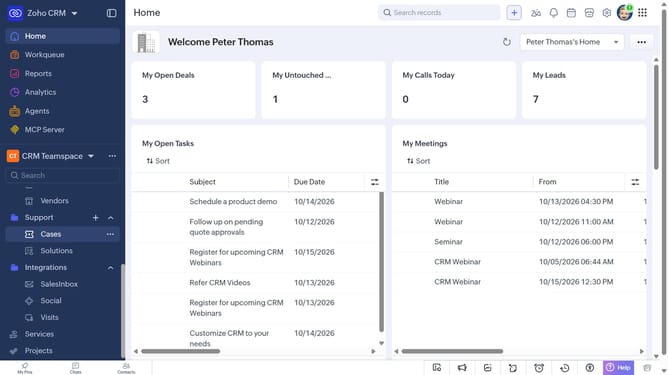
How to copy a case record URL on Zoho CRM
Here is how to copy a case record url on zoho crm
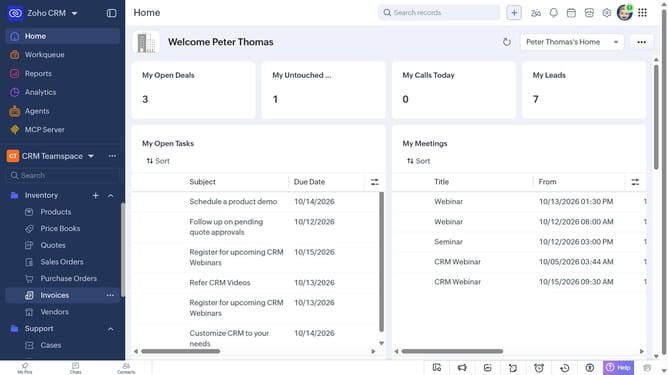
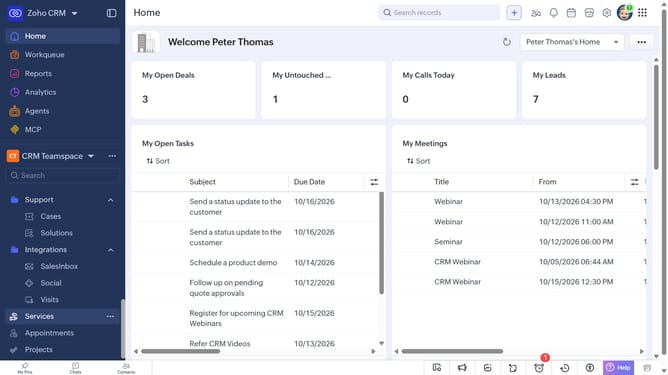
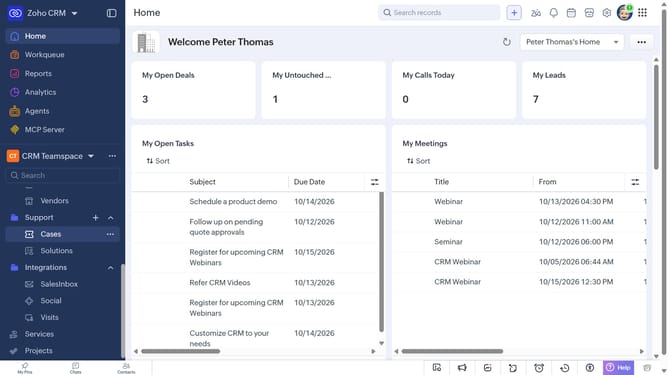
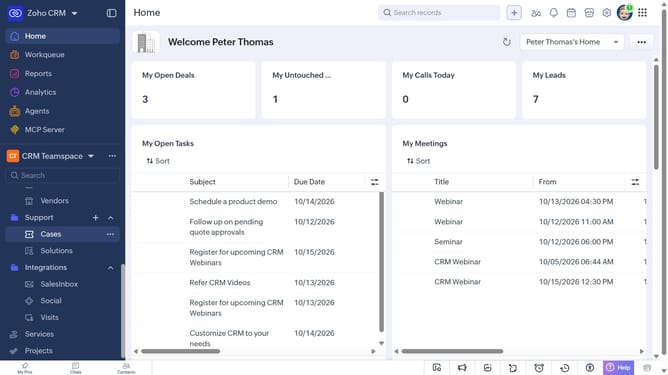
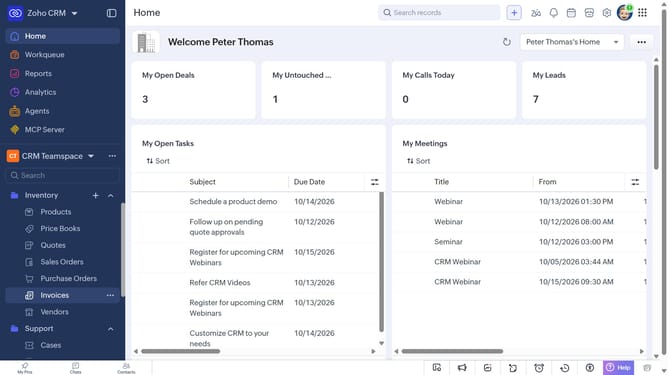
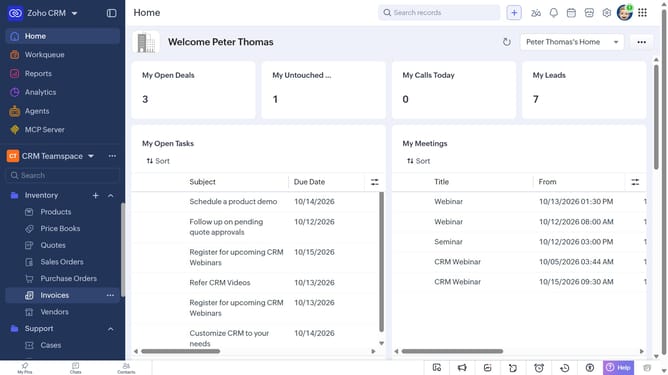
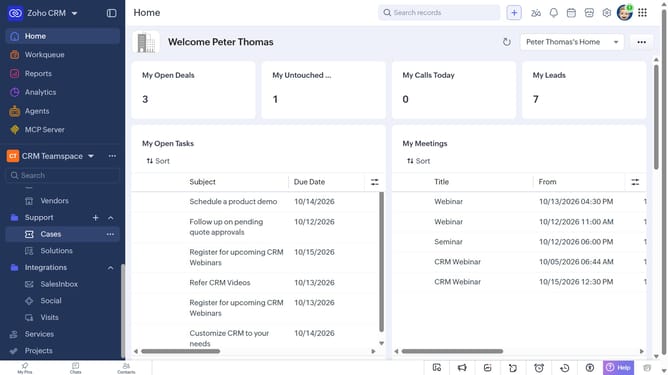
- First, click on "Cases" under "Support" in the left sidebar menu
- Next, locate the case whose URL you want to copy
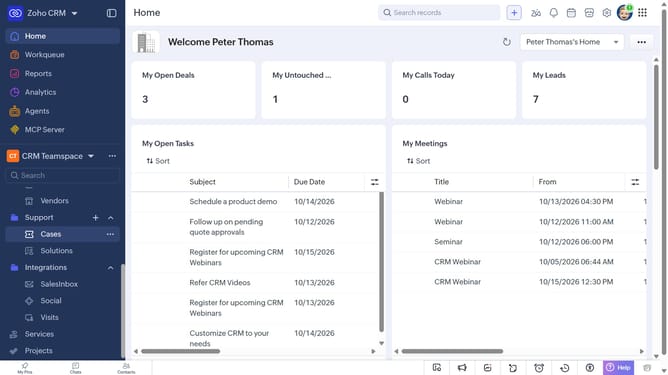
- Then, click on the "More options" button next to the case
- Finally, select "Copy URL" from the dropdown menu
Why should you How to copy a case record URL on Zoho CRM
Zoho CRM is a comprehensive tool designed to streamline customer relationship management with ease and efficiency.
The ability to copy a case record URL is a powerful feature within Zoho CRM. It allows users to quickly share specific case information with team members, enhancing collaboration. By accessing the URL directly, stakeholders can view detailed case data, ensuring everyone remains informed and aligned.
Utilizing this feature ensures seamless communication, as team members can instantly access the exact case details needed for discussions or troubleshooting. This streamlined sharing fosters better teamwork and quicker problem-solving, ultimately improving customer satisfaction.
Last update