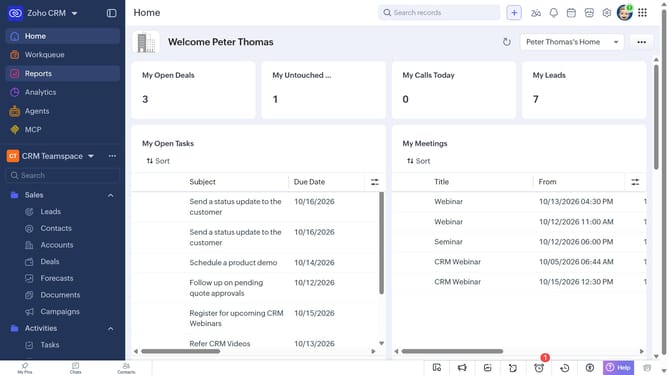
How to export cases as an XLSX file on Zoho CRM
Here is how to export cases as an xlsx file on zoho crm
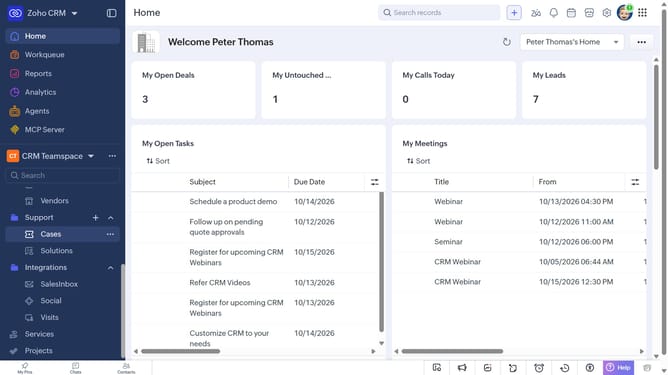
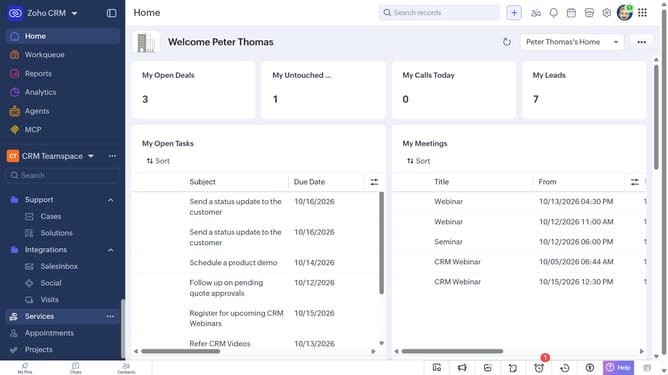
- First, click on "Cases" under "Support" in the left sidebar menu
- Next, click on the "More Options" button next to "Create Case"
- Select "Export Cases" from the dropdown menu
- In the "Export Case" dialog, click on the "Fields to Export" dropdown
- Choose whether to export all fields or only the fields from the custom view
- Then, select "XLSX" as the file type
- Next, toggle the "Set Password" switch on or leave it off
- Finally, click on the "Export" button
Why should you How to export cases as an XLSX file on Zoho CRM
Zoho CRM is a powerful tool that streamlines customer relationship management with efficiency and ease.
The ability to export cases as an XLSX file on Zoho CRM is a valuable feature that enhances data management. By converting your case data into a spreadsheet format, you gain the flexibility to manipulate, analyze, and share information effortlessly.
This feature is particularly beneficial for teams needing detailed reports or insights, facilitating efficient decision-making and collaboration. Exporting to XLSX ensures compatibility with various data analysis tools, enhancing workflow efficiency. Embrace this feature to simplify your data processes and gain actionable insights seamlessly.
Last update