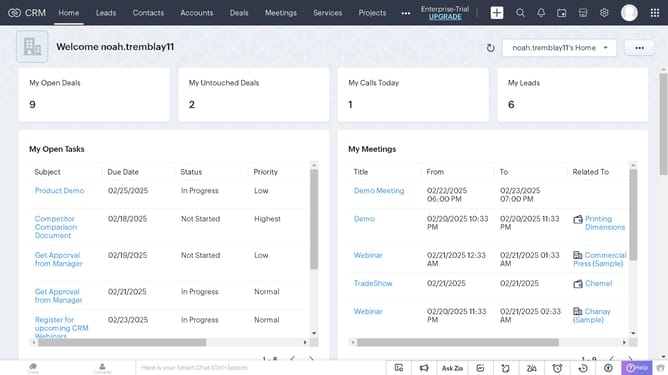
How to view purchase order reports on Zoho CRM
Here is how to view purchase order reports on zoho crm
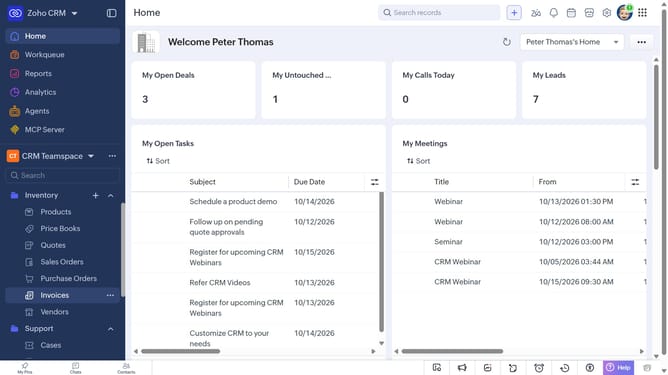
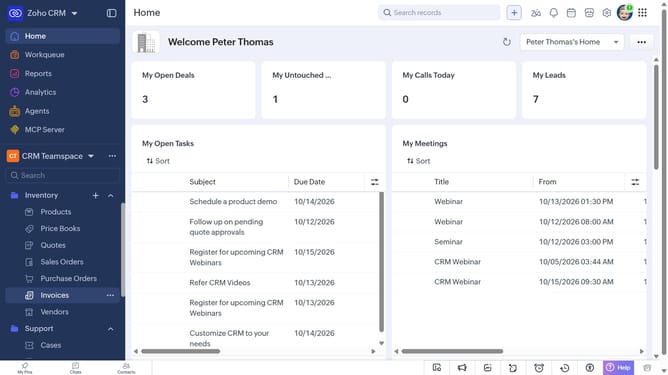
- First click on "Reports" in the left sidebar
- Next click on the "All Reports" dropdown
- Then select "Purchase Order Reports" in the dropdown list
- The list now shows reports related to purchase order
Why should you How to view purchase order reports on Zoho CRM
Zoho, a dynamic platform, streamlines business processes through integrated cloud solutions.
Viewing purchase order reports on Zoho CRM offers valuable insights into your procurement activities, helping you maintain smooth operations and informed decision-making.
This feature empowers teams to track orders, manage supplier relationships, and optimize inventory levels, ensuring efficiency and effectiveness.
Enhanced visibility into purchase trends fosters strategic planning, enabling businesses to anticipate needs and allocate resources judiciously.
Last update