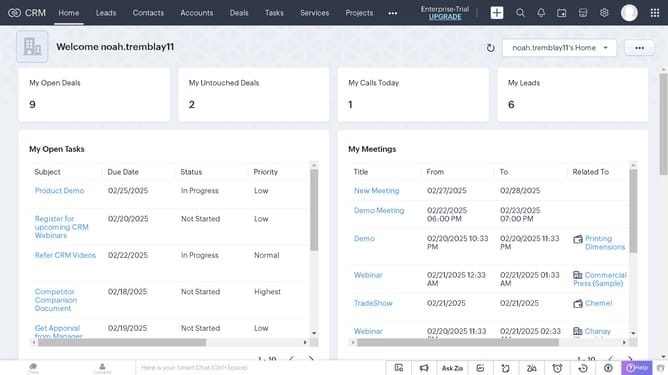
How to create accounts individually on Zoho CRM
Here is how to create accounts individually on zoho crm
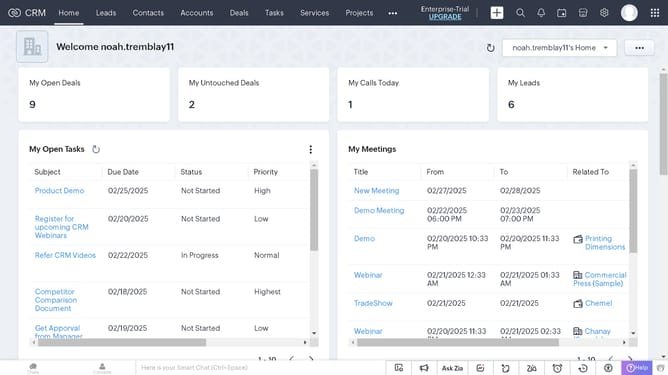
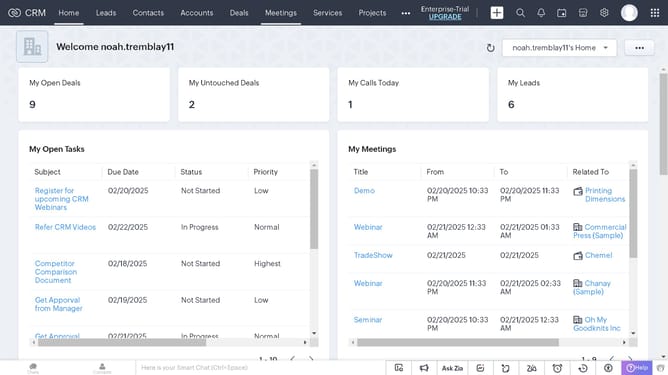
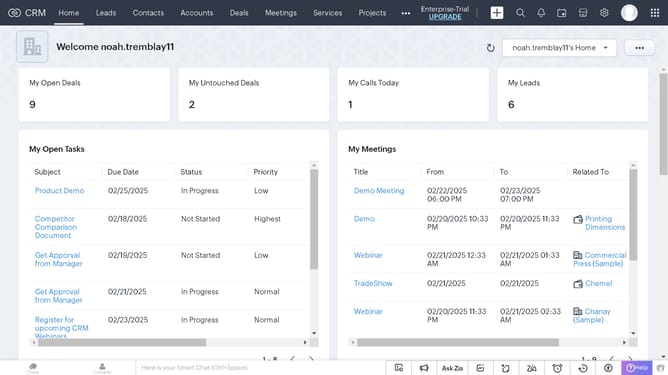
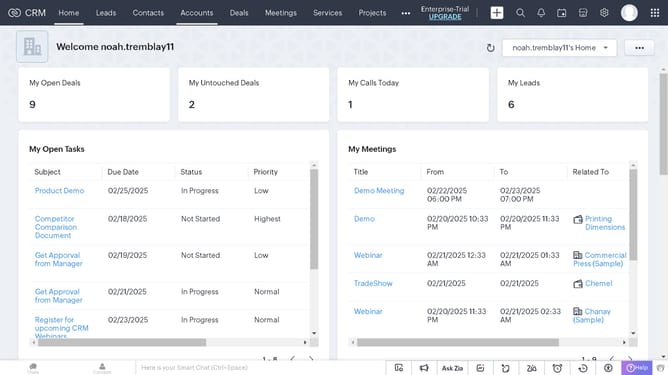
- First click on the "Accounts" tab in the top navigation menu
- Then click on the "Create Account" button in the accounts list view
- Next click on the "Account Name" field in the account information form and type the name
- Finally click on the "Save" button in the top-right corner of the create account form
Why should you create accounts individually on Zoho CRM
Zoho is a comprehensive suite of cloud-based business solutions designed to streamline operations for modern enterprises.
Individually creating accounts on Zoho CRM allows for personalized tracking and management of each client or company association. This feature enables businesses to customize their engagement and service to enhance client relations.
By handling accounts individually, companies can track dealings more accurately. This specificity promotes enhanced decision-making and tailored communications, ultimately leading to improved sales and customer satisfaction.
Last update