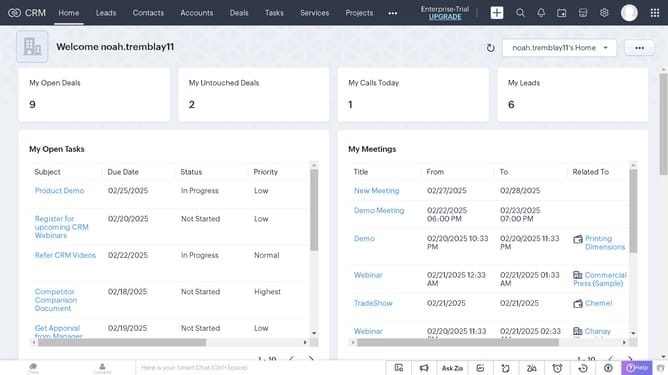
How to edit tasks on Zoho CRM
Here is how to edit tasks on zoho crm
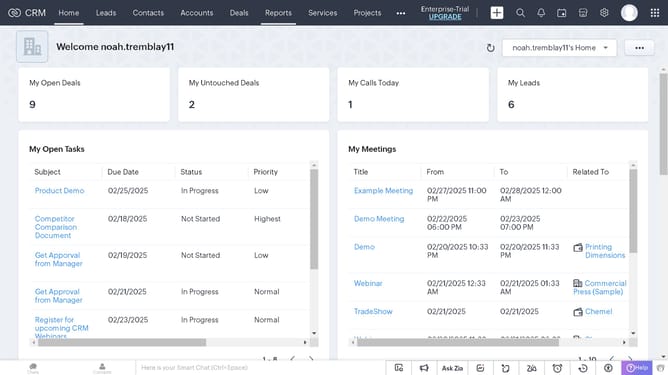
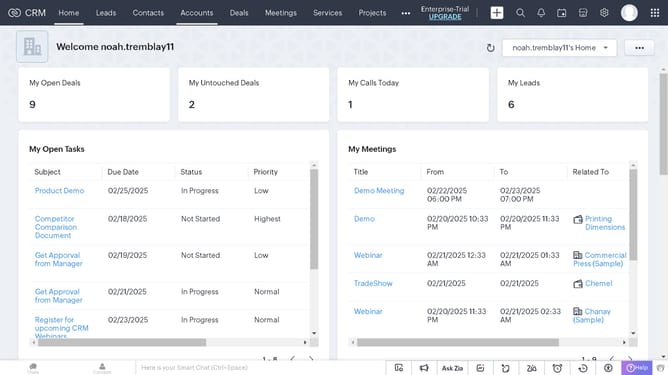
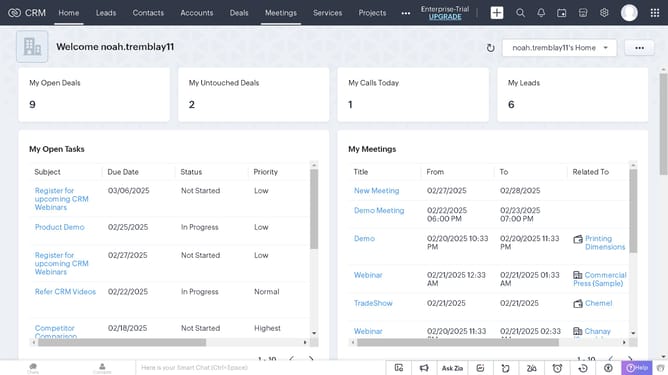
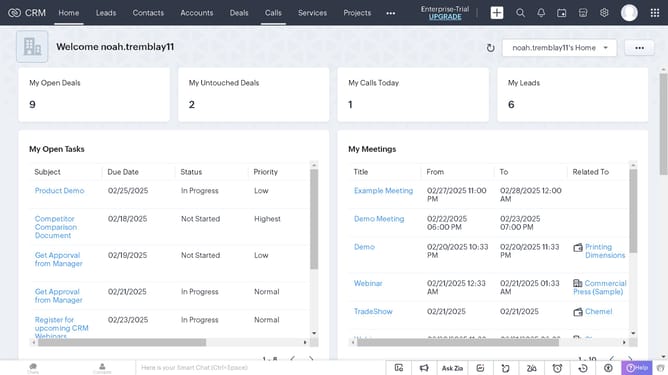
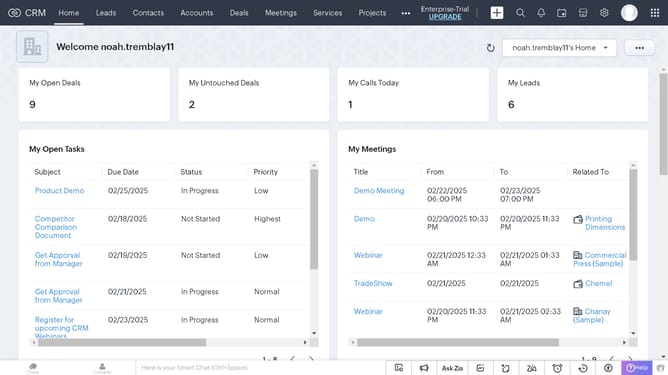
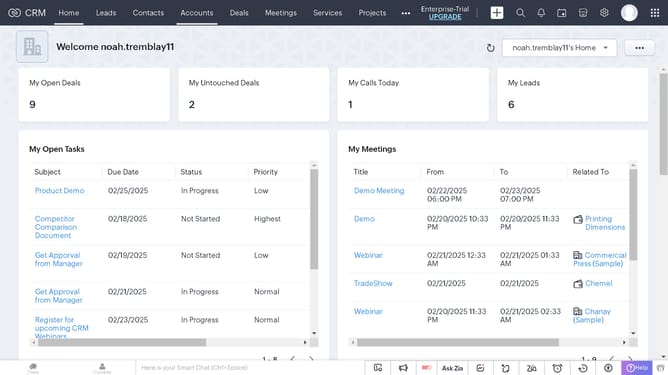
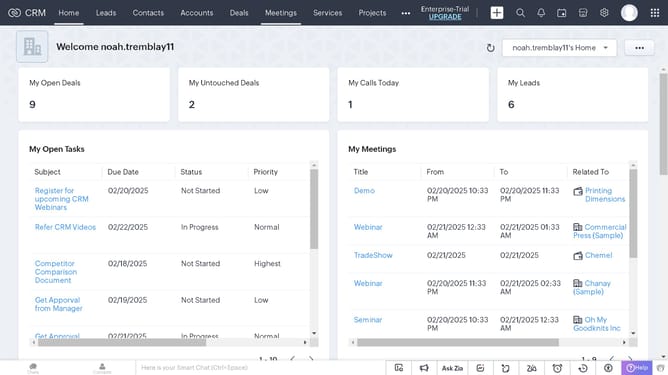
- First click on the "Tasks" tab in the top navigation menu
- Then click on the task card in the column section
- Next click the "Edit" button in the top-right corner of the task details page
- Then configure on the fields in the task edit form you want to customize
- Finally click the "Save" button in the top-right corner of the edit form
Why should you edit tasks on Zoho CRM
Zoho CRM is a robust platform designed to streamline business operations and improve customer relationships.
Editing tasks in Zoho CRM empowers users to manage their workflow with precision and flexibility. This feature allows seamless updates and modifications, ensuring the task details remain relevant and actionable.
Efficiently managing tasks through editing helps teams stay organized and focused, leading to enhanced productivity and effective time management.
Last update