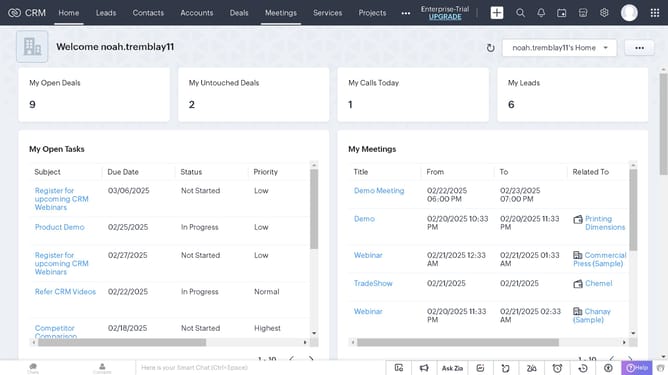
How to search accounts by alphabet on Zoho CRM
Here is how to search accounts by alphabet on zoho crm
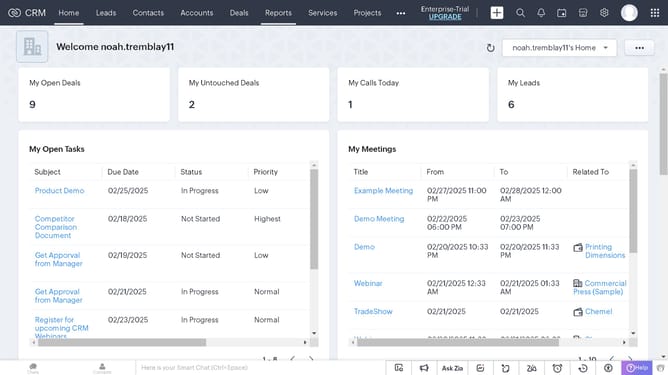
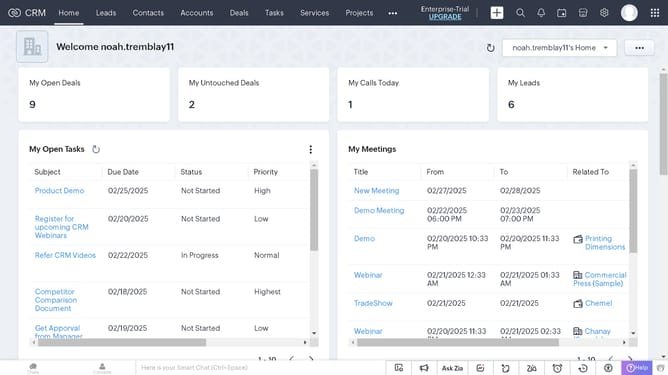
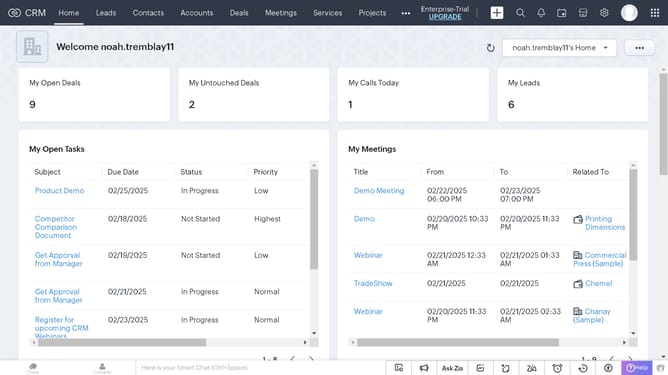
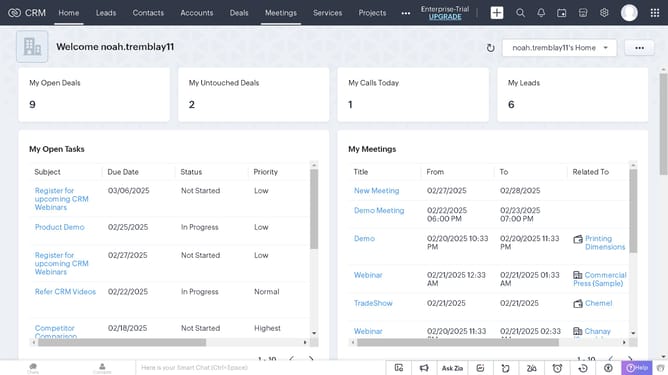
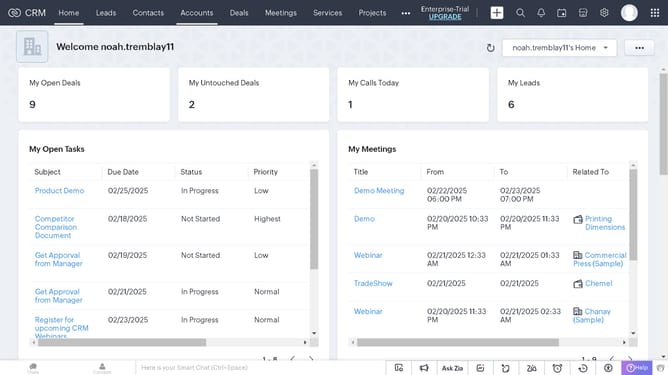
- First click on the "Accounts" tab in the top navigation menu
- Then click on the column menu button next to "Account Name" in the accounts list table
- Finally click on "Asc" option in the column sort dropdown menu
Why should you search accounts by alphabet on Zoho CRM
Zoho is an innovative powerhouse that streamlines business operations through its comprehensive suite of cloud-based applications.
Effortlessly enhance your workflow with Zoho CRM's alphabet-based account search feature, making it a breeze to locate accounts swiftly and efficiently within your organization's vast database.
By organizing accounts alphabetically, you can save valuable time and reduce the risk of errors, enhancing the overall efficiency of your sales processes. Capitalize on this feature to maintain a structured and easily navigable CRM environment.
Last update