How to create meetings on Zoho CRM
Here is how to create meetings on zoho crm
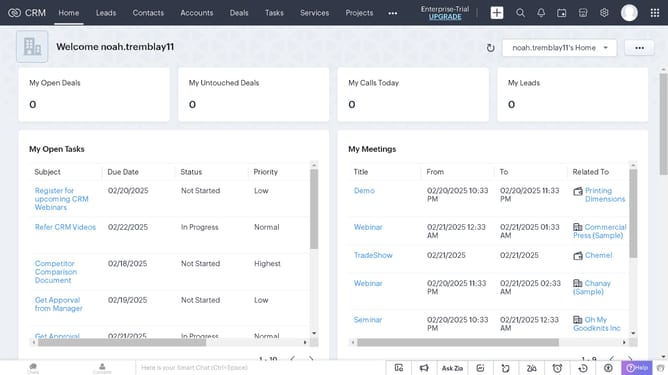
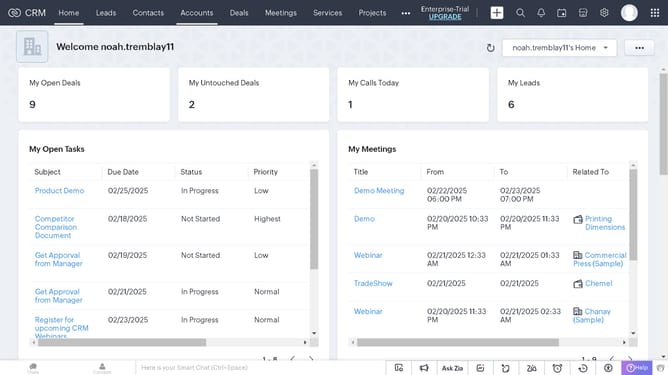
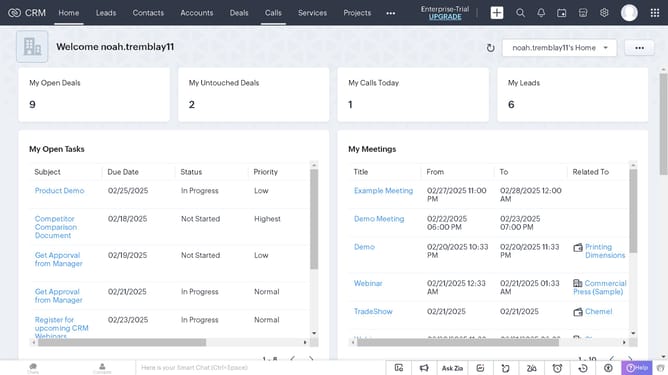
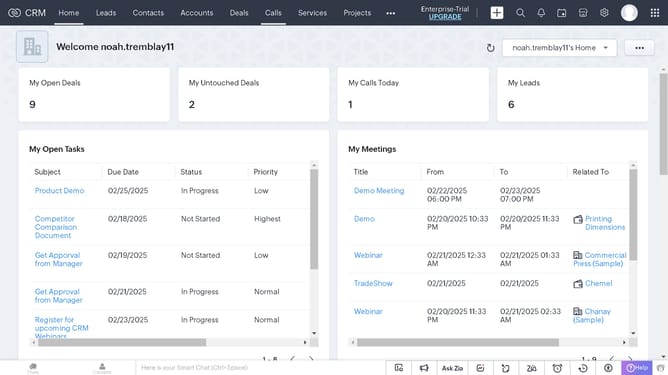
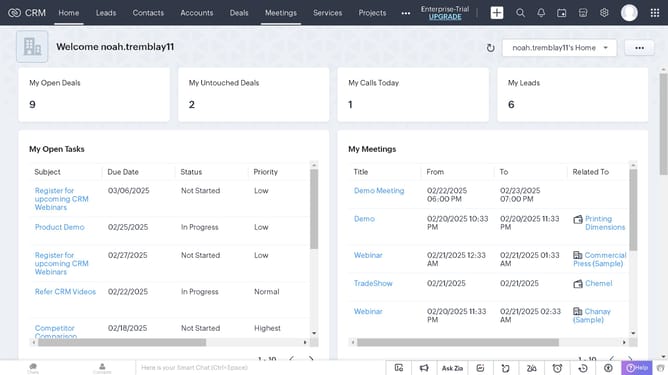
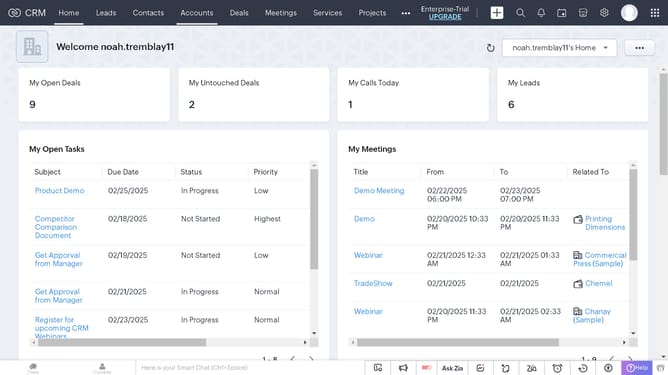
- First click on the "Meetings" tab in the top navigation menu
- Then click on the "Create Meeting" button in the top-right toolbar
- Next click on the required fields to fill up in the window panel
- Finally click on the "Save" button in the bottom-right corner of the meeting creation form
Why should you create meetings on Zoho CRM
Zoho is a comprehensive platform designed to streamline diverse business operations, enabling efficiency and growth.
Creating meetings in Zoho CRM is a seamless way to organize your schedule and ensure effective communication with clients and team members. This feature simplifies the scheduling process by integrating directly with your contact database.
Using the meeting feature in Zoho CRM enhances productivity by allowing you to track attendance and follow up on action items, ensuring no detail is overlooked. This harmonizes your workflow and promotes a collaborative environment.
Last update