How to apply an existing label to multiple campaigns in ActiveCampaign
Here is how to apply an existing label to multiple campaigns in activecampaign
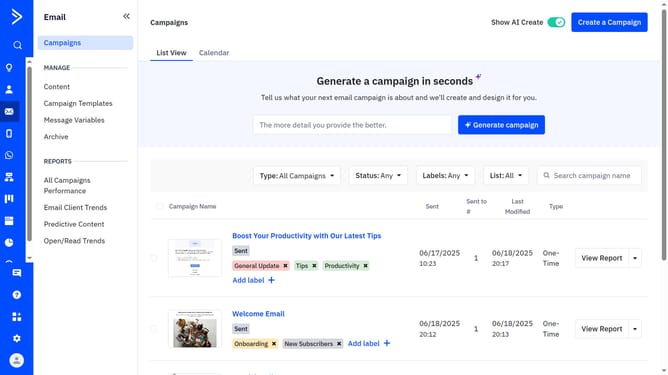
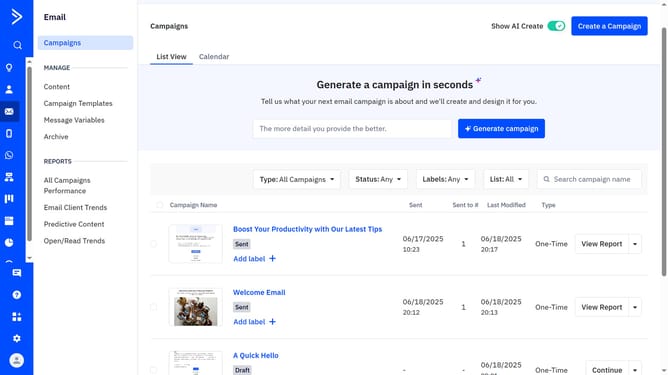
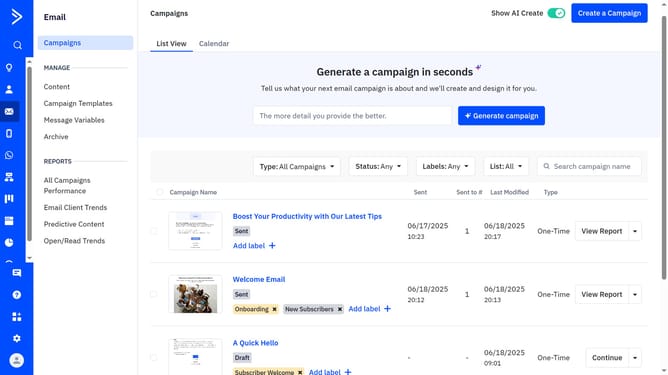
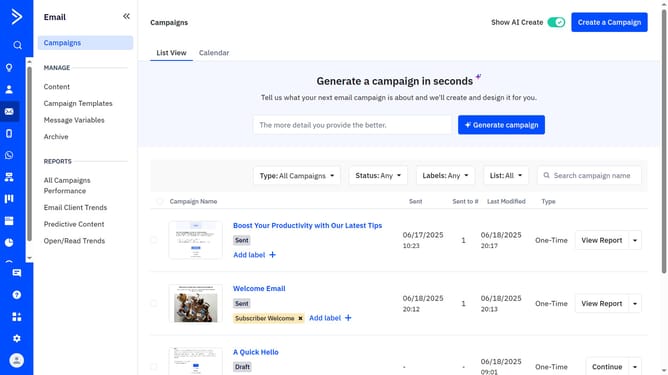
- First navigate to Email and click on "Campaigns" in the left sidebar menu
- Next use the checkboxes to select all the campaigns you want to label
- Click on the "Add or remove labels" dropdown that appears
- Then a small modal will appear showing your existing labels
- Finally scroll through the list and check the box next to the label you want to apply
Why should you apply an existing label to multiple campaigns in ActiveCampaign
ActiveCampaign empowers businesses with robust tools for email marketing and customer relationship management.
One of the standout features is the ability to apply an existing label to multiple campaigns, streamlining organizational tasks.
By categorizing campaigns under a unified label, teams can enhance collaboration and maintain cohesiveness across various marketing efforts.
This efficiency not only saves time but also provides clarity, ensuring better alignment with broader business strategies.
Last update