How to apply an existing label to campaigns in bulk in ActiveCampaign
Here is how to apply an existing label to campaigns in bulk in activecampaign
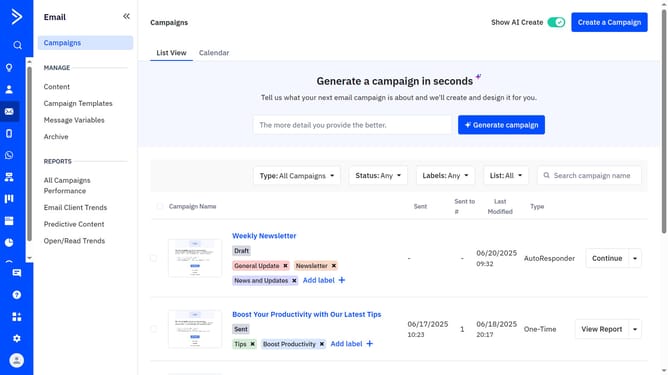
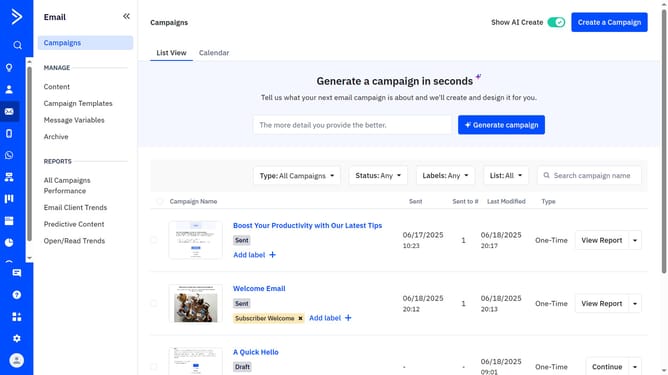
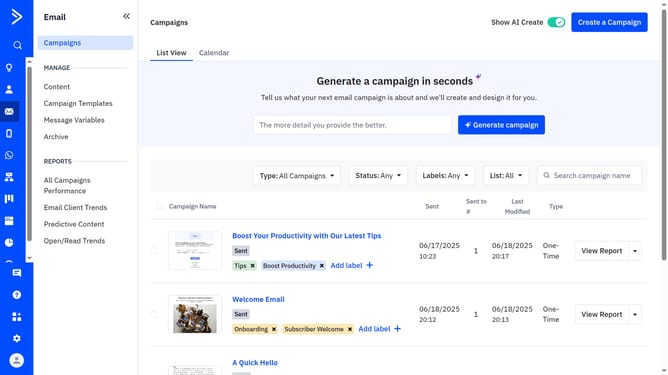
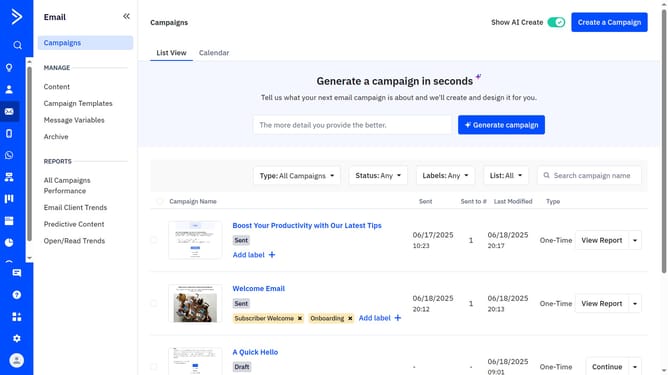
- First navigate to Email and click on "Campaigns" in the left sidebar menu
- Next use the checkboxes to select all the campaigns you want to label
- Click on the "Add or remove labels" dropdown that appears
- Then a small modal will appear showing your existing labels
- Finally scroll through the list and check the box next to the label you want to apply
Why should you apply an existing label to campaigns in bulk in ActiveCampaign
ActiveCampaign is a powerful platform designed to streamline and enhance your marketing efforts through automation and organization.
Applying existing labels to campaigns in bulk is a feature that significantly simplifies your workflow in ActiveCampaign. This helps maintain consistency across multiple campaigns without manually updating each one.
By efficiently categorizing your campaigns, you can quickly access and analyze data, making strategic decisions with ease and saving precious time for other creative pursuits.
Last update