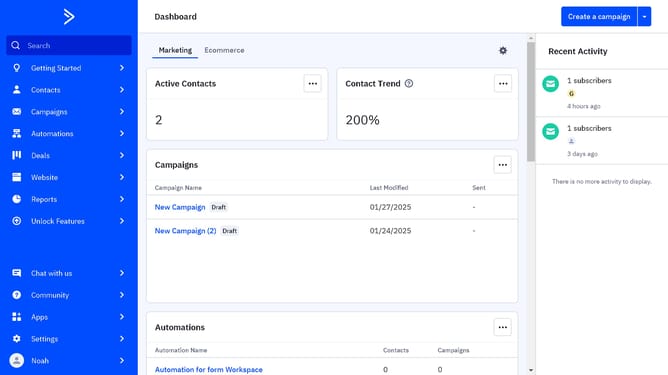
How to filter campaigns by label in ActiveCampaign
Here is how to filter campaigns by label in activecampaign
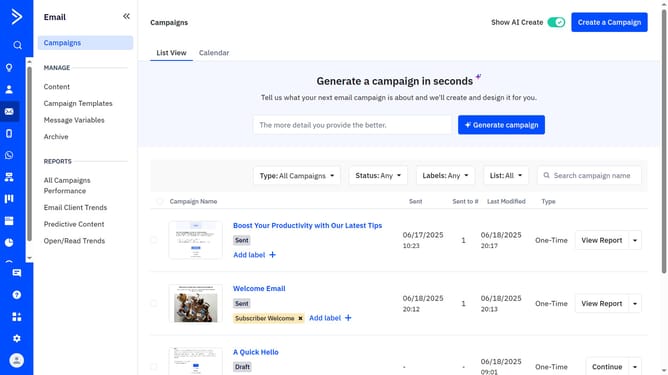
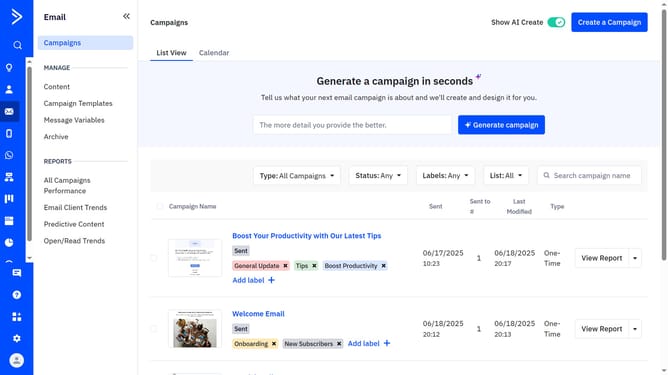
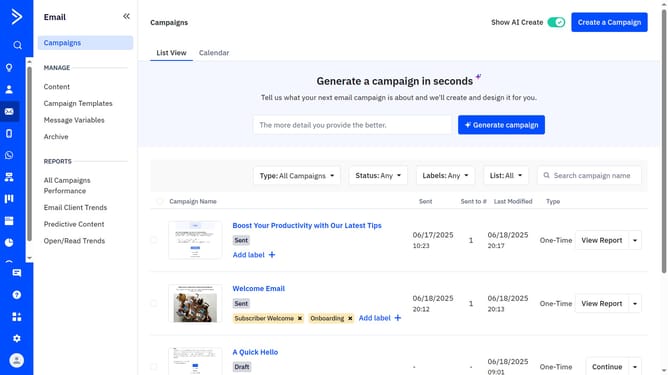
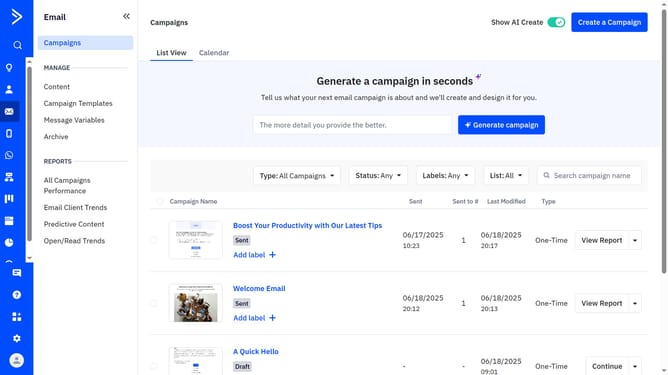
- First click on "Campaigns" in the left sidebar menu
- Next, click on the "Labels" dropdown in the top filter bar
- Then from the labels dropdown menu, select the label you want to filter by
- The campaign list will automatically update to show only the campaigns with the selected label
Why should you filter campaigns by label in ActiveCampaign
ActiveCampaign is a powerful tool designed to streamline and enhance your digital marketing efforts.
One of its standout features is the ability to filter campaigns by label, allowing marketers to organize their campaigns more efficiently. By using labels, users can quickly access specific sets of campaigns, ensuring a more targeted approach to campaign management.
This feature not only enhances navigation but also improves productivity by minimizing the time spent searching for specific campaigns. It empowers marketers with clearer insights and smarter organization for their strategy execution.
Last update