How to create a form in ActiveCampaign?
Here is how to create a form in activecampaign
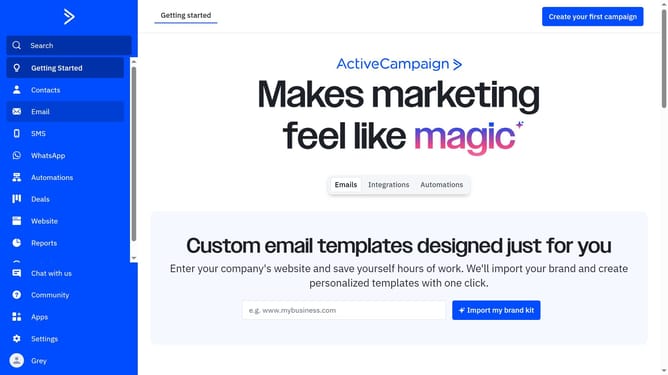
- First click on the "Website" tab on the left sidebar menu
- Next click on the "Create new form" button on the top right corner
- Fill up the required fields on the "Create new form" pop-up window
- Then click on the "Create form" button on the bottom right corner of the pop-up window
- Next click on the "Integrate" button on the top right corner to proceed saving the form
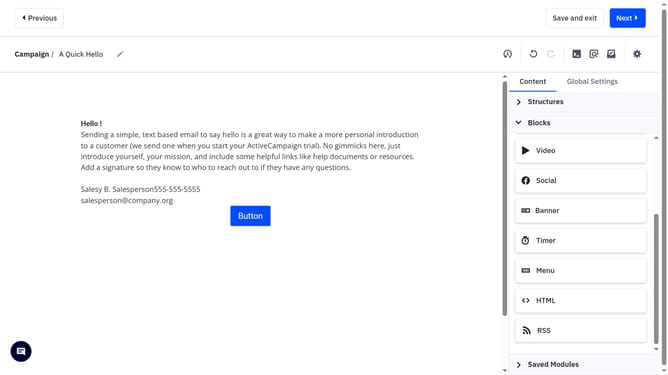
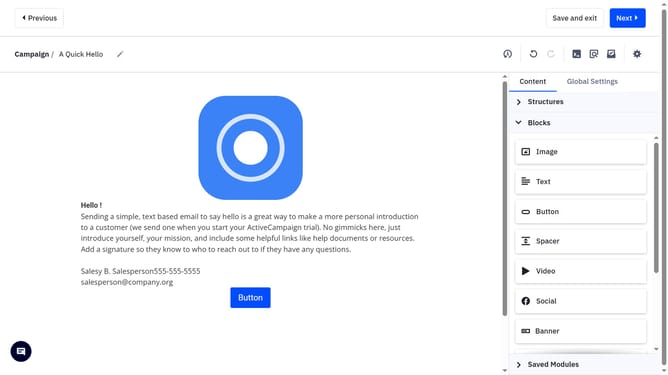
- Finally click on the "Save and exit" button on the top-right corner to create your new form
Why should you create a form in ActiveCampaign?
ActiveCampaign is a robust platform designed to streamline your marketing and customer experience processes.
Creating a form in ActiveCampaign is a straightforward feature that empowers you to capture leads and grow your audience effortlessly. This tool allows you to design custom forms that can be embedded on your website to gather vital customer information.
By utilizing this feature, you can ensure a personalized customer journey, gain insightful data, and enhance your marketing strategies for greater engagement.
Last update