How to view a campaign’s report from the Campaigns tab in ActiveCampaign
Here is how to view a campaign’s report from the campaigns tab in activecampaign
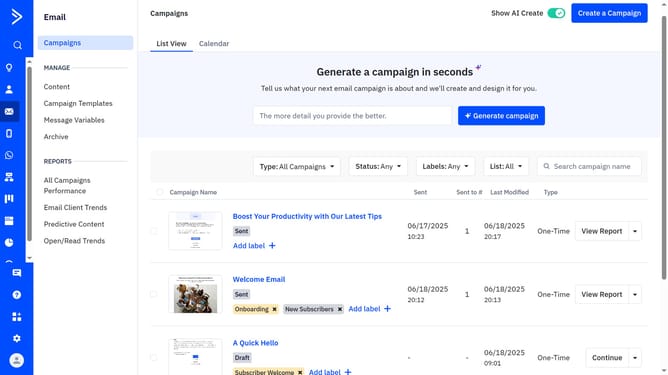
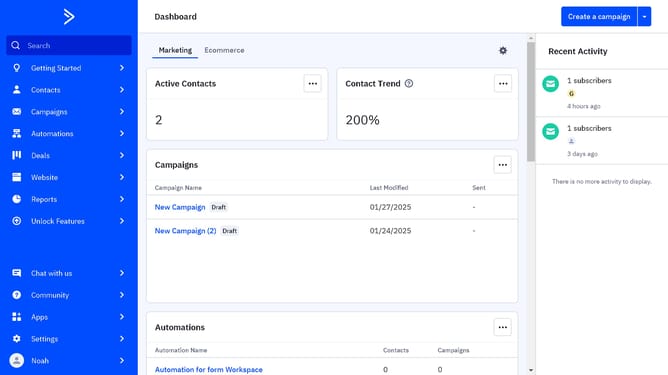
- First click on the "Email" option in the left sidebar menu
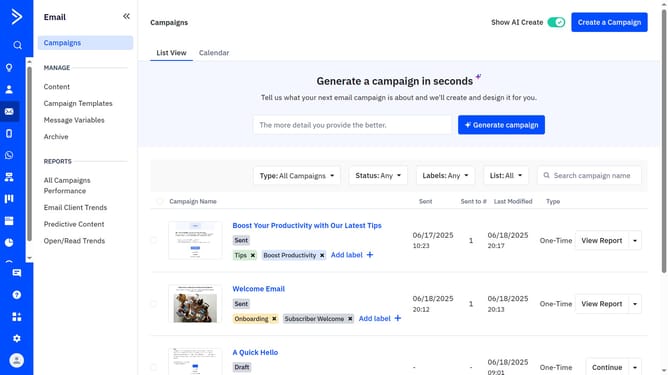
- Next click on the "Email" option in the left sidebar
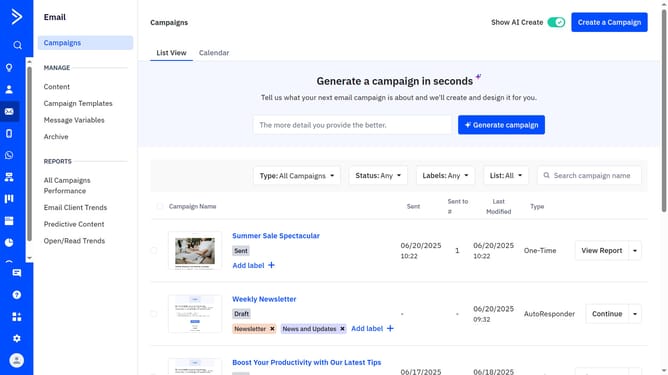
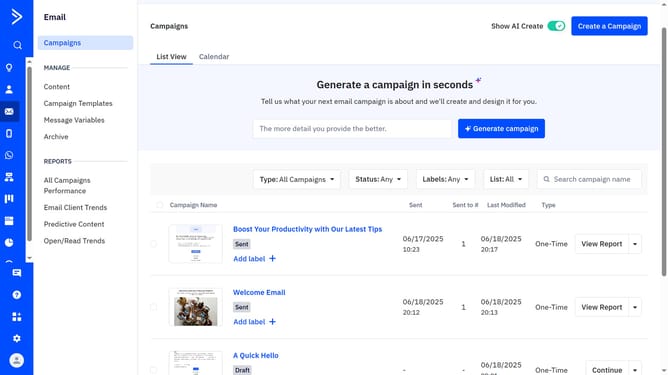
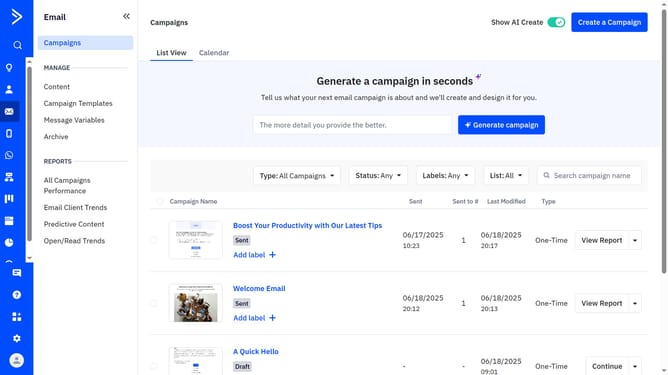
- At the top of the page, go to the "List View" or "Calendar" tab
- Then find the campaign whose report you want to view
- Finally click on "View Report" button next to the campaign
- On this page, review the Details report and other available reports showing key metrics
Why should you view a campaign’s report from the Campaigns tab in ActiveCampaign
ActiveCampaign is a dynamic platform designed to boost email marketing automation and customer experience.
One of its valuable features is the ability to view a campaign’s report directly from the Campaigns tab. This streamlined access allows users to quickly assess the performance of their marketing efforts.
Viewing reports helps identify key metrics and insights, implementing more informed strategies to improve future campaigns. This feature ensures that monitoring campaigns is both efficient and effective, resulting in optimized engagement.
Last update