How to create an anchor point in ActiveCampaign
Here is how to create an anchor point in activecampaign
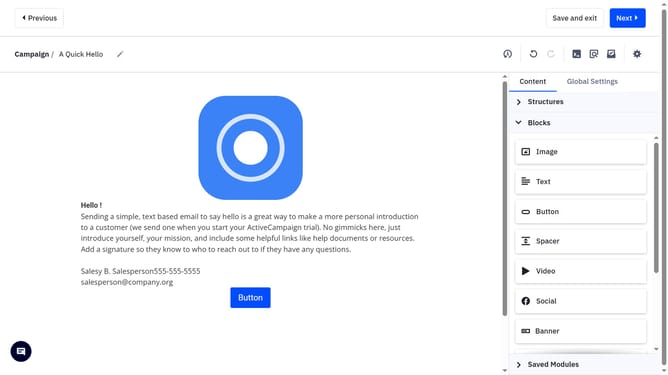
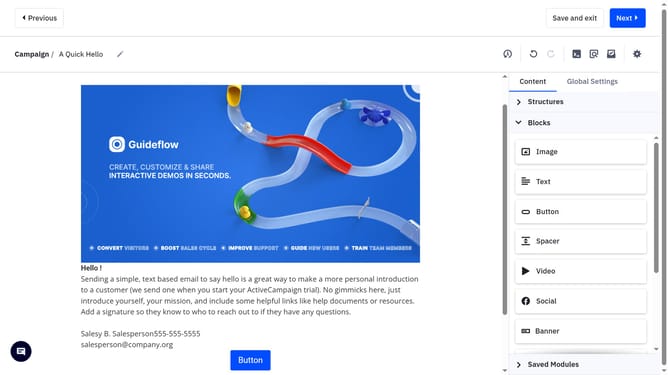
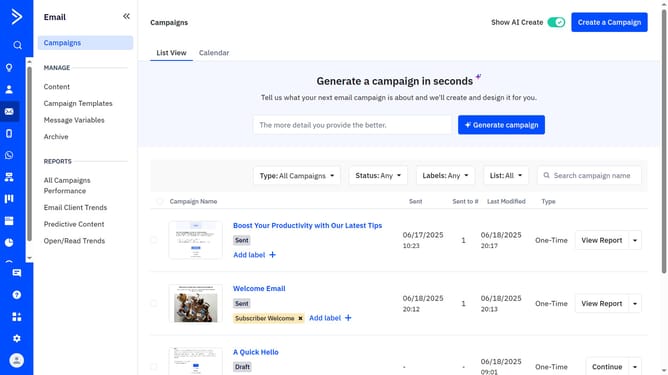
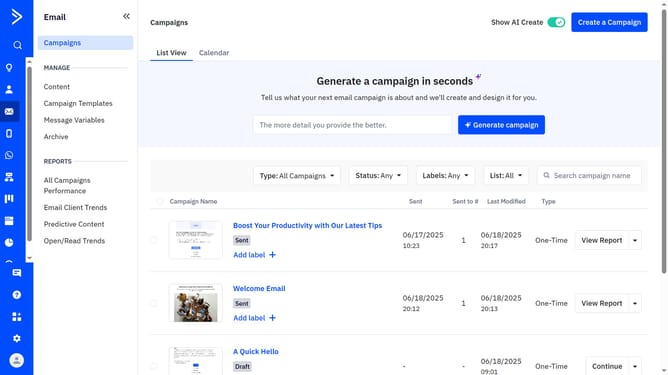
- First open a campaign in the Email Designer
- From the Email Designer, select the item you want to anchor. This can be an image, a button, or a specific text
- Next in the right-hand panel, scroll to "Add an anchor link"
- Then click the toggle next to "Add an anchor link"
- Finally give your anchor a name in the anchor name field
- If needed, you can hide these elements on desktop, mobile, or both by clicking the icons
Why should you create an anchor point in ActiveCampaign
ActiveCampaign is a versatile platform designed to enhance marketing automation and foster meaningful customer relationships.
Creating an anchor point in ActiveCampaign allows you to easily direct your audience to specific sections of your content, improving the user experience. This feature is particularly beneficial for lengthy emails or newsletters, enabling recipients to seamlessly navigate to the information they find most relevant.
By using anchor points, you can substantially increase engagement and ensure that your content is both accessible and actionable, ultimately driving better results in your marketing efforts.
Last update