How to access your brand kit in ActiveCampaign
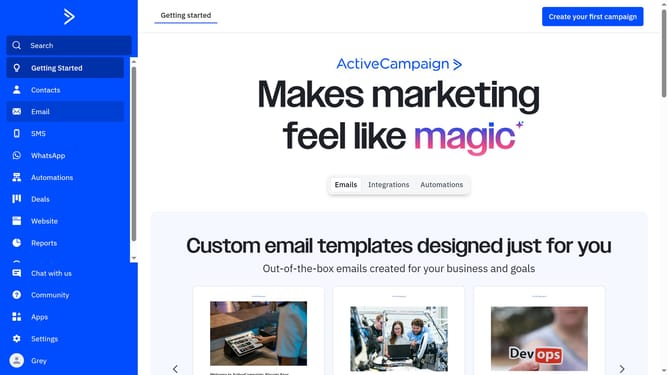
Here is how to access your brand kit in activecampaign
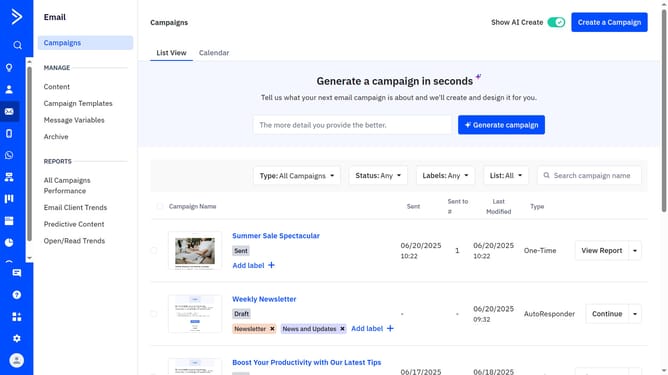
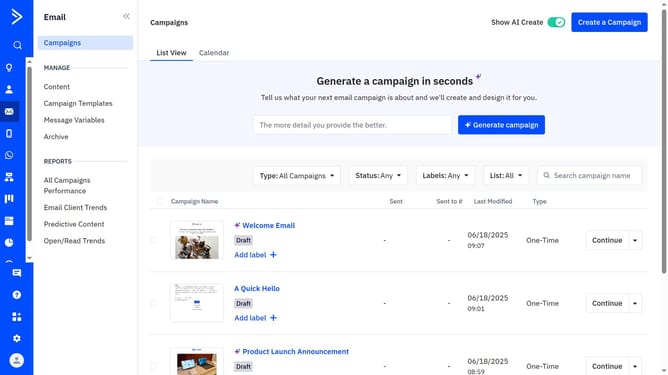
- First click on "Email" option in the left sidebar menu
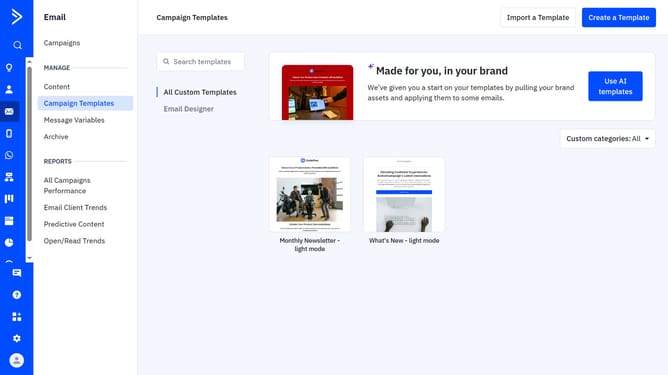
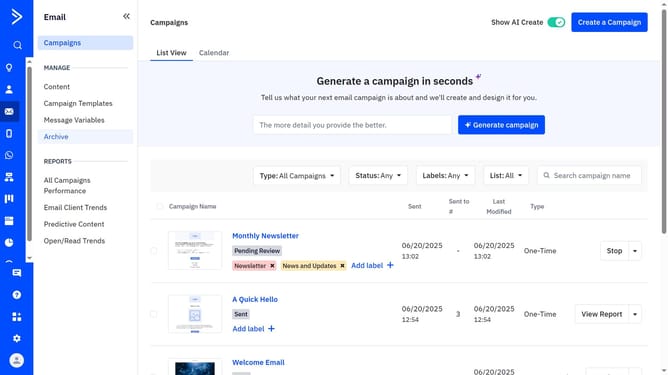
- Next click on "Campaign Templates" in the left submenu
- Click the “Use AI templates” button
- Then click on "Edit your brand kit" button in the top right corner of the "Made for you, in your brand" section
- You are now in the Edit Brand Kit page, where you can view or update your logos, fonts, and colors
Why should you access your brand kit in ActiveCampaign
ActiveCampaign is a powerful marketing automation platform designed to boost customer engagement and business growth.
Accessing your brand kit in ActiveCampaign allows for quick and seamless incorporation of your brand's visual elements.
With centralized access to logos, colors, and typography, maintaining consistency across email campaigns becomes effortless.
Utilizing your brand kit not only ensures a cohesive aesthetic but also reinforces brand recognition and trust with your audience, making your marketing efforts even more impactful.
Last update