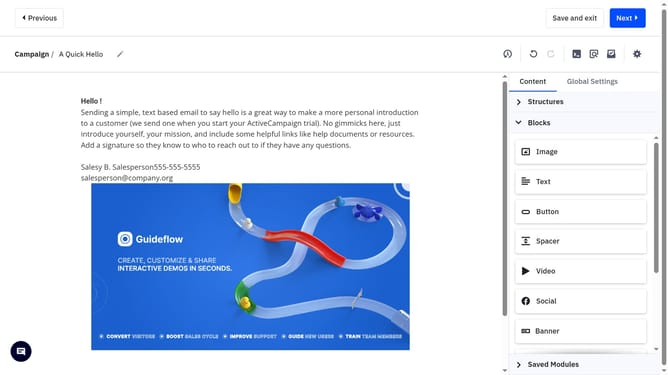
How to access your campaign archive in ActiveCampaign
Here is how to access your campaign archive in activecampaign
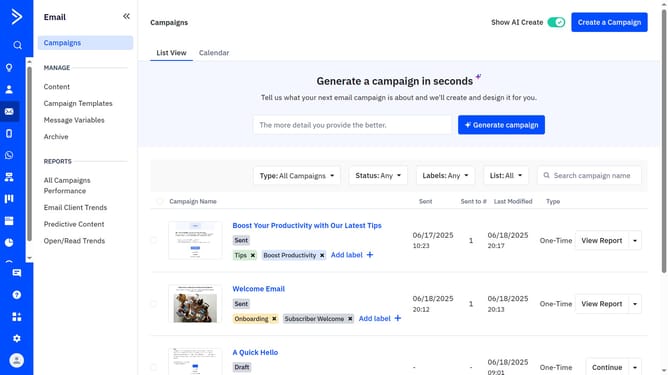
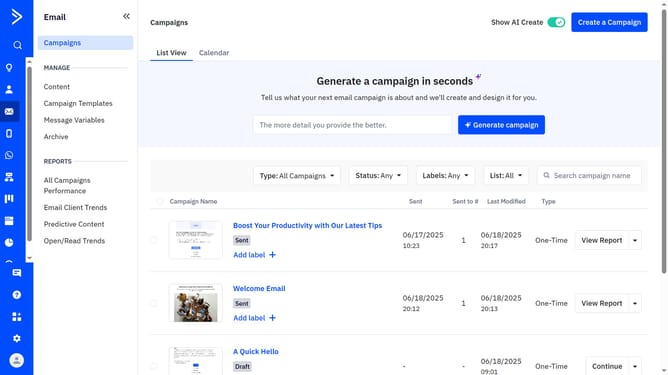
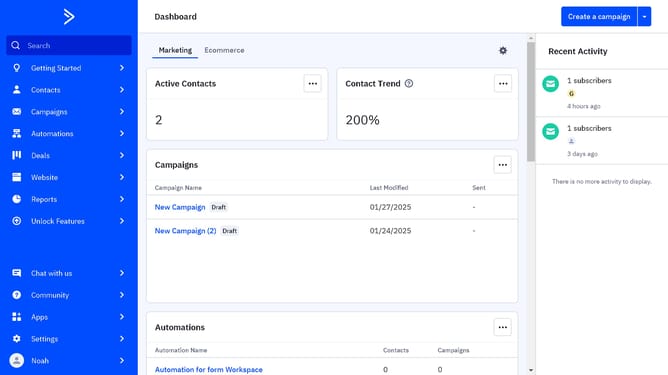
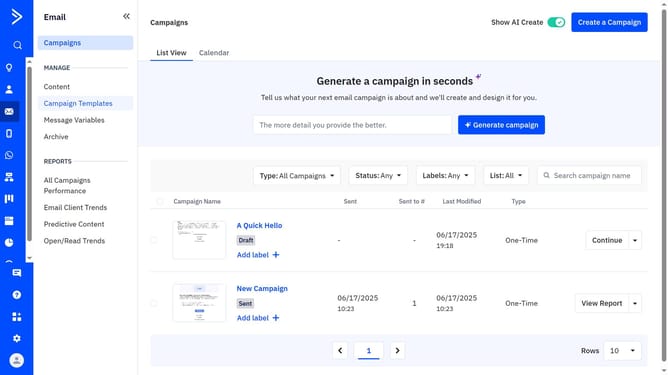
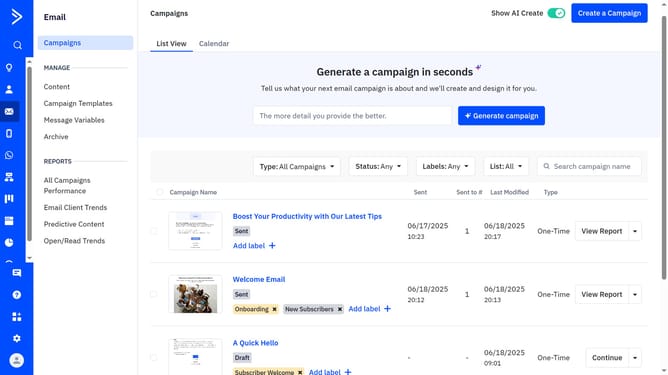
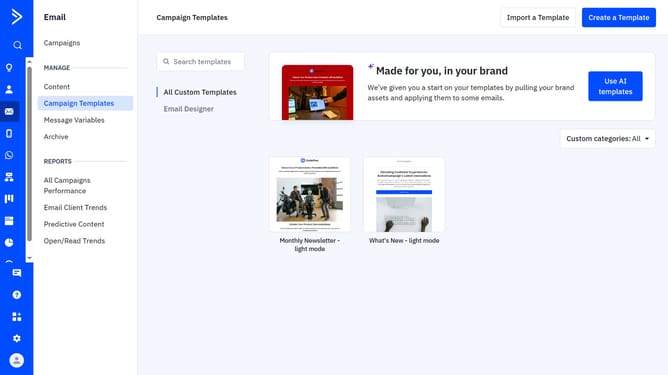
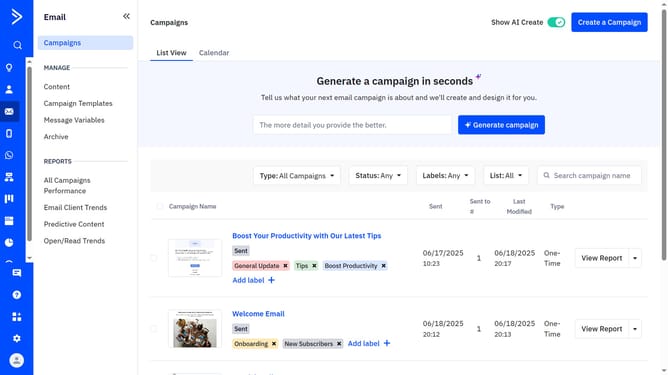
- First navigate to Email and click on the "Archive" option in the left sidebar menu
- Then at the top of the archive page, click on the "List" dropdown
- Finally select the list whose archive you want to view from the dropdown menu
Why should you access your campaign archive in ActiveCampaign
ActiveCampaign is a powerful tool designed to streamline your marketing efforts through automation and personalized engagement.
One valuable feature of ActiveCampaign is accessing your campaign archive. This enables users to revisit, analyze, and learn from past campaigns to improve future strategies.
Utilizing the campaign archive provides insights into what worked well and facilitates better planning. Reflecting on past performance empowers teams to craft more effective campaigns going forward.
The campaign archive helps maintain consistency, ensuring continuity in messaging across all marketing efforts.
Last update