How to delete a label in ActiveCampaign
Here is how to delete a label in activecampaign
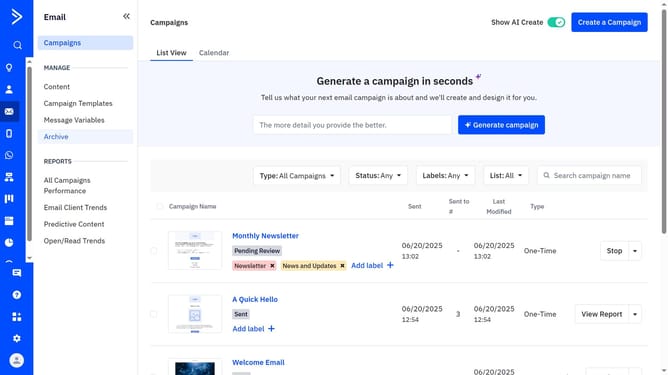
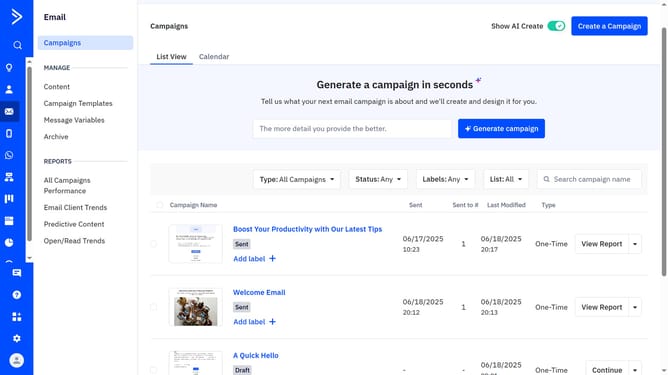
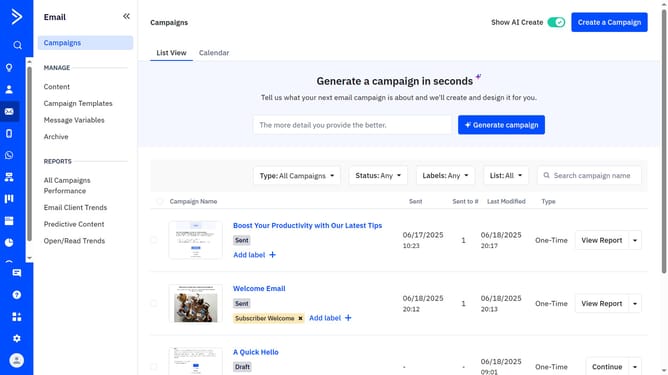
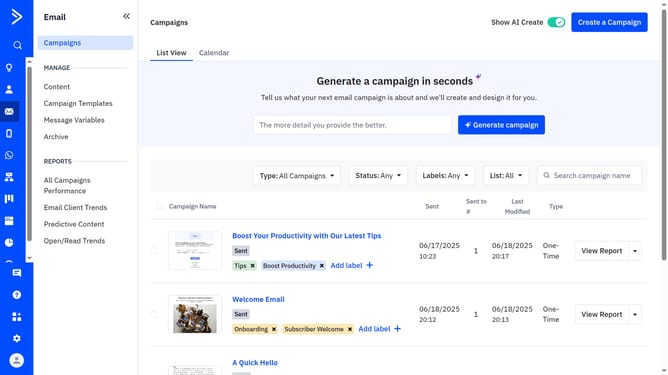
- First click on "Campaigns" in the left sidebar menu
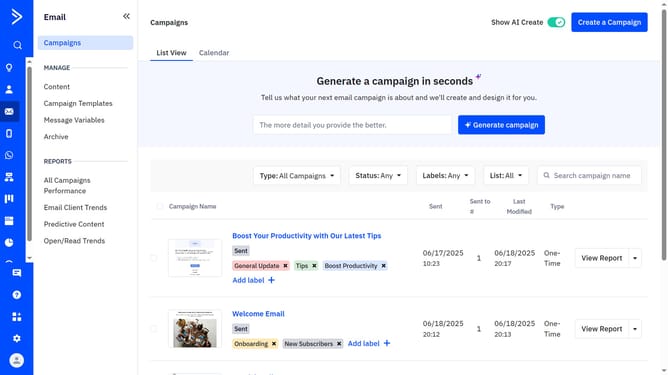
- Next locate and click the label you want to delete from your account
- Then click on the "Delete" button in the Edit Label dialog
- Finally, confirm the deletion by clicking the “Delete” button in the confirmation dialog
Why should you delete a label in ActiveCampaign
ActiveCampaign empowers businesses with comprehensive email marketing and automation tools tailored for efficient communication.
One useful feature is the ability to delete a label. This functionality streamlines your workflow by allowing you to remove unnecessary or outdated labels, ensuring a clutter-free and organized interface.
Maintaining a tidy label system in ActiveCampaign enhances productivity and simplifies navigation, ultimately improving your ability to manage campaigns with ease and focus.
Last update