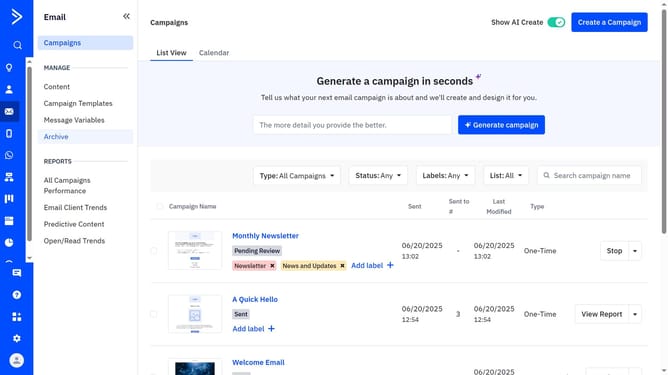
How to change brand fonts in your brand kit in ActiveCampaign
Here is how to change brand fonts in your brand kit in activecampaign
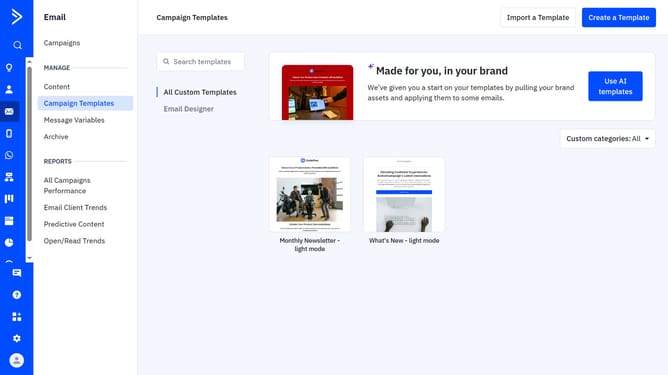
- First click on the "Use AI templates" button in the top right corner of the Campaign Templates page
- Then click "Edit your brand kit" in the top right corner of the "Made for you, in your brand" section
- Click on "Brand assets" tab in the brand kit editor
- Next scroll down to the "Brand Fonts" section and you’ll see the fonts that were imported or previously selected
- Then, choose a new font and font weight for the Header and Body from their respective dropdown menus
- Finally once done, click on "Save brand" button to apply the changes
Why should you change brand fonts in your brand kit in ActiveCampaign
ActiveCampaign is a robust marketing automation platform designed to enhance customer engagement and streamline marketing efforts.
Changing brand fonts in your brand kit within ActiveCampaign is a feature that allows you to effortlessly maintain a consistent brand identity across all your campaigns.
This feature makes it easy for businesses to ensure that all communications align with their brand's unique style, fostering brand recognition and customer trust.
By customizing your fonts, you enhance readability and aesthetic appeal, making your messages more memorable.
Last update