How to replace an image in your email in ActiveCampaign
Here is how to replace an image in your email in activecampaign
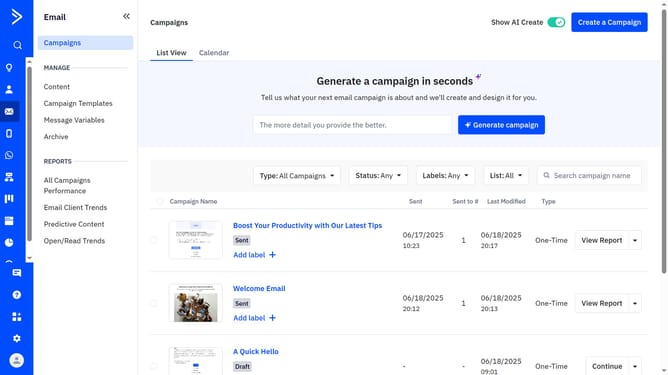
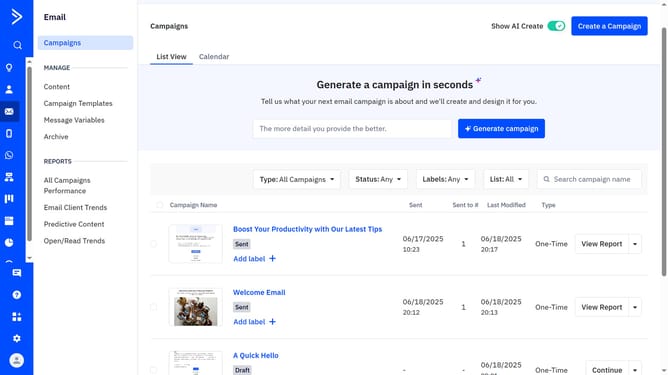
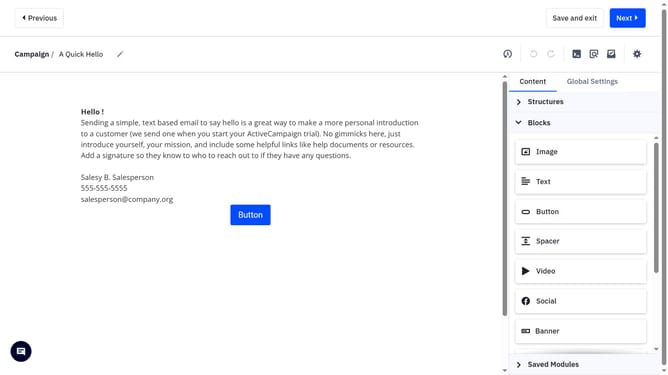
- First open your campaign in the Email designer
- Next click the image you want to replace
- Then click the "Change image" button in the right panel
- The Content Manager modal will appear
- Finally hover over the image you wiant to use, then click the "Select image" button
- The new image will now replace the previous one
Why should you replace an image in your email in ActiveCampaign
ActiveCampaign is a versatile marketing automation platform designed to enhance customer engagement and streamline communication.
Replacing an image in your email is a seamless feature of ActiveCampaign that allows you to keep your content fresh and relevant. This capability ensures that your emails always stay visually appealing and aligned with your current marketing goals.
By easily updating images, you can maintain consistent brand messaging and capture your audience's attention effectively. This feature optimizes your email campaigns, driving better engagement and conversion rates.
Last update