How to delete a color from your brand kit in ActiveCampaign
Here is how to delete a color from your brand kit in activecampaign
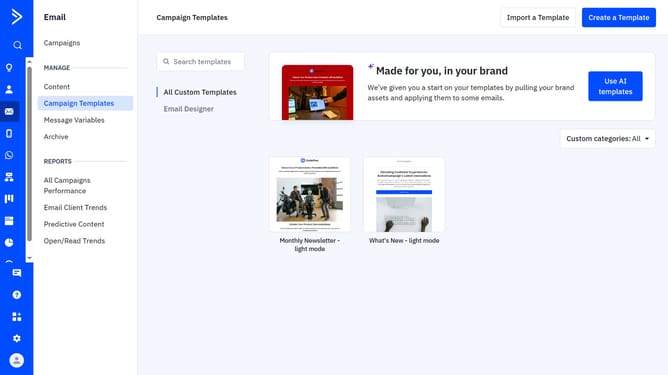
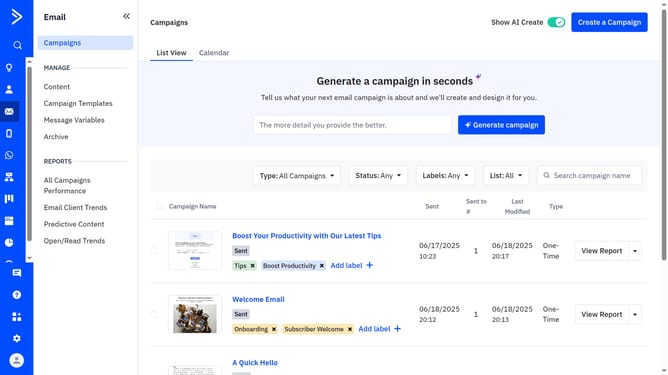
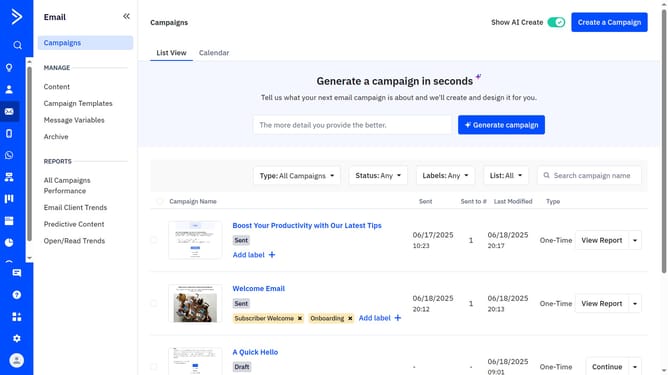
- First navigate to Email and click on "Campaign Templates" in the left sidebar menu
- Then click on "Use AI templates" button in the top right corner
- Click "Edit your brand kit" in the top right corner of the "Made for you, in your brand" section
- Click on the "Brand assets" tab in the brand kit editor
- Next scroll down to the "Brand Colors" section
- Then hover over the color you want to remove and click the delete icon
- Finally click "Save brand" button to confirm the changes
Why should you delete a color from your brand kit in ActiveCampaign
ActiveCampaign is a versatile platform designed to streamline your marketing and customer engagement efforts.
One useful feature is the ability to delete a color from your brand kit. This feature is particularly beneficial for maintaining a fresh and updated brand identity.
It empowers you to quickly adapt your visual assets to align with new marketing strategies or rebranding efforts.
By utilizing this capability, you ensure consistency across all customer touchpoints, which is essential for a cohesive brand experience.
Last update