How to delete a logo from your brand kit in ActiveCampaign
Here is how to delete a logo from your brand kit in activecampaign
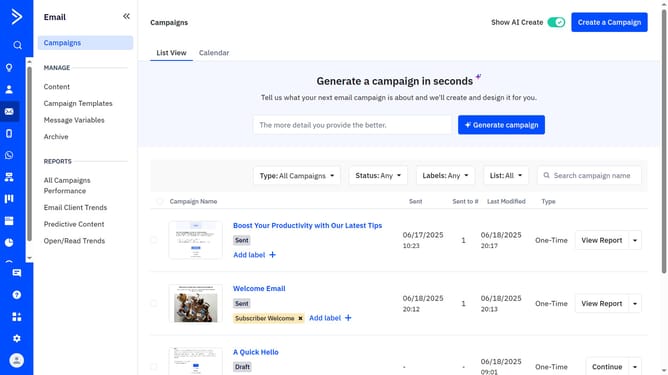
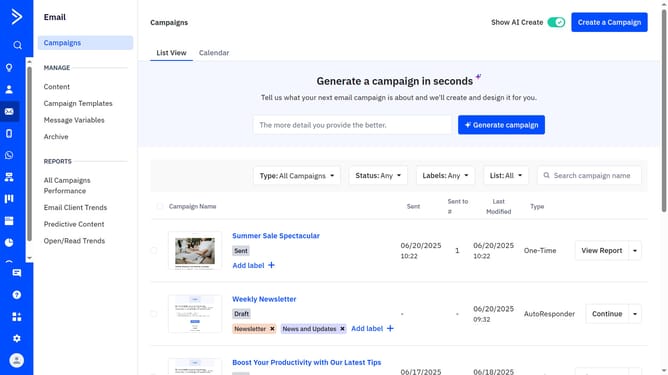
- First click on the "Use AI templates" button in the top right corner of the Campaign Templates page
- Then click "Edit your brand kit" in the top right corner of the "Made for you, in your brand" section
- Click on the "Brand assets" tab in the brand kit editor
- Next scroll to the Company Logos section
- Then hover over the logo you want to remove and click the delete icon
- Finally click on the "Save brand" button to confirm the changes
Why should you delete a logo from your brand kit in ActiveCampaign
ActiveCampaign is a robust platform designed to seamlessly unify marketing automation and customer relationship management.
Removing a logo from your brand kit in ActiveCampaign is a feature that helps maintain a dynamic and adaptive visual identity. This functionality ensures your brand kit stays relevant and uncluttered, reflecting your brand's most current image. Keeping your visuals updated can enhance brand recognition and audience engagement.
By allowing easy modifications, ActiveCampaign empowers businesses to maintain a polished and consistent brand appearance across campaigns. This adaptability aids in meeting evolving marketing needs efficiently.
Last update