How to create an anchor link with an image or button in ActiveCampaign
Here is how to create an anchor link with an image or button in activecampaign
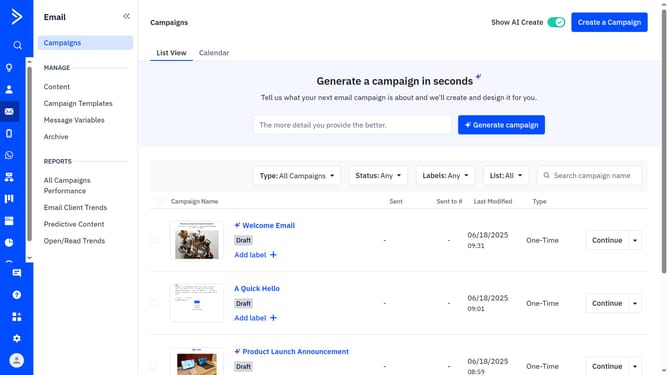
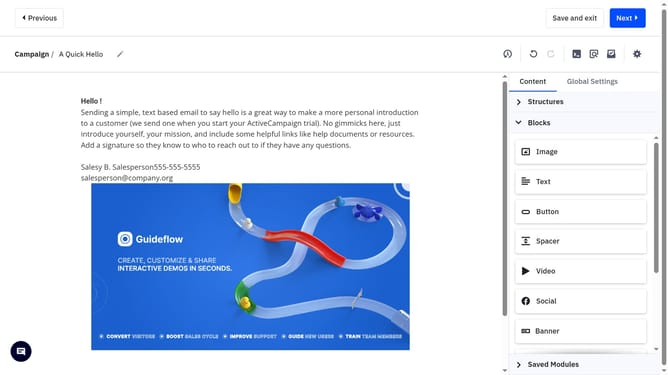
- First open a campaign in the Email Designer
- Next click the image or button block you would like to link
- In the right panel, locate the “Link” section
- Then click the dropdown menu and you’ll see a list of the anchor points you’ve previously added
- Finally select the anchor link you want to use
Why should you create an anchor link with an image or button in ActiveCampaign
ActiveCampaign is a robust platform designed to streamline email marketing and automation.
Creating an anchor link with an image or button in ActiveCampaign enhances user experience by guiding recipients easily within your emails or landing pages.
This feature empowers your campaigns, ensuring a seamless journey, ultimately leading to improved engagement and conversion rates.
Utilizing anchor links in this way combines visuals with functionality, keeping your audience on track and interested.
Last update