How to edit your brand kit in ActiveCampaign
Here is how to edit your brand kit in activecampaign
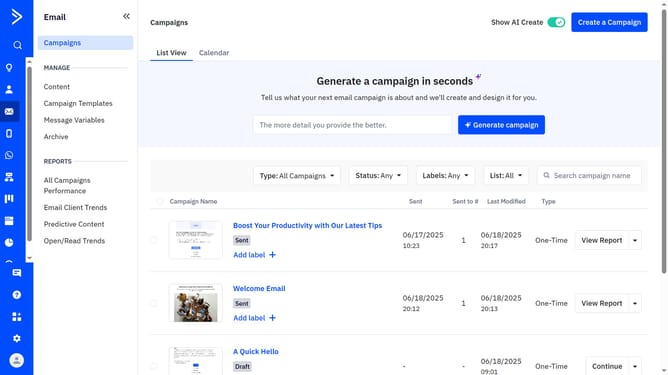
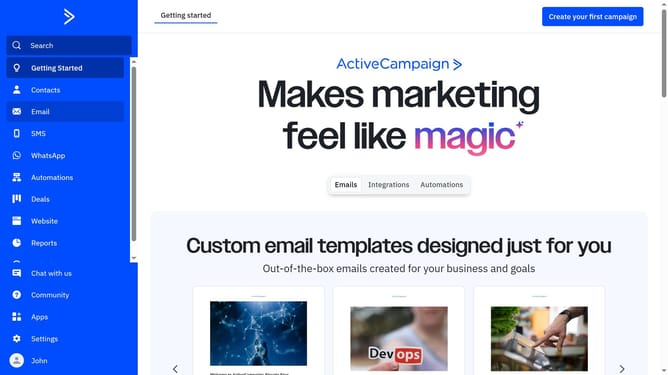
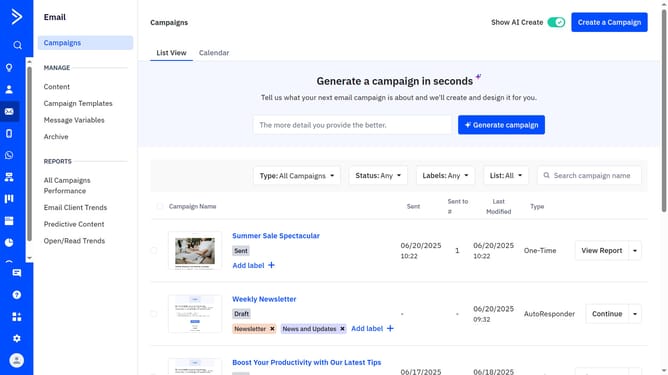
- First navigate to Email and click on "Campaign Templates" in the left sidebar menu
- Next click the "Use AI templates" button in the top-right corner
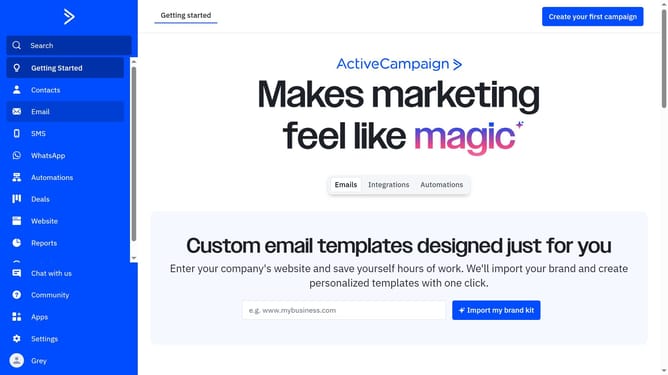
- Click “Edit your brand kit” in the top right corner of the "Made for you, in your brand" section
- Then click on the "Brand assets" tab at the top left of the brand kit editor
- Here you can edit the Company URL
- You can also edit all of the visual elements for your brand kit such as Logo, Fonts, Brand colors
- Next click on "Brand kit details" tab
- Use this section to update your brand kit’s name, company name, industry, mission statement and the short description of what your company does
- Finally once done, click "Save brand" button to apply the changes
Why should you edit your brand kit in ActiveCampaign
ActiveCampaign is a dynamic platform designed to enhance customer experience through intuitive email marketing and automation tools.
Editing your brand kit in ActiveCampaign allows you to maintain a consistent visual identity across all your marketing communications.
By aligning your brand visuals within the platform, you not only boost brand recognition but also ensure a professional and cohesive presentation to your audience.
This feature is essential for creating a strong, memorable brand presence that resonates with your target market.
Last update