How to add a color to your brand kit in ActiveCampaign
Here is how to add a color to your brand kit in activecampaign
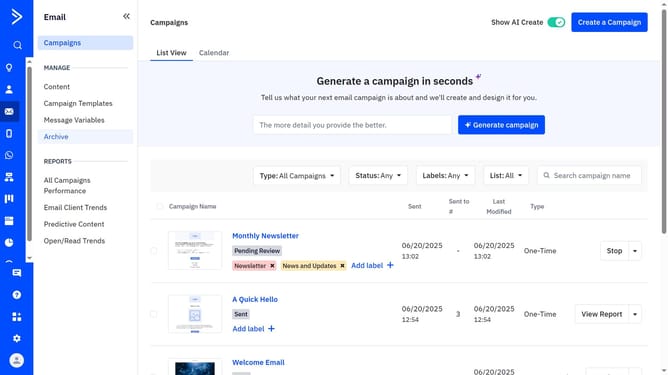
- First navigate to Email and click on "Campaign Templates" in the left sidebar menu
- Then click on "Use AI templates" button in the top right corner
- Click "Edit your brand kit" in the top right corner of the "Made for you, in your brand" section
- Click on the "Brand assets" tab in the brand kit editor
- Next scroll to the "Brand Colors" section and click on the "Add color" button
- Then click on the new color swatch to open the color picker
- From the color picker, use the slider to choose the exact new color you want
- Alternatively, you can enter the hex code in the "Hex" field
- Finally once done, click "Save brand" button to save the changes
Why should you add a color to your brand kit in ActiveCampaign
ActiveCampaign is a versatile platform designed to streamline customer experiences through powerful email marketing automation.
One of its user-friendly features allows you to add custom colors to your brand kit, reinforcing your brand identity in all communications.
Incorporating brand-specific colors ensures consistency, making your messages instantly recognizable and enhancing brand loyalty. This simple yet effective feature helps maintain a professional appearance while strengthening your brand's presence.
By integrating your unique color palette, ActiveCampaign enables seamless, cohesive branding across all your campaigns.
Last update