How to edit imported colors in your brand kit in ActiveCampaign
Here is how to edit imported colors in your brand kit in activecampaign
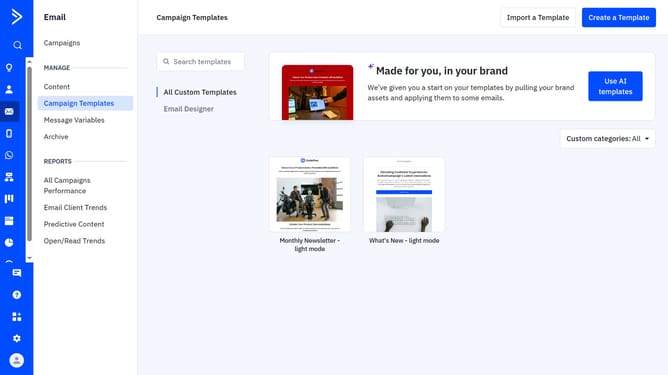
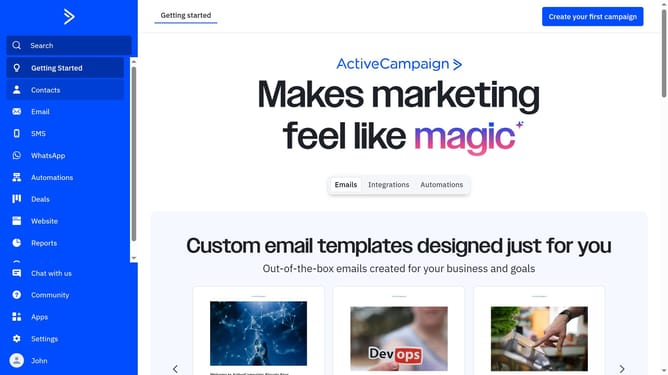
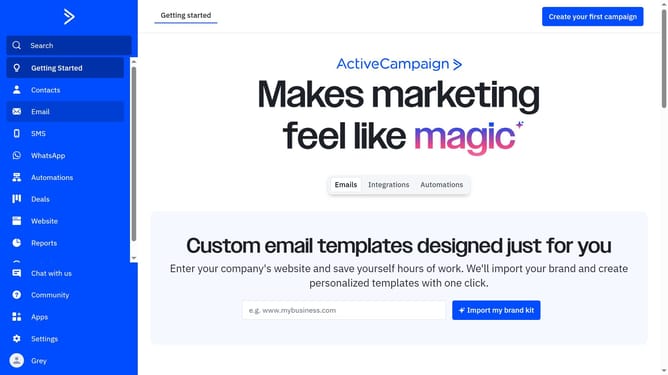
- First navigate to Email and click on "Campaign Templates" in the left sidebar menu
- Then click on the "Use AI templates" button in the top right corner
- Click "Edit your brand kit" in the top right corner of the "Made for you, in your brand" section
- Click on the "Brand assets" tab in the brand kit editor
- Next scroll to the "Brand Colors" section and locate the color palette that was imported from your website
- Click on the color you want to edit
- Then from the color picker, adjust the hex code or choose a new color if needed
- Finally, click the "Save brand" button to apply the changes
Why should you edit imported colors in your brand kit in ActiveCampaign
ActiveCampaign is a versatile platform designed to enhance marketing automation and customer engagement.
One of its standout features is the ability to edit imported colors in your brand kit effortlessly. Adjusting these colors allows you to maintain brand consistency across all your marketing materials.
This feature ensures that your brand's visual identity remains cohesive, which strengthens brand recognition and builds trust with your audience. By keeping your communications visually aligned, ActiveCampaign helps reinforce a professional and polished look.
Last update