How to view your AI Brand Kit campaign templates in ActiveCampaign
Here is how to view your ai brand kit campaign templates in activecampaign
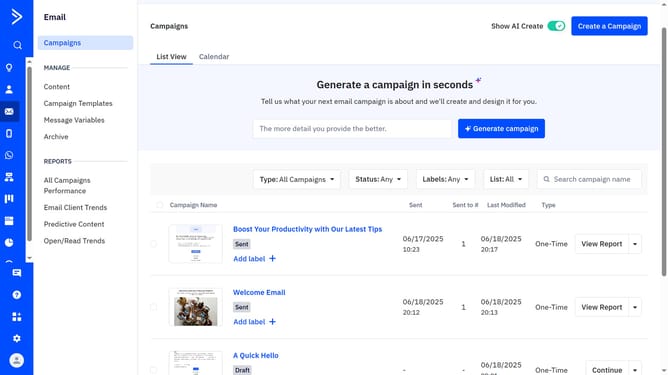
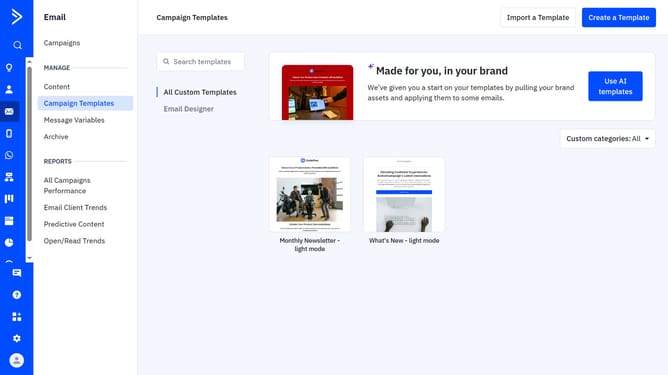
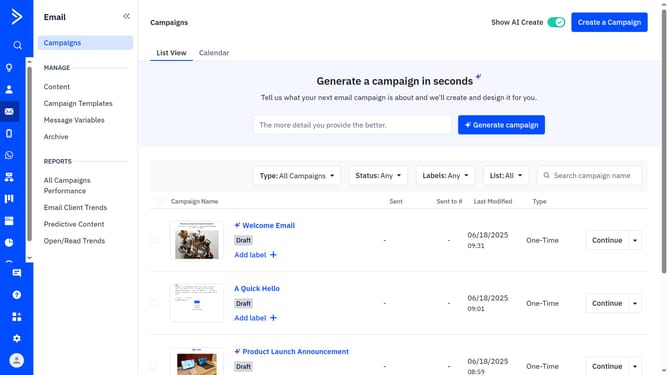
- First navigate to Email and click on "Campaign Templates" in the left sidebar menu
- Next click the "Use AI templates" button in the top-right corner
- Then click the "All Basic Templates" section in the templates view
- Finally, you can view your AI campaign templates in the "Made for you, in your brand" section
Why should you view your AI Brand Kit campaign templates in ActiveCampaign
ActiveCampaign seamlessly integrates email marketing, automation, and CRM to enhance customer engagement.
Viewing your AI Brand Kit campaign templates in ActiveCampaign is a breeze, allowing you to effortlessly manage and personalize your brand’s messaging.
By accessing these templates, you ensure consistency across all campaigns, reflecting your brand's unique identity.
This feature not only saves time but also empowers your team to focus on creativity and strategy, ensuring every email resonates with your audience effectively.
Last update