How to access your campaign archive from the Contacts page in ActiveCampaign
Here is how to access your campaign archive from the contacts page in activecampaign
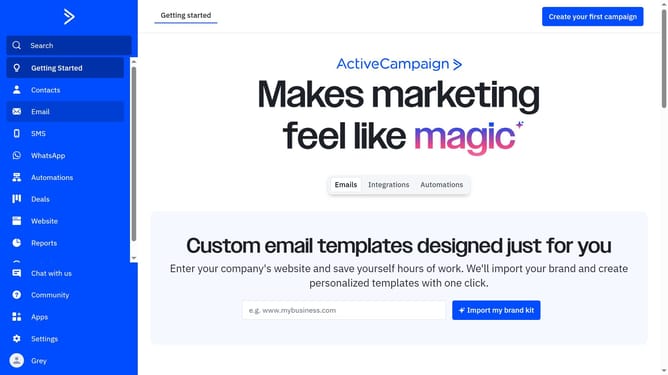
- First click on the "Contacts" option in the left sidebar menu
- Then click on "Lists" in the left submenu under Contacts section
- Next locate the list you want to work with in the lists table
- Click on the dropdown button next to the "Import contacts"
- Then click on "Advanced Settings" option in the dropdown menu
- In the Advanced Settings modal, click on the "Public Pages" tab
- Finally click the "Edit" link under the Campaign Archive option
- You are now on the campaign archive page for that list, where you can manage your public archive settings
Why should you access your campaign archive from the Contacts page in ActiveCampaign
ActiveCampaign is a leading platform for customer experience automation, helping businesses orchestrate personalized communication.
Accessing your campaign archive directly from the Contacts page in ActiveCampaign enhances efficiency by merging contact details with campaign history seamlessly. This feature allows you to quickly revisit past interactions, enabling more informed customer engagements.
Utilizing this option not only enriches your marketing efforts by providing historical insight but also streamlines your workflow, ensuring that vital information is always within easy reach.
Last update