How to create an AI-generated campaign in ActiveCampaign
Here is how to create an ai-generated campaign in activecampaign
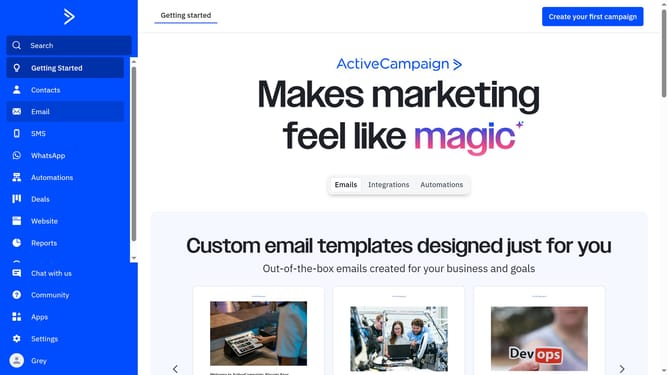
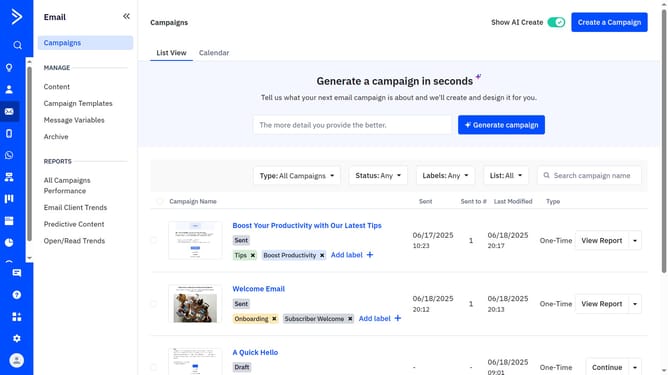
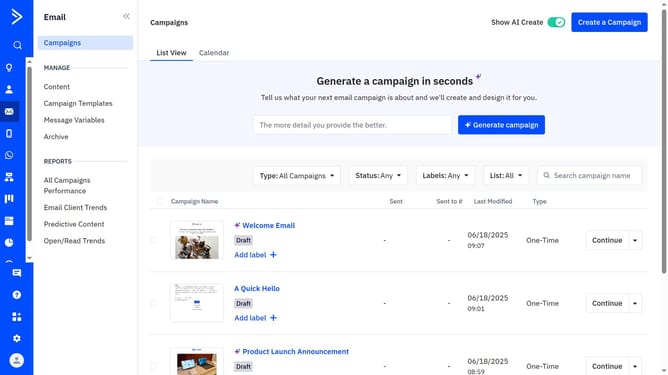
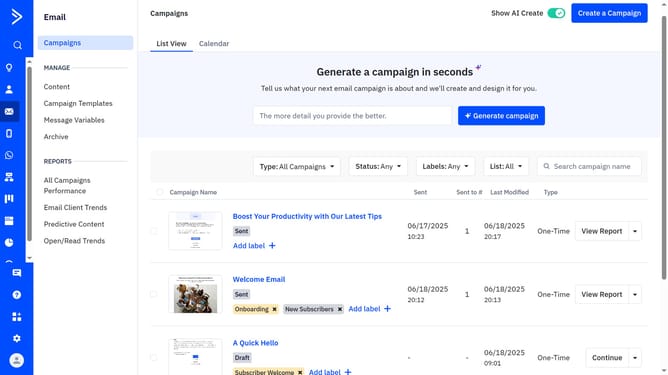
- First click on the "Campaigns" tab in the left sidebar
- In the “Generate a campaign in seconds” field at the top of the page, type a detailed prompt describing your desired email campaign (include subject, colors, themes, and patterns)
- Next click the "Generate campaign" button
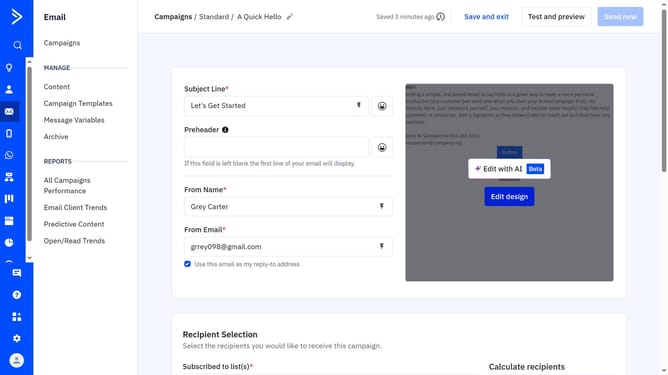
- ActiveCampaign will build a draft with subject line, preheader, layout, images, and content
- You can edit, use the left panel to add feedback for messaging, then re-generate if needed
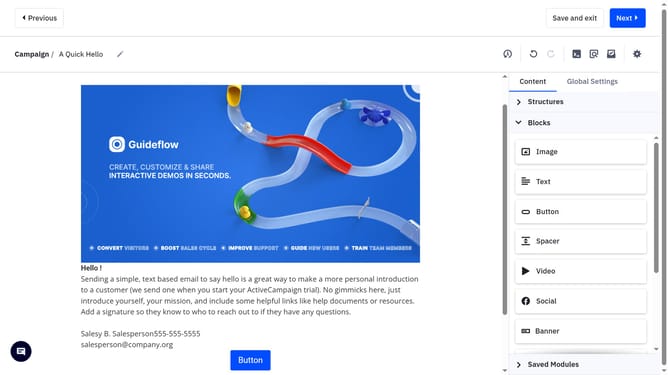
- To make manual edits, click "Edit in campaign designer"
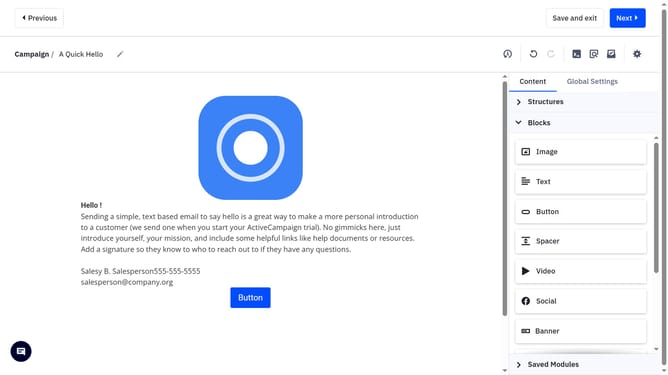
- Then, in the Designer, make your changes and any necessary adjustments
- Once you're done editing, click "Next" to proceed
- Next complete the information on the Campaign settings page (recipients, schedule, etc.)
- Then click "Send now" button in the top-right corner
- Finally click "Send now" in the confirmation dialog popup
Why should you create an AI-generated campaign in ActiveCampaign
ActiveCampaign is a powerful platform designed to supercharge your email marketing and customer engagement strategies.
With the AI-generated campaign feature, users can effortlessly create intelligent, data-driven campaigns that enhance customer experiences.
Utilizing this cutting-edge technology, businesses can personalize content, optimize sending times, and derive insights from detailed analytics.
This not only saves valuable time but also boosts engagement rates, ensuring your campaigns are both effective and efficient.
Last update