How to set up a favicon in Framer
Here is how to set up a favicon in framer
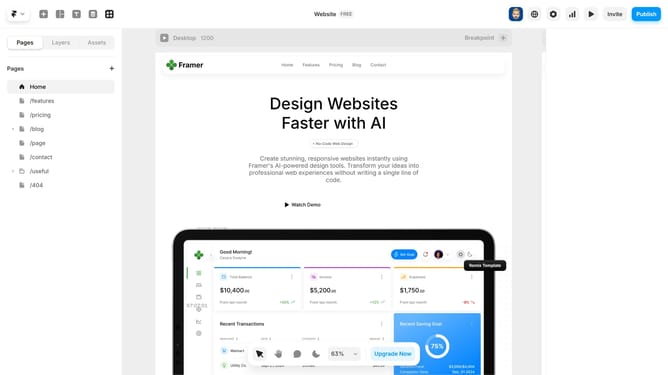
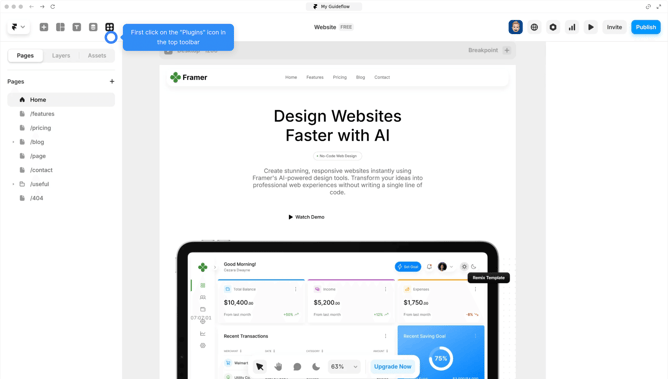
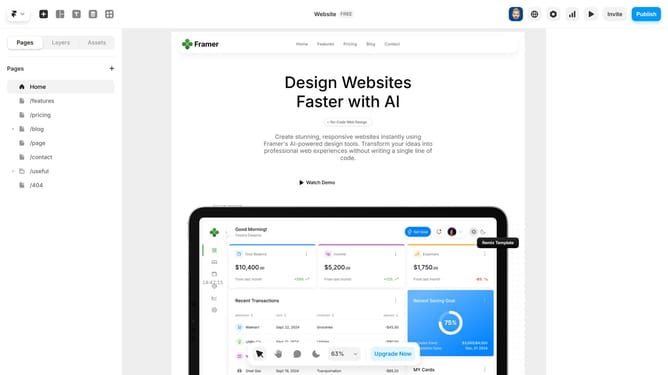
- First, click the gear icon in the top-right corner of your Framer editor to open "Project settings"
- In the Settings, locate the "Favicon" option under the site images section
- Next choose a theme (Light or Dark) and upload your favicon using the "Upload" button
- A confirmation message will appear to confirm that the icon has been uploaded
- Your icon is set. Publish or preview your site to see the favicon in the tab
Why should you set up a favicon in Framer
Framer is a powerful design tool that transforms your ideas into immersive, interactive experiences with ease.
Setting up a favicon in Framer is a straightforward feature that ensures your website stands out in a crowded tab list. This small yet impactful icon serves as your brand's visual cue, fostering instant recognition and enhancing user experience.
By leveraging Framer's ability to effortlessly incorporate a favicon, you establish a professional look and increase your site's memorability, which can ultimately boost return visits and brand loyalty.
Last update