How to preview a Framer website?
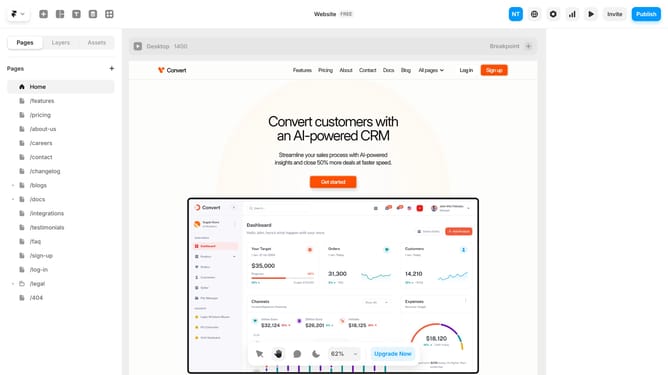
Here is how to preview a framer website
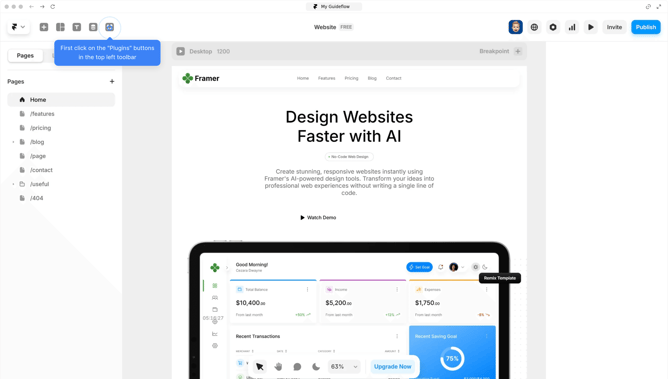
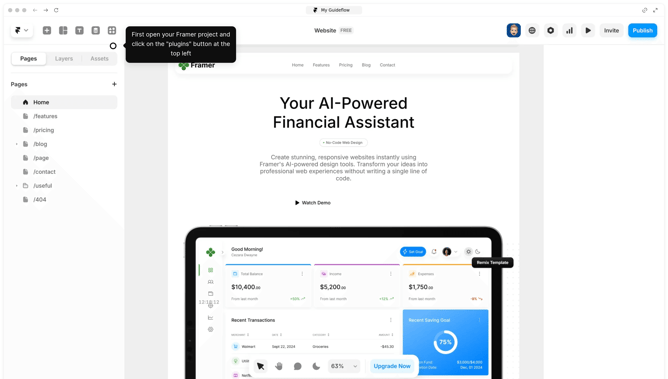
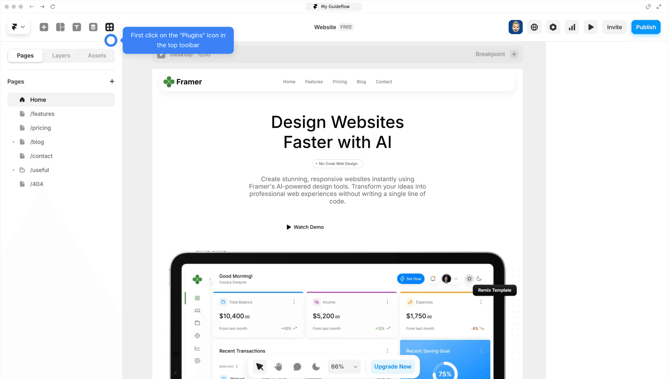
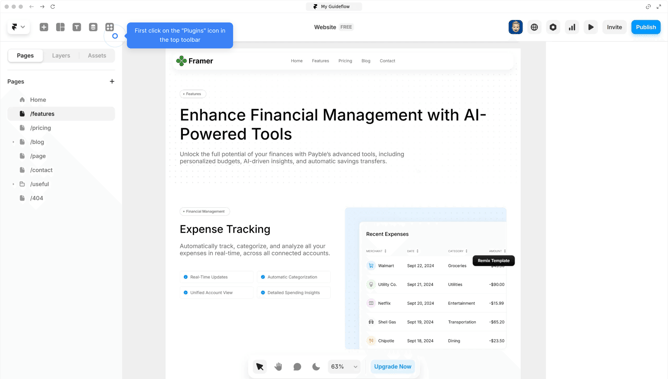
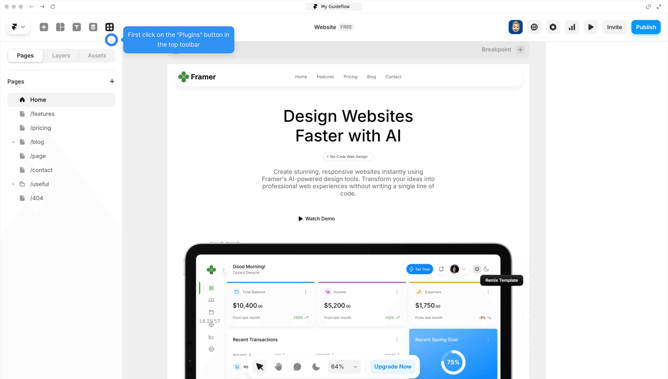
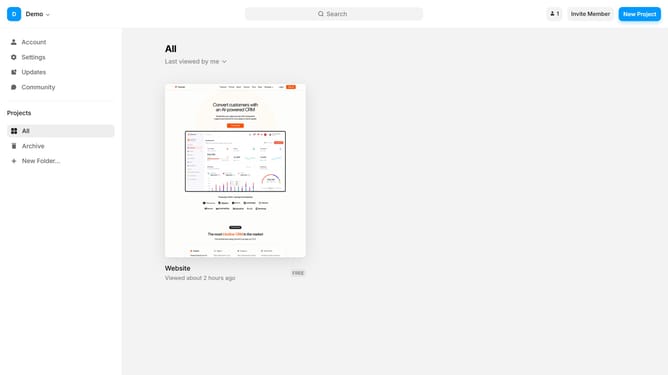
- First, open your project
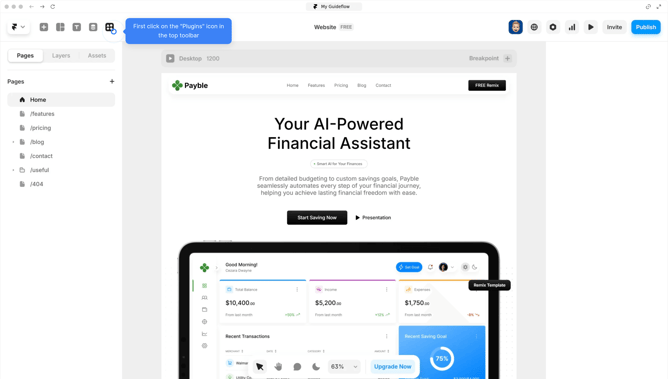
- Then to preview, click the "Play button" in the top-right corner, or directly press "Ctrl+P"
- The screen will expand in full screen for real-time navigation. If you want to exit, click the "Play" button again
Why should you preview a Framer website?
Framer empowers creators to design interactive and dynamic websites effortlessly.
Previewing a Framer website offers a seamless way to experience your design live before the final release. This feature allows for real-time adjustments, ensuring every interactive element functions flawlessly on different devices.
By previewing, you gain invaluable insights into user experience, catching potential issues early and enhancing overall site quality. It fosters confidence and precision in every web design project.
Last update