How to view hidden notes in Pitch
Here is how to view hidden notes in pitch
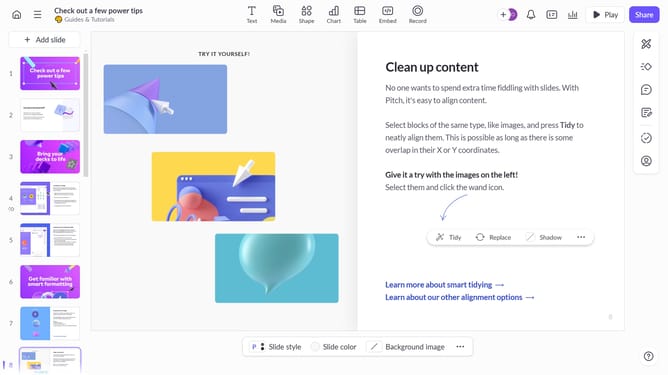
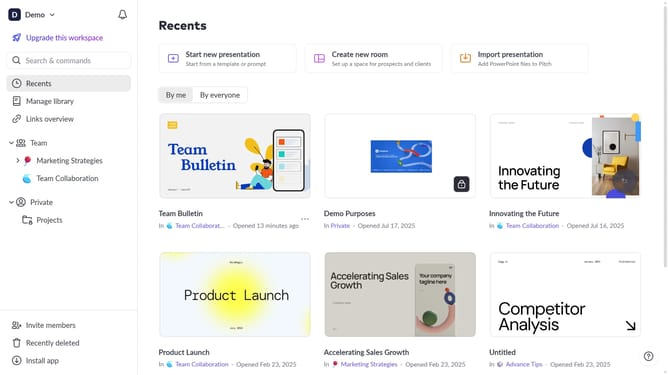
- First click on the presentation you want to open
- Enter presenter mode by clicking the “Play” button
- Next click on the "Speaker view" toggle in the bottom presentation controls
- Then click on the "View" dropdown menu in the bottom-left corner
- Finally click on "Speaker notes" option in the View settings menu
Why should you view hidden notes in Pitch
Pitch is an innovative platform designed to enhance your presentation game with intuitive collaboration tools.
The 'view hidden notes' feature in Pitch allows team members to access internal notes without cluttering the presentation interface.
This feature fosters a seamless workflow by enhancing collaboration and ensuring all members are on the same page without visible distraction.
Utilizing this feature ultimately leads to a more organized and effective presentation experience.
Last update