How to assign a "To do" status to a slide in Pitch
Here is how to assign a "to do" status to a slide in pitch
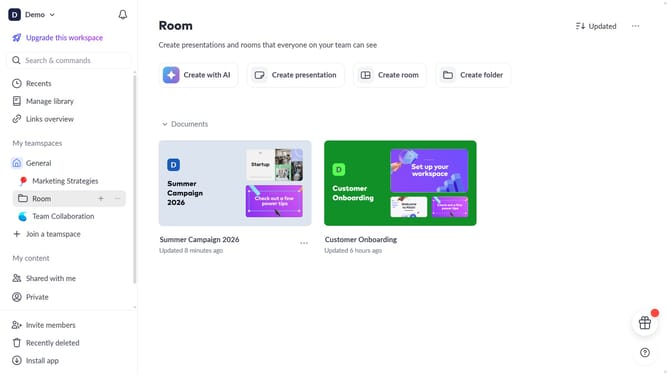
- First open the presentation where you want to assign a slide status
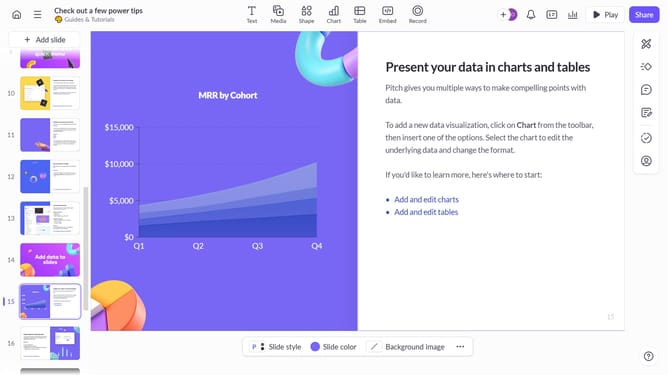
- Then click the slide from the left sidebar that you want to label as "To do"
- Next click on the "Set slide status" button in the right sidebar
- Finally select "To do" option from the status dropdown menu
Why should you assign a "To do" status to a slide in Pitch
Pitch is an innovative platform designed to elevate how teams create, collaborate on, and share presentations.
The "To do" status feature in Pitch allows users to flag slides that require further attention or input. This ensures that no important changes are missed and team members can prioritize tasks efficiently.
By utilizing the "To do" status, teams can streamline workflow, improve communication, and enhance productivity, ensuring that every slide achieves its full potential before finalization.
Last update