How to rename data labels in Pitch
Here is how to rename data labels in pitch
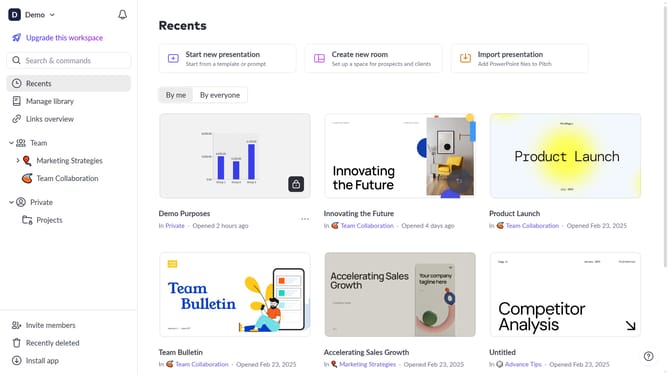
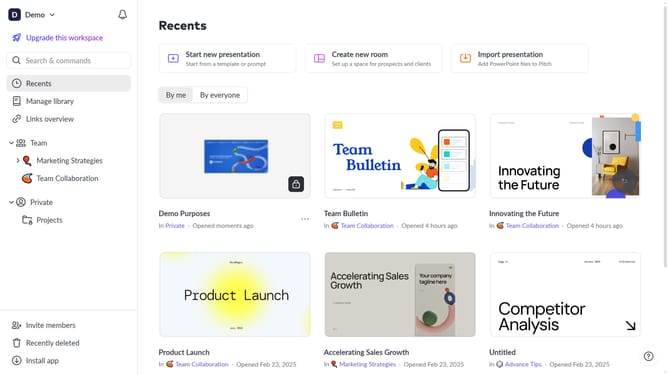
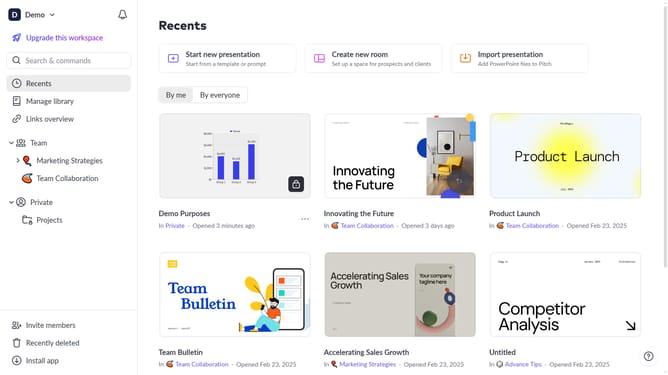
- First click the presentation that contains the chart you want to update
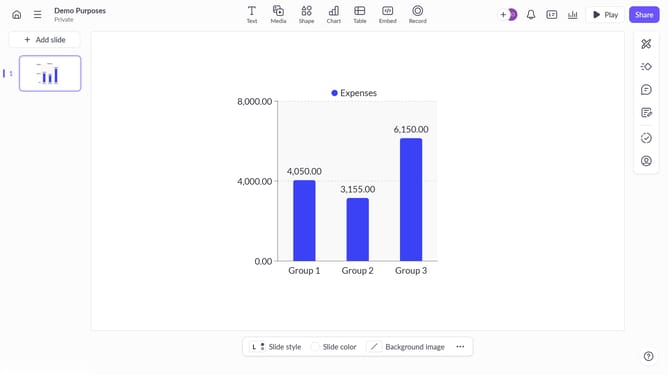
- Then click the chart to open the data panel
- In the top toolbar click the "Edit data" button
- Finally click the label you want to rename in the data table and enter the new name
Why should you rename data labels in Pitch
Pitch is a dynamic platform designed to revolutionize the way teams create and share presentations.
Renaming data labels in Pitch enhances clarity by tailoring the presentation precisely to your audience's needs, ensuring key insights are easily understood.
This feature allows for a more personalized touch, facilitating better communication and making your data visually compelling.
By customizing labels, you streamline information flow, helping stakeholders grasp complex data efficiently.
Last update